




Bi-Directional USB-C Switches: What to Confirm Before Buying
Bi-directional USB-C switches and hubs are useful when a project needs one interface to support more than a single fixed connection path. The wider range behind this part is set out in tethered photography cable guide for OEM buyers. For procurement teams, the important question is not only whether the connector fits. The full chain of host, device, display, cable length, power source and enclosure layout should be confirmed before a quotation is requested. For Bi-directional USB-C orders, Eilinks Eletronics in China works from the drawing. Anyone planning a batch order should look at the usb-c hub adapter guide first.
Start with the connection direction
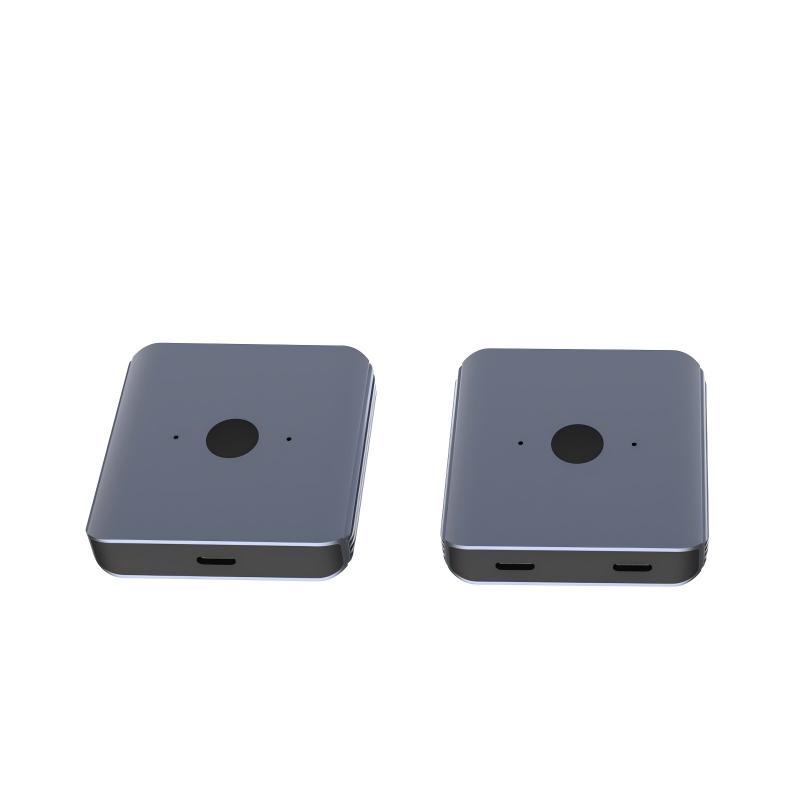
Before selecting a switch, define what needs to be shared. Some projects switch between two hosts. Others share one peripheral, display path or docking-style connection. A product such as the Bi-Directional USB-C Switch & Hub – 8K Video, 20Gbps Data & 140W PD should be evaluated against the actual devices in the project, not only the headline interface rating. Most projects reach this decision through the 240W PD3.1 panel-mount cable for wall plates.
Switch, hub or extension adapter
Details that affect compatibility
- Video path: Confirm whether the project needs display output and what resolution, refresh rate and cable path will be used.
- Data path: Match the required data speed to the slowest part of the complete chain, including cable assemblies and adapters.
- Power path: If charging is part of the application, confirm the required power direction, charger, host, device and cable rating.
- Mechanical layout: Check whether straight, right-angle, panel-mounted or exposed adapters create strain at the connector.
- User operation: For shared workstations and test benches, confirm who switches the connection and how often it changes.
Procurement mistakes to avoid
Before requesting a quotation
Prepare a short connection diagram that shows each host, display, peripheral, charger, cable and adapter in order. The 240W PD3.1 tether cable covers the options that sit either side of this part. If the project only needs a compact extension point rather than switching, compare a double-side 20G USB-C extension adapter as a simpler option. Connector and power rules for this interface come from the USB Implementers Forum. For installed panels or faceplates, review the 240W 20G USB-C female keystone jack and the broader USB-C product catalog.
| Interface choice | Where it usually fits | What to confirm |
|---|---|---|
| Bi-directional USB-C switch or hub | Shared host, display, workstation or device-control layouts | Direction of use, attached devices, video mode, data speed, PD requirement and operator workflow |
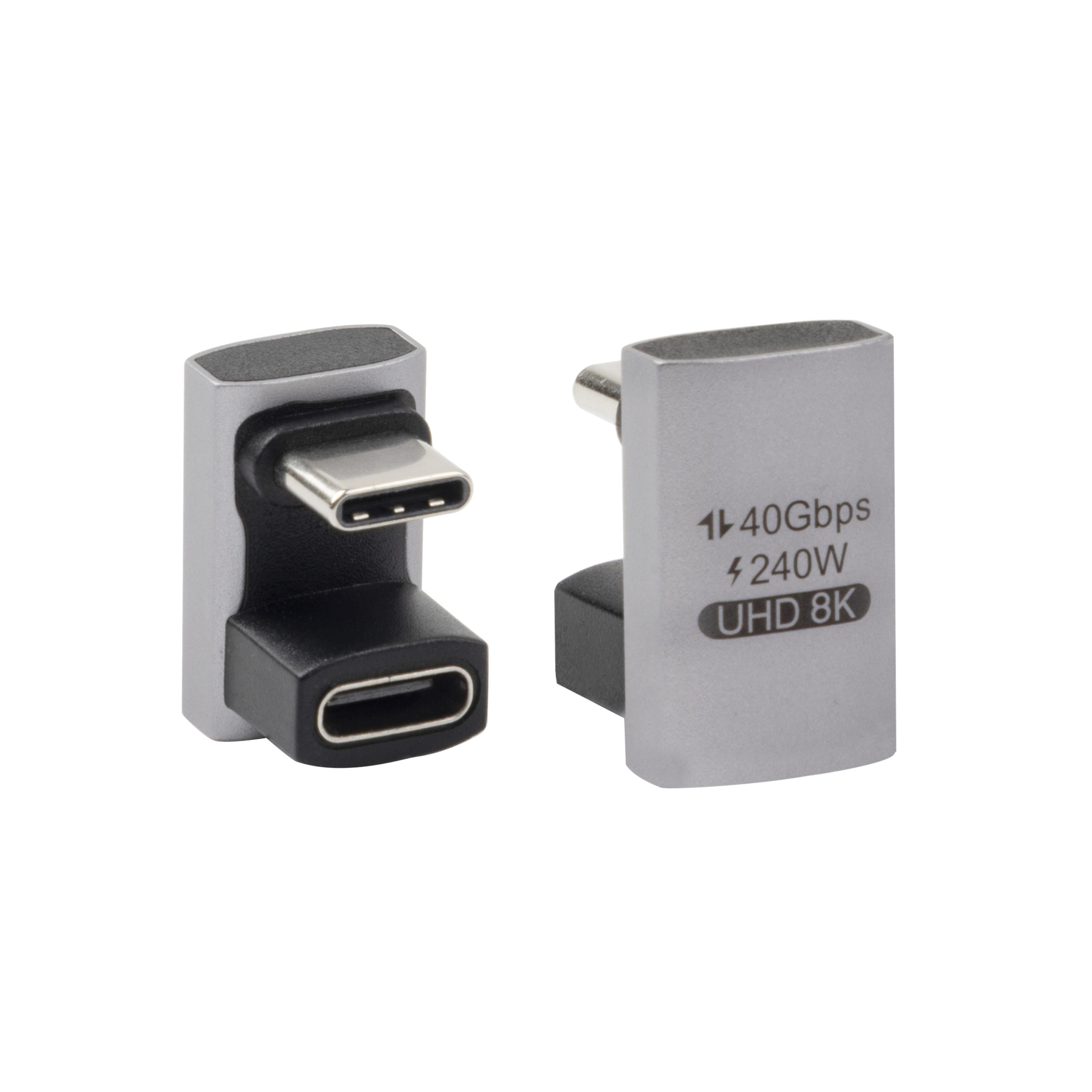
| USB-C extension adapter | Short interface relocation, test benches, docks and exposed connection points | Signal speed, charging requirement, connector orientation and whether the extra connection point is acceptable |
| Panel or keystone interface | Equipment panels, wall plates, desks and installed systems | Mounting space, panel thickness, retention method, cable routing and service access |
- Write both ends as a pair.
- Name the enclosure the plug must clear.
- Confirm the length at the target rate.
- Approve the sample against the drawing.
Eilinks in China answers Bi-directional USB-C questions from the same inspection sheet that ships with the cable. Buyers can contact our technical sales team about keystone depth when the drawing is unclear.
| Item | Procurement mistakes to avoid |
|---|---|
| 1 | Choosing a switch only by connector shape without confirming video, data and power requirements. |
| 2 | Assuming every USB-C port on the host supports the same display and charging behavior. |
| 3 | Ignoring extra adapters in the signal path when troubleshooting intermittent video or data transfer. |
| 4 | Sending an RFQ without device models, cable length targets, use direction and installation photos or drawings. |
- Check the port the plug will mate.
- Confirm rear clearance before ordering.
- State whether the run is fixed or moved.
- Record the failed step in writing.
Buyers comparing this point usually review the usb-c port care guide before the drawing is signed off. Panel builders often start from the factory note on sample approval checks when clearance is tight. Dongguan Eilinks ships from China, and documents Bi-directional USB-C details on the order record.
