




USB-C OTG Adapter: Host Role Checks for Field Kits
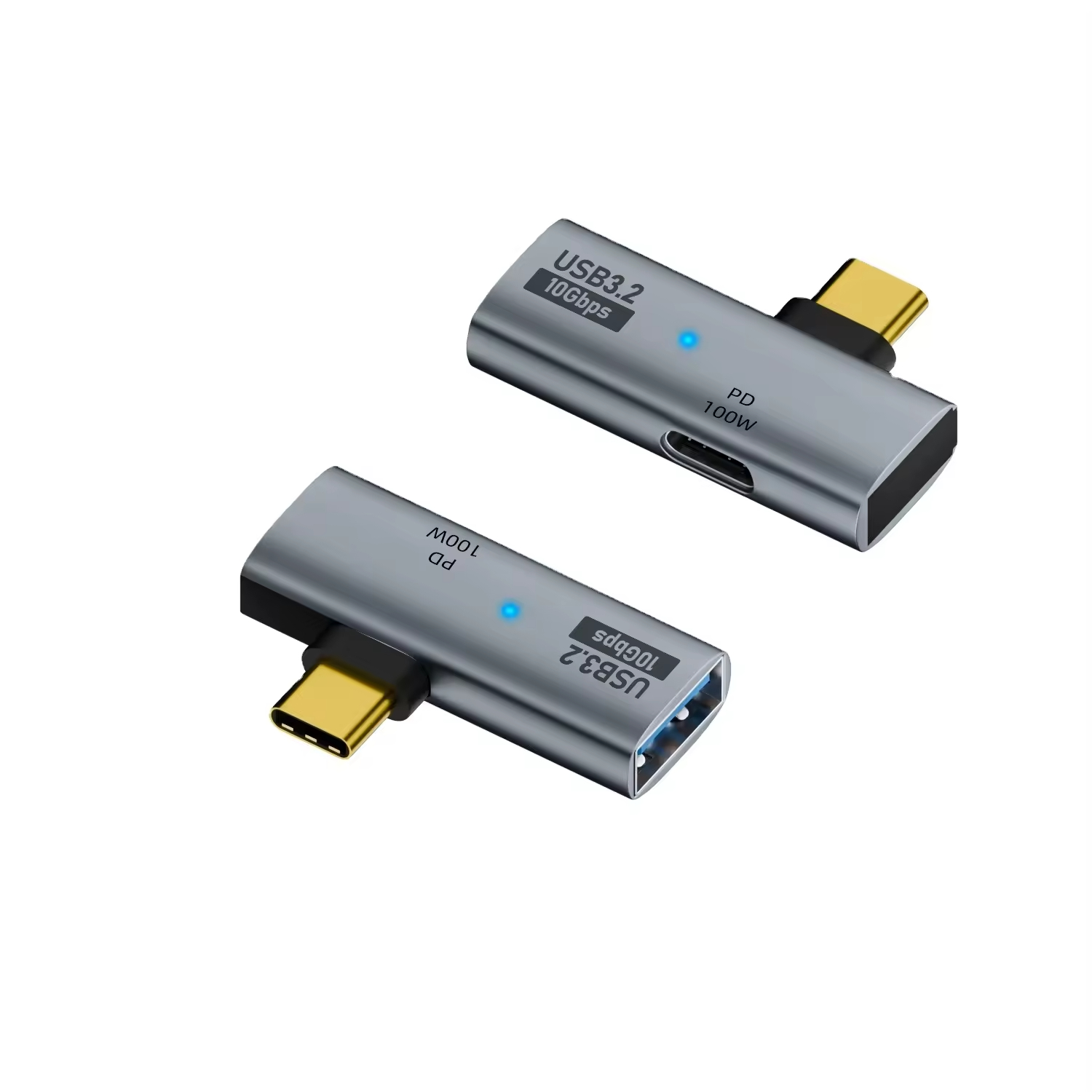
A USB-C OTG adapter turns a phone or a tablet into the host end of a link, so a flash drive, a card reader or a handheld scanner behaves the way it does on a laptop. Most builds carry no active chip, and the role change is negotiated in the connector itself. Eilinks makes the part for field teams that need a handheld to read a drive on site.
That role change is worth checking against the rest of the catalogue before an order goes in, because the same plug appears on charging leads and on video leads that are not built to act as a host. Where the part sits among the wider set of USB-C cable types is the first question to settle, and the answer is usually narrower than buyers expect.
What does a USB-C OTG adapter actually change?
Two things move: which end supplies power, and which end enumerates the device. On a normal charge the phone is the sink and the charger is the source; on an OTG link the phone becomes the source and feeds the bus. Nothing about the plug changes, which is why one shell appears in both jobs.
The connector still presents 24 contacts in the same arrangement, and the role is decided over the configuration channel pins rather than over the data pairs.
Host role is not a setting on most handsets. It is negotiated when the adapter presents the right resistor on the configuration line, and a phone that does not see that resistor simply stays a device.
That is the whole mechanism, and it is also why an adapter that works on one handset can sit dead on another: the resistor value and the current the handset is willing to source are both decisions made by the handset maker rather than by the cable.
The practical test takes a minute. Fit the adapter, fit a bus-powered drive, and see whether the handset enumerates it. If nothing appears, the handset is the variable rather than the adapter, and the handset list is the next thing to check.
USB-C OTG adapter vs hub: which one carries the bus
The comparison is easier to settle with a table than with an opinion, because a hub adds its own supply question and an adapter does not. A USB-C OTG adapter vs hub decision usually comes down to how many peripherals move at once and whether the phone has to charge at the same time.
| Job on site | USB-C OTG adapter | Powered hub |
|---|---|---|
| One flash drive or card reader | Host role sits on the phone | Works, adds a supply |
| Three peripherals at once | Needs a second port | Built for it |
| Charging while working | Usually blocked | Separate supply |
| Current for the peripheral | Comes from the handset | Comes from the hub |
A Chinese-made USB-C OTG adapter leaves the current coming from the handset, so the budget that matters is the one the phone advertises rather than the one printed on a charger.
Two figures set that budget. Five volts at three amps is 15 W, and a handset that only advertises the default 5 V level will not feed a bus-powered drive that wants more. The 240 W extended power range figure of 48 V at 5 A belongs to a different conversation: it is what a charger can negotiate, not what a phone in host role gives out.
Peripherals that carry their own supply do not care. Peripherals that do not care a great deal, and a reader that works on a laptop can stall on a handset for no visible reason at all.
Why does a USB-C OTG adapter drain the battery?
Because the phone is now the source. Every milliamp the peripheral takes comes out of the handset, and a session that reads a large card is also a session that charges nothing. Eilinks Eletronics hears that complaint after the first field trial rather than before it.
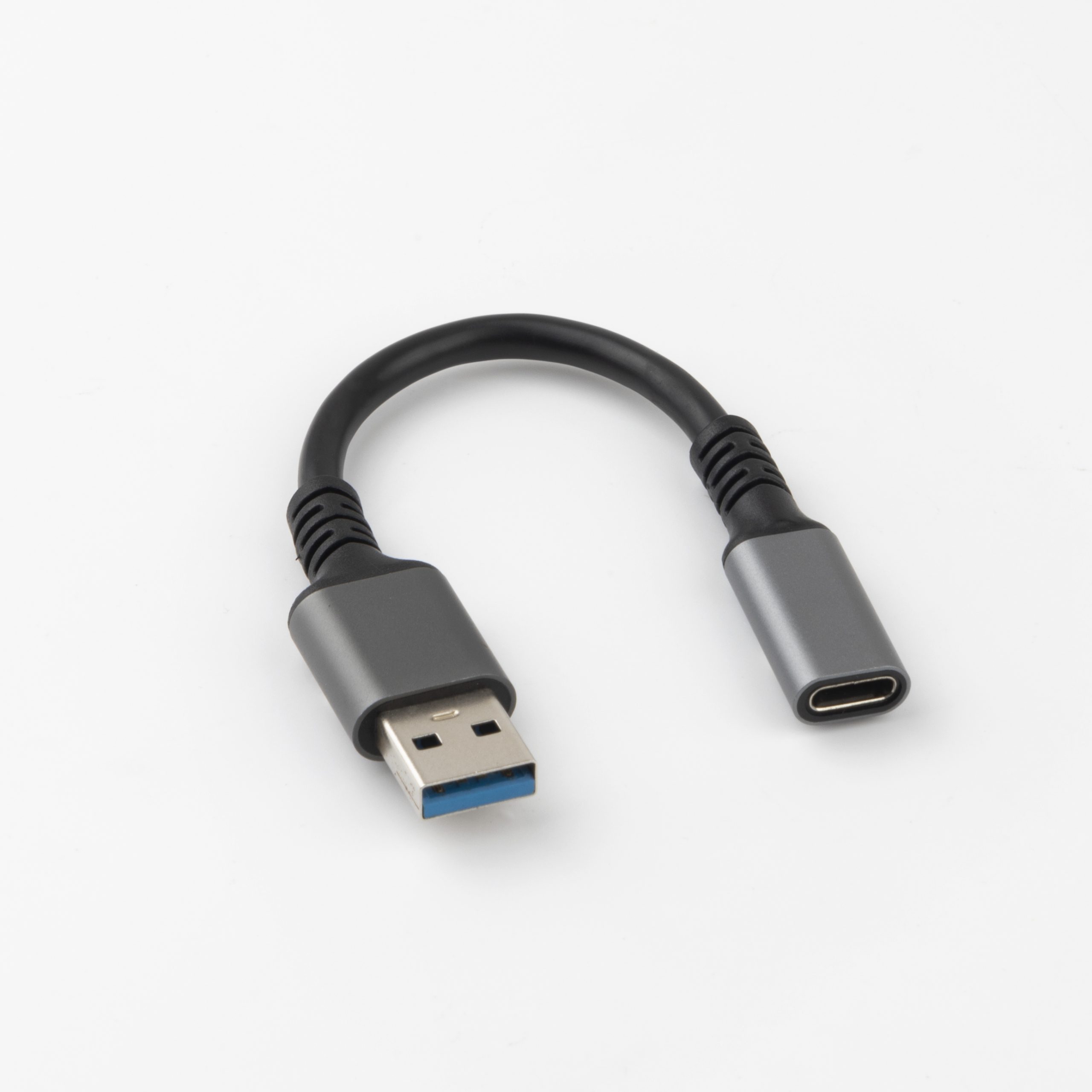
A USB-C OTG adapter with a USB 3.0 female port does not change that arithmetic. What it changes is the rate: 5 Gbps of raw signalling is 625 MB/s before encoding overhead, and a peripheral that only needs USB 2.0 will sit happily at 480 Mbps, which is 60 MB/s.
Rate and current are separate budgets, and the second one is the one that ends the shift. A USB-C OTG adapter for flash drives is the commonest ask precisely because a drive is the peripheral that makes both budgets visible at once.
The same arithmetic runs in reverse across a long day. A handset that spends a shift feeding a reader has less margin left for its own radio and screen, and the field team notices the battery long before it thinks about the adapter.
Where the host role is decided on site
Four points decide whether an OTG link behaves on a given handset, and three of them can be checked before an order goes in. Power drain in USB-C OTG adapter use is the complaint that reaches a supplier last, because the buyer blames the handset battery first.
| Check point | What to confirm | When it shows up |
|---|---|---|
| Host role support | Handset takes host role at all | First plug-in |
| Sourced current | Current the handset advertises | Under a bus-powered drive |
| Peripheral supply | Drive or reader carries its own | First large transfer |
| Charging at the same time | Whether the port splits both jobs | After an hour on site |
- Confirm host role on one sample handset
- Confirm the current the handset will source
- Confirm whether the peripheral carries a supply
- Confirm charging behaviour over a full shift
Eilinks checks host role against the handset list a buyer supplies rather than against a generic claim, because the resistor value and the sourced current are both handset decisions.
The comparison with a switch is useful here: sharing one USB-C port between two devices solves a different problem, and it does not turn the phone into a host.
China USB-C OTG adapter supplier checks
Three questions separate a partner who can support a programme from one who only ships boxes. Can they state which handsets the host role was checked against? Can they say what current the handset has to source? And can they hold the shell and the resistor value across repeat batches, so the second order behaves like the first?
A USB-C OTG adapter manufacturer and a USB-C OTG adapter factory in China are judged on the same three answers, and Dongguan Eilinks puts them in the quotation pack because a second batch that behaves differently from the approved sample is a field failure rather than a paperwork one.
Where a build has to pass charging and data at the same time, ask for an OTG adapter that carries charging and data on one port, because a split shell changes the wiring as well as the moulding.
Budget planning matters here more than the unit figure. An adapter that fails on one handset model costs a return and a site visit, and both of those are larger numbers than the part.
USB-C OTG adapter checks before a batch order
USB-IF certification requirements for USB-C OTG adapter describe what an assembly has to be able to do, and CE marking requirements for USB-C OTG adapter sit with the finished product placed on the market. Neither document replaces a test on the handset list the kit will ship with, and Eilinks’ quotation packs name that list rather than a generic compatibility claim.
- The field team confirms the handset list and the peripheral
- The sourcing engineer confirms the current the handset will source
- The supplier pins the shell drawing and the resistor value
- The commissioning team confirms charging behaviour over a full shift
The power figures quoted above come from the USB Power Delivery specification published by usb.org, and that document is the reference to ask a supplier to name in writing.
Questions buyers ask
Does a USB-C OTG adapter work on every phone?
No. Host role is a handset decision, and some makers enable it on every model while others enable it on a few. The only reliable answer is a test against the handset list the kit will ship with, which is why that list belongs in the enquiry.
Can a phone charge while an OTG adapter is fitted?
Sometimes, and it depends on whether the port can split charging and host duties at once. Where it cannot, the choice is between charging the handset and running the peripheral, and a powered hub is the part that removes the choice.
Is a USB-C OTG adapter the same as a USB-C to USB-A adapter?
Not quite. The USB-A version is the common build because most peripherals still carry a USB-A plug, but the role change comes from the configuration channel, not from the shape of the far end.
What should appear on a USB-C OTG adapter drawing?
The shell angle, the female port type, the rate the link has to hold, the current the peripheral draws, and the handset list the host role was checked against. Those five items decide whether a repeat batch matches the approved sample.
Where the checks lead
Almost every USB-C OTG adapter problem traces back to three points: whether the handset takes host role at all, what current it will source, and whether the peripheral needs a supply of its own.
Send the handset list, the peripheral and the current it draws to the Eilinks OTG adapter sample desk and the part can be matched to the kit rather than the kit being reworked around the part.
