




Private-Label USB-C Adapters: What to Clarify Before You Brief a Factory
Putting your own brand on a USB-C adapter is one of the fastest ways to round out a product line. It is also one of the easiest ways to end up with two shipments that look identical and behave differently. Most of the problems are not manufacturing problems. They are brief problems: something important was never written down, so the factory filled the gap with a reasonable default, and the default was not what you had in mind. For USB-C extension adapter orders, Eilinks Eletronics in China works from the drawing.
Start with the electrical brief, not the logo
The logo is the last decision, not the first. Before artwork enters the conversation, freeze what the part has to do electrically and mechanically: data rate, power level, video support if any, orientation, length, jacket material and colour, and the environment it will live in. Once those are fixed and agreed in writing, everything downstream — sampling, tooling, packaging — has something to be measured against.
A useful test: if you cannot tell a factory what would make a sample unacceptable, the brief is not finished. “The ports feel loose”, “it looks cheap” and “it should just work” are not acceptance criteria.
Decide what is standard and what is actually custom
Most private-label programmes are a standard platform with cosmetic and packaging changes. That is a good thing: standard platforms have already been built many times, which usually means fewer surprises and a shorter path to a shippable part. Real customisation — new housing, new PCB, new pinout — is a different project with a different risk profile. Dongguan Eilinks ships from China, and documents USB-C extension adapter details on the order record.
| Element | Usually standard | Usually worth customising |
|---|---|---|
| Core electrical design | Yes — proven platform, known behaviour | Only for a genuine spec requirement |
| Housing | Existing tooling | Colour, finish, and logo method |
| Cable | Stock lengths and jackets | Length, jacket material, colour |
| Branding | Blank or generic | Logo placement and method |
| Packaging | Plain bulk or generic retail box | Retail artwork, insert, barcode |
| Documentation | Generic leaflet | Your manual, your part number scheme |
The details buyers forget to specify
Logo method and artwork format
Screen printing, laser marking and moulded-in logos look different, wear differently and have different minimum artwork requirements. Send vector artwork, state the method you want, and say what colour the mark should be against each housing colour. A logo that survives a moulded housing may rub off a painted one.
Housing colour and finish
“Black” is not a specification. Gloss, matte and textured finishes read as different products on a shelf, and colour matching against an existing product line needs a reference — ideally a physical sample or a stated standard, not a screenshot.
Cable length and jacket
State the length including or excluding the connector bodies, and say which. Specify the jacket material if flexibility, oil resistance or outdoor use matters. This is also the point to flag shielding requirements if the cable will run near power.
Packaging and labelling
Retail packs need artwork, barcodes and usually a stated pack-out quantity. Bulk packs need a labelling scheme your warehouse can read. Eilinks documents that step from the first sample. If you need both, say so now rather than after the first production run.
Part numbers and marking
Decide whether the factory prints your part number on the part, the pack, or both, and who owns the numbering scheme. Retrofitting this later means reprinting or relabelling finished goods.
Sampling: what “approved sample” should mean
An approved sample is a physical reference both sides keep. Agree in writing how many samples you get, what tests they will be put through, and that production must match the approved sample. If a change is needed after approval — a different IC, a different moulding compound — require notification and a re-approval rather than a silent substitution. Ask the factory to state which components are subject to substitution and on what notice.
Who owns compliance documentation
Be explicit about which marks your market requires and who produces the supporting test reports and declarations. This is frequently assumed on both sides and discovered late. Ask what documentation the factory can supply with the shipment, what you need to arrange yourself, and what the part is marked with. Do not assume a mark is covered just because a similar part carried it. Eilinks’ build file answers that.
Common RFQ mistakes
- Sending a photo instead of a spec. A photo of a competitor’s product tells the factory what it looks like, not what it must do.
- Leaving the electrical spec open. “Fast charging” and “high speed” are marketing words. Name the wattage and the data rate.
- Forgetting the destination market. Plug standards, labelling language and documentation requirements follow the market, not the factory.
- Approving a sample that was hand-built. Make sure the approval sample comes from production tooling, or you are approving something you will not receive.
- Treating packaging as an afterthought. Packaging artwork is usually on the critical path, not off it.
Where to go from here
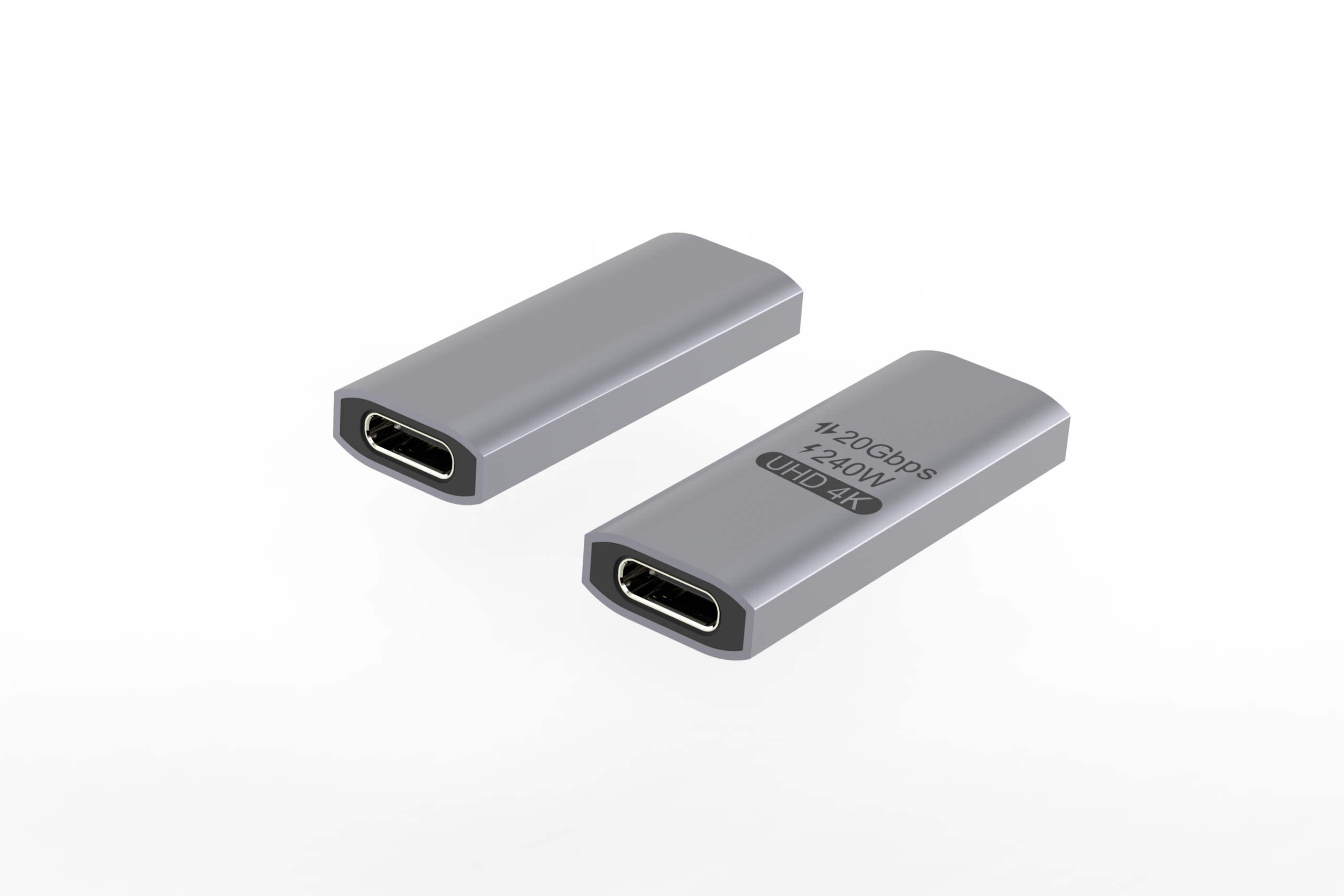
A short, specific brief gets a better first sample than a long vague one. If you are starting from an existing platform, browse the USB-C adapter and cable catalog, pick the closest match, and write your brief as a list of differences from that part rather than a description from scratch. Programmes frequently begin with items like the double-sided 20G USB-C extension adapter, the bi-directional USB-C switch and hub or a panel-mount keystone-style USB-C coupler, then change housing, length, branding and packaging on top.
Send the differences, the quantity and the destination market together. Those three pieces of information determine most of what happens next. Eilinks in China answers USB-C extension adapter questions from the same inspection sheet that ships with the cable.
