




USB-C Port
When a USB-C port sits close to a wall, rack rail, camera cage, or adjacent connector, the main decision is usually not speed first. The wider range behind this part is set out in USB-C cable specifications from a China factory. It is clearance, strain relief, and where the cable needs to exit. For USB-C port orders, Eilinks Eletronics in China works from the drawing. Equipment builders tend to check the usb-c magnetic connector guide before fixing this part of the spec.
For many procurement teams, the useful question is simple: should the link stay straight, turn immediately, or move through a fixed panel point? The answer depends on the enclosure, the cable path, and whether the connection will be handled often.
How the options differ
Where a right-angle part helps
A right-angle cable is useful when the connector would otherwise stick out into a walkway, block a neighboring port, or press against a housing. Most projects reach this decision through the 240W PD3.1 cable for tight enclosures. Dongguan Eilinks ships from China, and documents USB-C port details on the order record. That is common in rack shelves, compact test fixtures, camera rigs, and small control boxes.
If you need a cable that exits cleanly from a tight setup, review the USB3.2 5Gbps USB A To C Right Angle Tethered Photography Tools Cable as one example of that layout. The detail behind this step is kept current in the usb-c cable build spec notes.
Where a straight path is still better
Straight parts are easier to route when there is enough depth behind the port and when maintenance access matters.
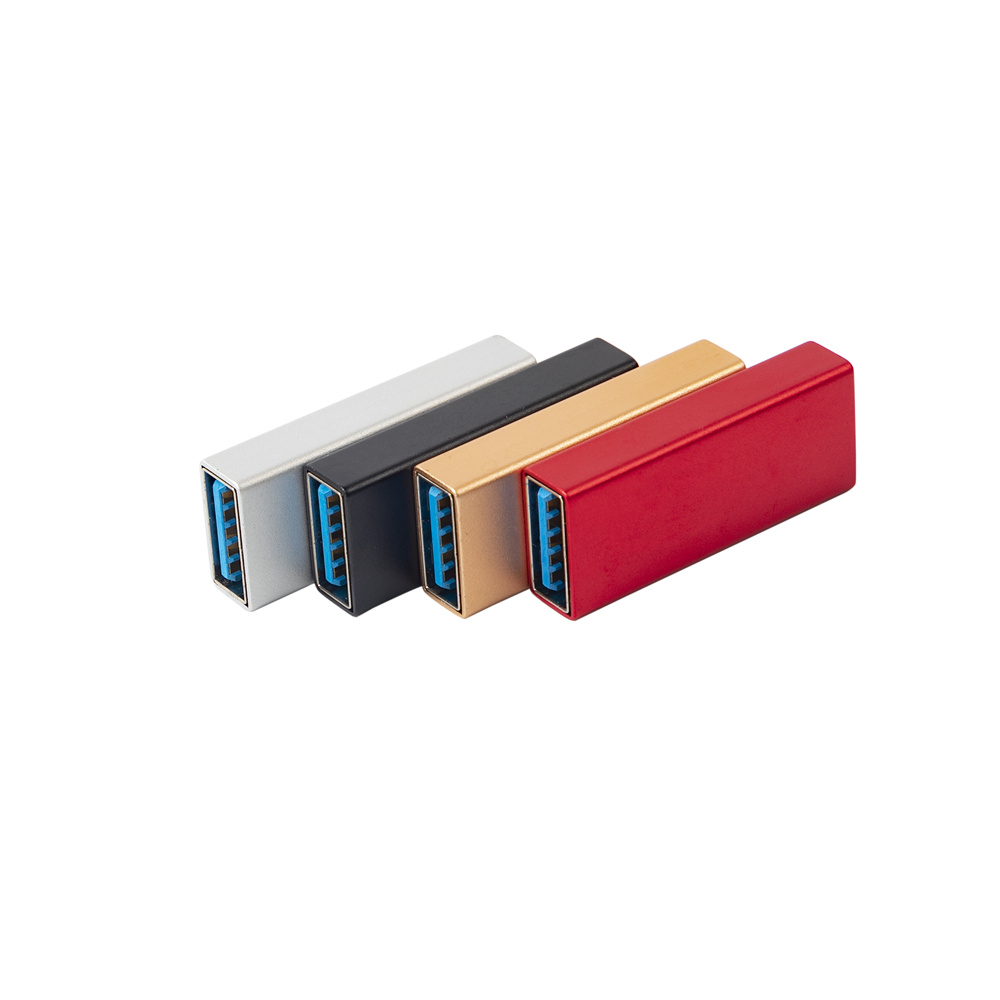
They also reduce the chance of buying the wrong exit direction before the enclosure is finalized. The 240W PD3.1 cable for wall plates covers the options that sit either side of this part.
If the job is only to shift the connection point slightly, a short offset can be cleaner than forcing a full cable bend. A good reference is the Double side 20G USB C extension adapter.
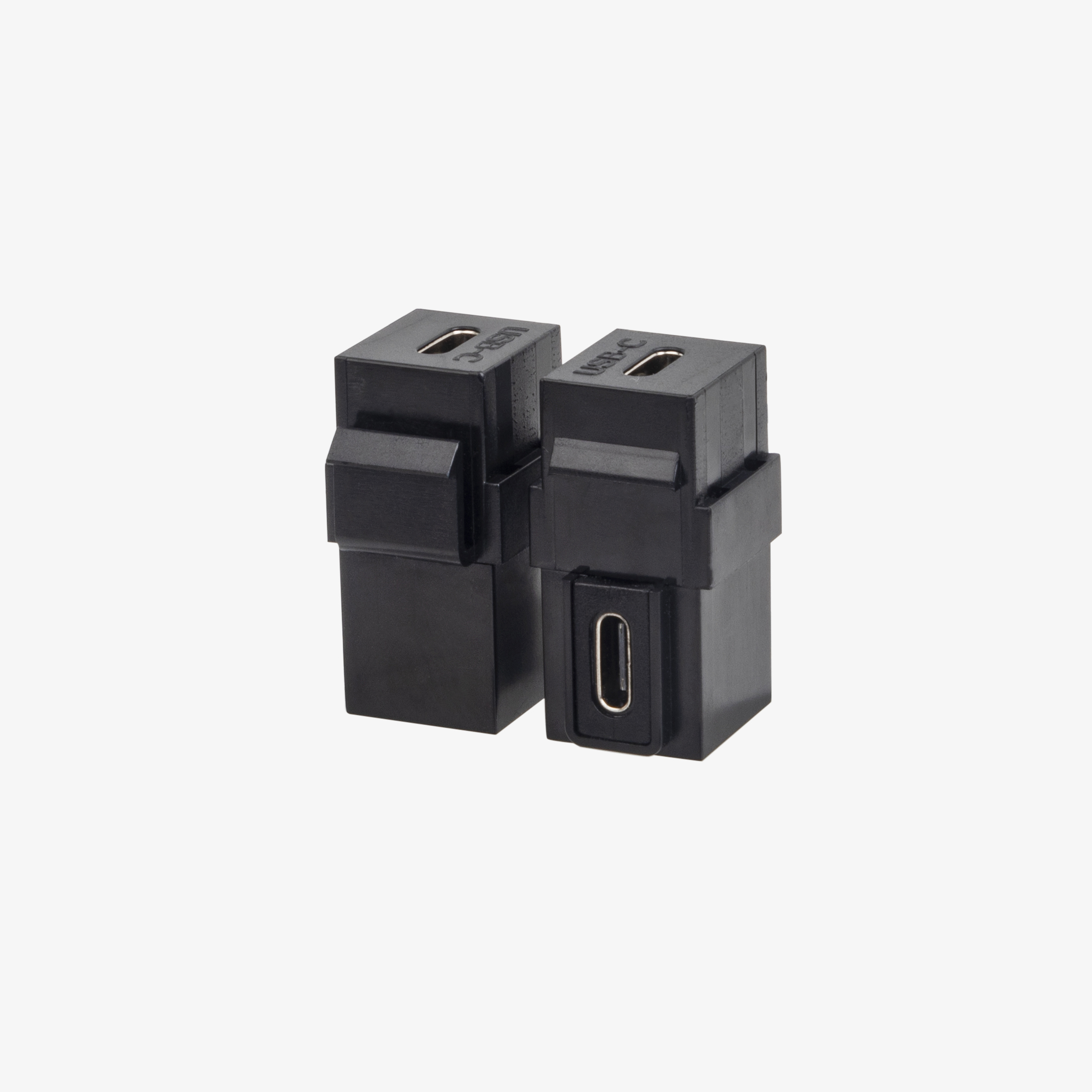
When a fixed panel opening makes more sense
For wall plates, equipment panels, and similar builds, the connection point is usually better treated as a mounted interface rather than a loose cable end. That keeps the user-facing side predictable and makes the enclosure easier to service. The underlying standard behind this interface is maintained by the USB Implementers Forum. Eilinks’ build file answers that.
For that type of layout, the 240W 20G Type C USB C Female in Moulder Keystone Jack Double side 20G is a relevant product page to review.
What buyers should confirm before quotation
Common procurement mistakes
| Option | Best fit | Main tradeoff |
|---|---|---|
| Straight cable or adapter | Open access, front-facing ports, and simple routing | Takes more depth in cramped spaces |
| Right-angle cable | Camera cages, side panels, and equipment with little rear clearance | The exit direction must match the layout |
| Extension adapter | Short offset from an existing port without redesigning the panel | Adds another connection point to manage |
| Keystone jack or panel-mount style part | Wall plates, enclosures, and fixed I/O layouts | Requires the right cutout and panel plan |
- Write both ends as a pair.
- Name the enclosure the plug must clear.
- Confirm the length at the target rate.
- Approve the sample against the drawing.
- Choosing the connector shape before checking the port location. Buyers can talk to a Chinese USB-C cable supplier when the drawing is unclear.
- Assuming all right-angle parts exit in the same direction.
- Specifying a speed target without counting every adapter in the path.
- Ignoring the effect of panel thickness and adjacent hardware.
- Buying a cable first when a panel-mount part would make the build cleaner.
Closing note
| Step | What buyers should confirm before quotation |
|---|---|
| 1 | Which direction the cable must exit. |
| 2 | Whether the setup needs 5Gbps, 10Gbps, or 20Gbps behavior. |
| 3 | Whether power delivery matters as much as data. |
| 4 | How much clearance exists behind the port or panel. |
| 5 | Whether the link is free-hanging, panel-mounted, or used in a camera cage. |
- Check the port the plug will mate.
- Confirm rear clearance before ordering.
- State whether the run is fixed or moved.
- Record the failed step in writing.
If you are planning a new build or checking a quotation, start with the product catalog at USB-C products, then send the team the port orientation, link length, speed target, and installation photo. Panel builders often start from our note on bend radius planning when clearance is tight. That is usually enough to narrow the right part quickly. Eilinks in China answers USB-C port questions from the same inspection sheet that ships with the cable.
