




Tethered Photography USB-C Cable Length Checks Before
Tethered photography and inspection setups often need longer cable runs than ordinary desktop USB use. Length alone is not enough for a reliable RFQ. Equipment builders tend to check USB-C cable specifications for panel and enclosure builds before fixing a connector pair. Buyers should also define the camera-side connector, host port, routing path, and how the cable will be secured during use. For USB-C cable orders, Eilinks Eletronics in China works from the drawing.
What buyers should define first
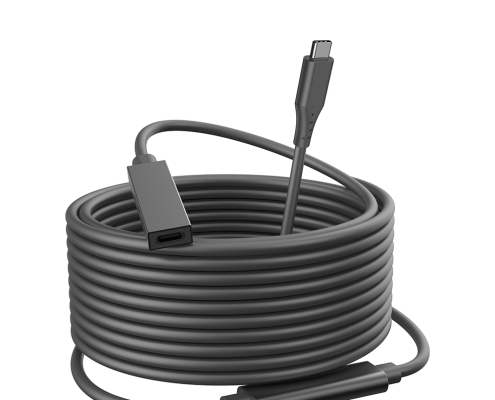
Start by mapping the full connection: camera or device connector, computer or hub port, required cable length, and whether the cable will move during shooting. If the cable is routed through a cart, boom arm, tripod, or bench fixture, include those details in the request.
Product examples to compare
For longer camera workflows, review the USB-C male to USB 3.0 B male tethered photography cable in 5M, 10M, and 15M options. Buyers usually work from the 240W PD3.1 cable built in Dongguan before a drawing is signed off. Dongguan Eilinks ships from China, and documents USB-C cable details on the order record. For USB-C extension needs, compare the USB3.2 5Gbps USB-C male to C female extension cable.
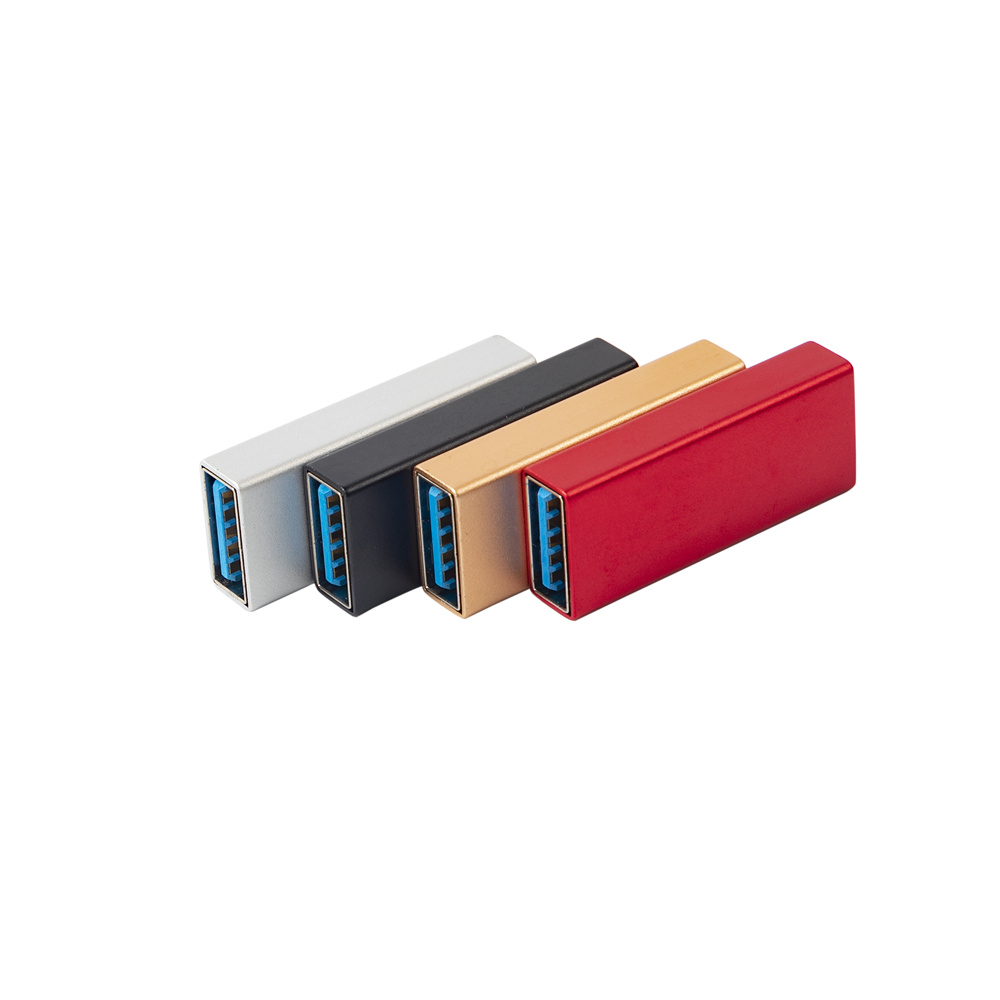
For Micro-B equipment, the 10M USB-C to USB 3.0 Micro-B cable may be relevant. Buyers comparing this point usually review the usb-c live streaming cable guide before the drawing is signed off.
Mistakes to avoid
Before requesting a quotation
| RFQ item | Typical risk if omitted | Useful detail to provide |
|---|---|---|
| Length | The selected cable may be too short or create an unstable setup. | Working distance plus service slack. |
| Connector | The cable may not match the camera or capture device. | USB-C, USB 3.0 B, Micro-B, or adapter requirement. |
| Routing | Stress at the connector can interrupt use. | Straight or angled exit, clamp points, and movement path. |
- Write both ends as a pair.
- Name the enclosure the plug must clear.
- Confirm the length at the target rate.
- Approve the sample against the drawing.
Anyone planning a batch order should look at the usb-c video editing cable guide first. Buyers can contact a USB-C cable manufacturer for RFQ details when the drawing is unclear.
| Item | Mistakes to avoid |
|---|---|
| 1 | Ordering by length only without confirming the exact device connector. |
| 2 | Assuming a longer cable will behave the same as a short desktop cable in every setup. |
| 3 | Forgetting strain relief, clamp points, or trip hazards in studio and lab environments. |
| 4 | Mixing adapter chains without checking direction and device compatibility. |
- Check the port the plug will mate.
- Confirm rear clearance before ordering.
- State whether the run is fixed or moved.
- Record the failed step in writing.
Share the camera or device model, host port, target length, connector direction, and installation sketch if available. The governing specification is published by the USB Implementers Forum. These details help narrow the relevant USB-C cable options before sampling. Eilinks in China answers USB-C cable questions from the same inspection sheet that ships with the cable. The wider range behind this part is set out in the 240W PD3.1 cable for OEM orders.
