




USB-C Tether Guide for Cameras and Instruments with USB-A
Most new laptops and desktop hosts now connect through USB-C, while a large share of cameras, capture cards, microscopes, and laboratory instruments still use an older receptacle: a captive USB-A tail, a full-size USB 3.0 Type-B port, or a Micro-B port. The USB-C extension cable range covers the options that sit either side of this part. The right tether is chosen by the connector on the device, not the connector on the computer. This guide walks through the three common cases so a procurement or bench setup order gets the correct cable the first time. For USB-C tether orders, Eilinks Eletronics in China works from the drawing.
Identify the port on the device first
Open the manual or look at the device body and confirm which receptacle it exposes. The three patterns below cover most cameras and instruments that predate universal USB-C: a permanently attached USB-A plug (common on compact cameras and card readers), a standard USB 3.0 Type-B socket (common on cameras, printers, and analyzers where a detachable cable is expected), and a Micro-B socket (common on action cameras, field recorders, and older tablets).
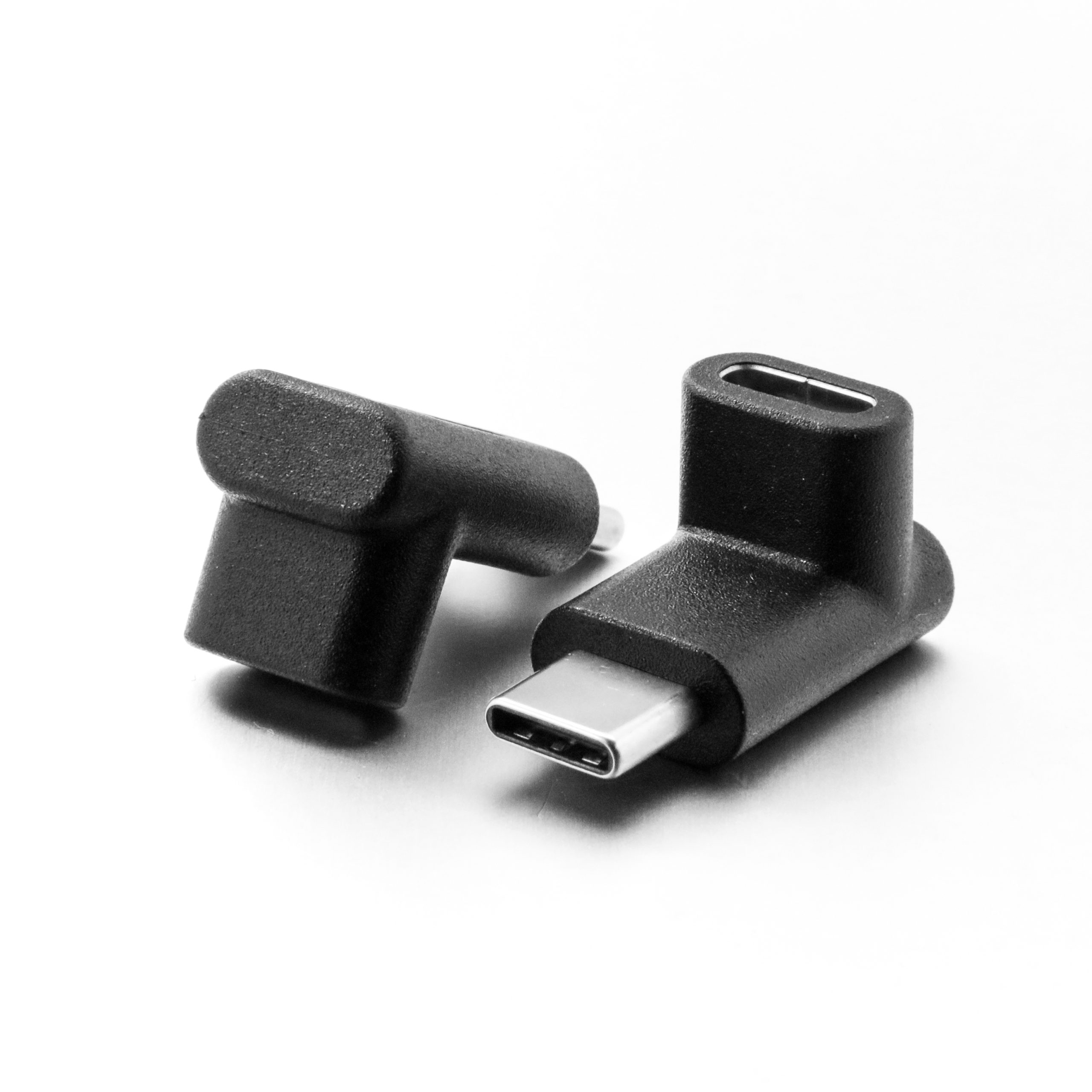
Each maps to a different tether, and picking by host port alone is how wrong cables end up on the bench. Where a run has to be repeatable, the 240W USB4 40Gbps coupler for panel builds is the working reference.
Device with a captive USB-A tail: use a C-to-A female tether
Some devices ship with a short, permanently attached USB-A plug rather than a removable cable. To run that device from a USB-C host, connect the device’s A plug into a tether that ends in a USB-A female socket on one side and a USB-C male plug on the other. A USB-C to USB-A female tethered photography cable does exactly that, and keeps the signal path at the USB 3.2 5 Gbps tier the tethering workflow expects. Dongguan Eilinks ships from China, and documents USB-C tether details on the order record. The detail behind this step is kept current in the usb-c legacy usb-a adapter spec.
Standard USB 3.0 Type-B devices: a full C-to-B tether for longer runs
Cameras and instruments with a full-size USB 3.0 Type-B socket normally expect a complete cable from host to device.
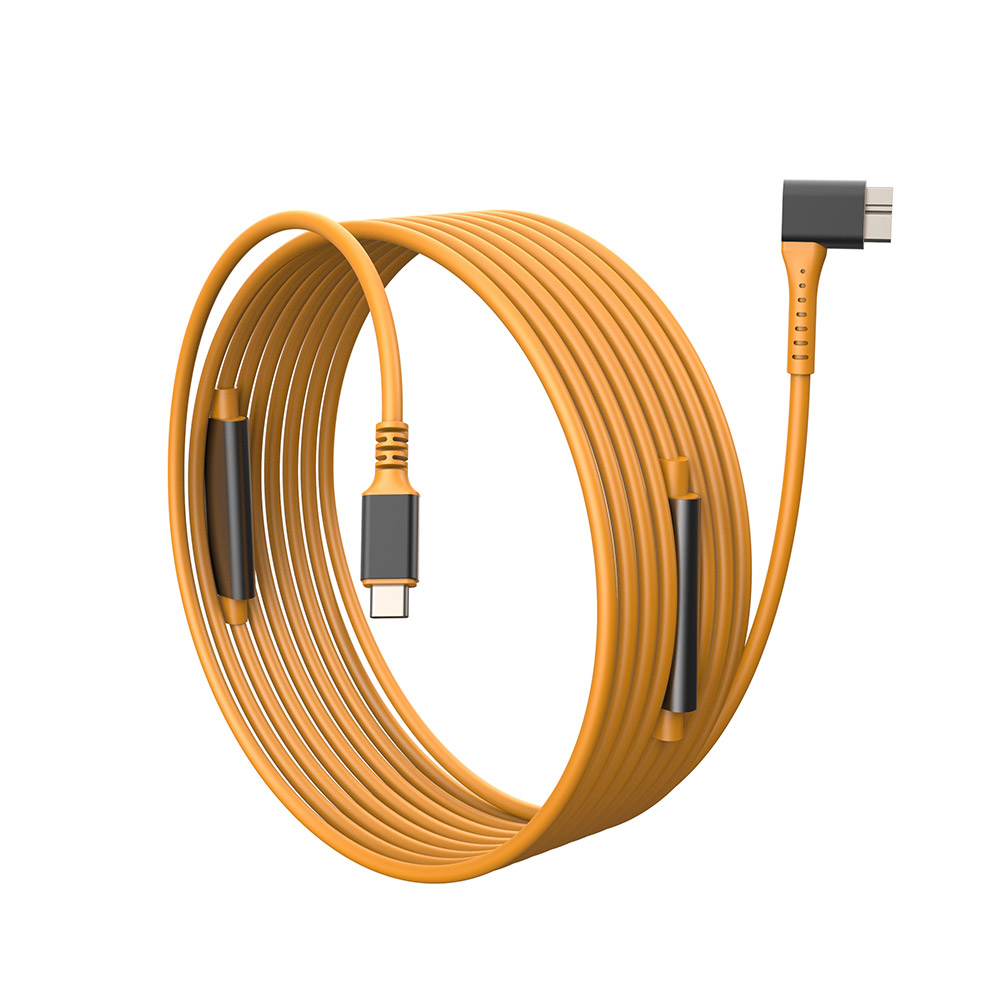
When the device sits on a stand, a light booth, or a test bench away from the computer, a dedicated USB-C to USB 3.0 Type-B male tethered photography cable avoids the adapter stack and the extra junction it adds. Panel builders often start from the 240W USB4 40Gbps coupler for tight enclosures when clearance is tight. Because this family is offered in longer run lengths, it suits studio layouts where the host cannot sit next to the device.
Micro-B devices: a C-to-Micro-B tether when the run is long
For field recorders, compact cameras, and instruments with a Micro-B socket, a short adapter can work on a desk, but a run across a room needs a real cable with the right connector on each end. A USB-C to USB 3.0 Micro-B cable gives a full 10-meter path while keeping the USB 3.2 Gen 1 5 Gbps data tier, so the setup behaves like a normal tether rather than a stopgap. Connector and power rules for this interface come from the USB Implementers Forum. Eilinks documents that step from the first sample.
Quick selection table
Speed and distance expectations
Tethered camera work is normally done at the USB 3.2 Gen 1 5 Gbps tier, which is what the cables above state on their product pages. Buyers can talk to a China-based USB-C supplier when the drawing is unclear. Expect that tier to hold across the listed run lengths; if the host and the device both have native USB-C and you only need to move the connection point, a USB-C to USB-C tethered extension cable is the cleaner option because it adds no legacy connector at all.
| Device port | Cable to order | Best for |
|---|---|---|
| Captive USB-A plug | USB-C male to USB-A female tether | Compact cameras and card readers with a fixed A tail |
| USB 3.0 Type-B socket | USB-C to USB 3.0 Type-B male tether | Cameras and instruments that need a longer detachable run |
| Micro-B socket | USB-C to USB 3.0 Micro-B cable | Field recorders and older devices positioned away from the host |
| USB-C socket on both ends | USB-C to USB-C tether or extension | Current cameras and hosts with native USB-C ports |
- Write both ends as a pair.
- Name the enclosure the plug must clear.
- Confirm the length at the target rate.
- Approve the sample against the drawing.
When in doubt, keep the total chain as short as the layout allows and use only one extension or adapter between host and device. The factory note on passive vs active cables lists what can be quoted as a moulded assembly at this length. Eilinks’ build file answers that.
Mistakes to avoid
When you have identified the port
Match the device port to the cable family above, confirm the run length, and the rest of the order is straightforward. The USB-C product catalog groups tethered photography cables and extensions by connector type and speed, so it is easy to compare the options side by side.
| Item | Mistakes to avoid |
|---|---|
| 1 | Ordering by the host port and ignoring the device port, then discovering the cable cannot reach the receptacle without another adapter. |
| 2 | Stacking adapters to convert a legacy device to USB-C, which adds junctions that can loosen over time on a moving camera rig. |
| 3 | Assuming every Micro-B port is USB 2.0; devices with a USB 3.0 Micro-B socket need the wider 10-pin plug. |
| 4 | Buying a short desk cable when the actual layout needs a longer run, then fighting the position of the equipment. |
| 5 | Forgetting to confirm the data tier of every cable in the chain when the workflow depends on full-speed transfer. |
- Check the port the plug will mate.
- Confirm rear clearance before ordering.
- State whether the run is fixed or moved.
- Record the failed step in writing.
If a device uses a connector combination not covered here, describe the port and the distance on the contact page and the team can point you to the matching configuration. The comparison behind this section is kept current in the factory note on power and data ratings. Eilinks in China answers USB-C tether questions from the same inspection sheet that ships with the cable. Equipment builders tend to check the usb-c handset charging spec before fixing this part of the spec.
