




USB 3.0 to HDMI Adapter: Bus Checks for 1080p Displays
A USB 3.0 to HDMI adapter is the part that adds a screen to a machine whose ports were not built to carry video. It sits on the data bus, presents itself to the host as a display device, and puts a picture on a monitor that has only an HDMI input. Eilinks Eletronics builds these converter leads for office desks, training rooms and kiosks where the host is staying put.
The name invites the first mistake. USB 3.0 is the retail label the USB-IF later folded into USB 3.2 Gen 1, and both describe the same 5 Gbps on the wire. Renaming the bus did not change what it can carry.
Two quite different parts answer the same question, and the wider frame is set out in our notes on connector and speed families from USB 2.0 to USB4. One passes a display signal straight through from a port that already supports Alt Mode; the other builds the picture inside the shell from data packets.
The first decision is USB 3.0 to HDMI adapter or USB-C Alt Mode adapter, and the host port settles it. The rest are the panel, the driver policy and the room.
What does a USB 3.0 to HDMI adapter actually do?
Inside the shell is a converter chip. The host enumerates it over USB, loads a driver, and from that point sends frame data across the bus as packets rather than as a raw video stream. The chip turns those packets back into the TMDS signalling the monitor understands.
That extra step separates it from a straight-through lead. A pass-through adapter only works when the host port already speaks DisplayPort Alt Mode; a bus converter works on a plain data port and pays for that by depending on the host and its driver.
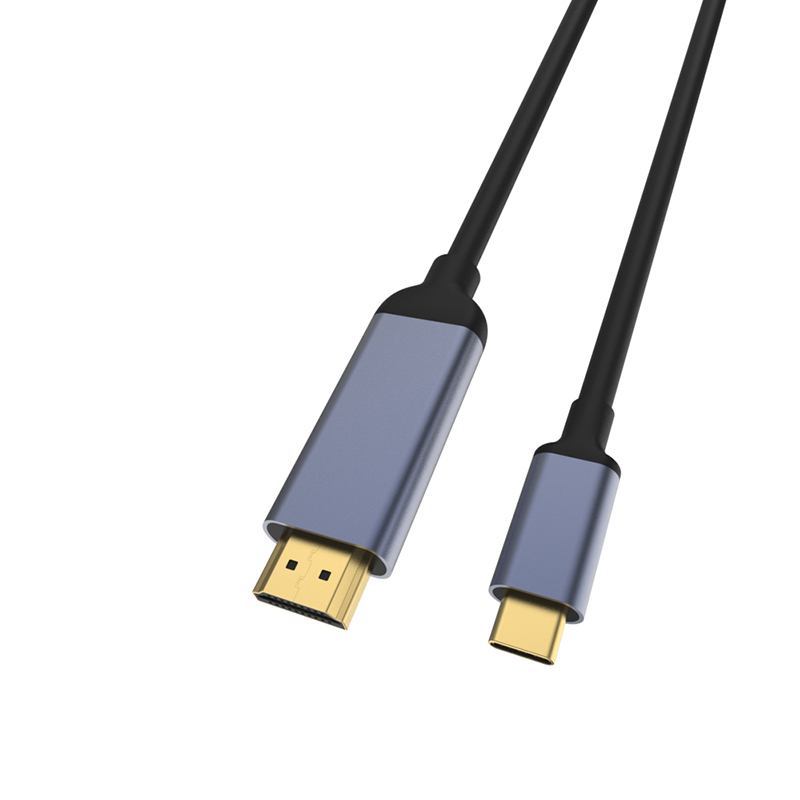
The arithmetic is worth seeing once. USB 3.0 carries 5 Gbps on the wire, and 8b/10b encoding leaves about 4 Gbps of payload, near 500 MB/s. A 1920 by 1080 panel at 60 Hz runs a 148.5 MHz pixel clock, which is 4.455 Gbps of TMDS throughput across the three channels.
Those two figures sit close together. A single 1080p60 screen fits inside the bus budget comfortably, and anything much larger has to be compressed or dropped.
Where a USB 3.0 to HDMI adapter fits and where it does not
The USB 3.0 to HDMI adapter for office PCs is the most common request, followed by a training-room display that shows slides and a kiosk screen that loops one clip.
The poor fits involve motion or protected content. Full-frame video at 60 Hz, fast gaming, and anything with content protection in the path generate the most returns, because the latency in USB 3.0 to HDMI adapter links comes from that packaging step.
Where the host has a plain USB-A port and the panel has only HDMI, a Chinese-made USB 3.0 to HDMI adapter sized to the panel usually lands cheaper than replacing the machine. That is the comparison most facilities teams are actually making.
How much resolution can a USB 3.0 to HDMI adapter carry?
1080p at 60 Hz is the comfortable ceiling for an uncompressed stream. Stepping up, a 3840 by 2160 panel at 30 Hz needs a 297 MHz pixel clock, or 8.91 Gbps, and at 60 Hz it needs 594 MHz, or 17.82 Gbps. Both figures sit past what a 5 Gbps bus can hand over without compression.
The 1080p limit in USB 3.0 to HDMI adapter designs comes from the bus budget rather than from the chip. Some converters apply lightweight compression and reach 4K at 30 Hz on a capable host, but the practical way to buy is to run the real content on a sample, because the outcome moves with the host processor as much as with the adapter.
Eilinks usually asks for the panel model and the content type before quoting, since those two answers decide whether 1080p is the end of the conversation.
What to confirm before ordering
Six items decide whether a USB 3.0 to HDMI adapter survives its first week in the room. The first three are physical; the last three are the ones that return as a support ticket rather than a part.
| Check | What to confirm | Failure mode if missed |
|---|---|---|
| Host port | USB-A data port or an Alt Mode port | The part ordered cannot be the part used |
| Panel and rate | Resolution and refresh the screen needs | Blanked screen or a 30 Hz picture |
| Driver policy | Whether the locked-down image allows it | Device installs and then disappears |
| Audio path | Where sound is expected to come from | Silent screen in a meeting room |
| Cable length | Distance from host to panel | Adapter hangs off the port by its own weight |
| Power source | Bus power or a separate supply | Flicker when the bus is loaded |
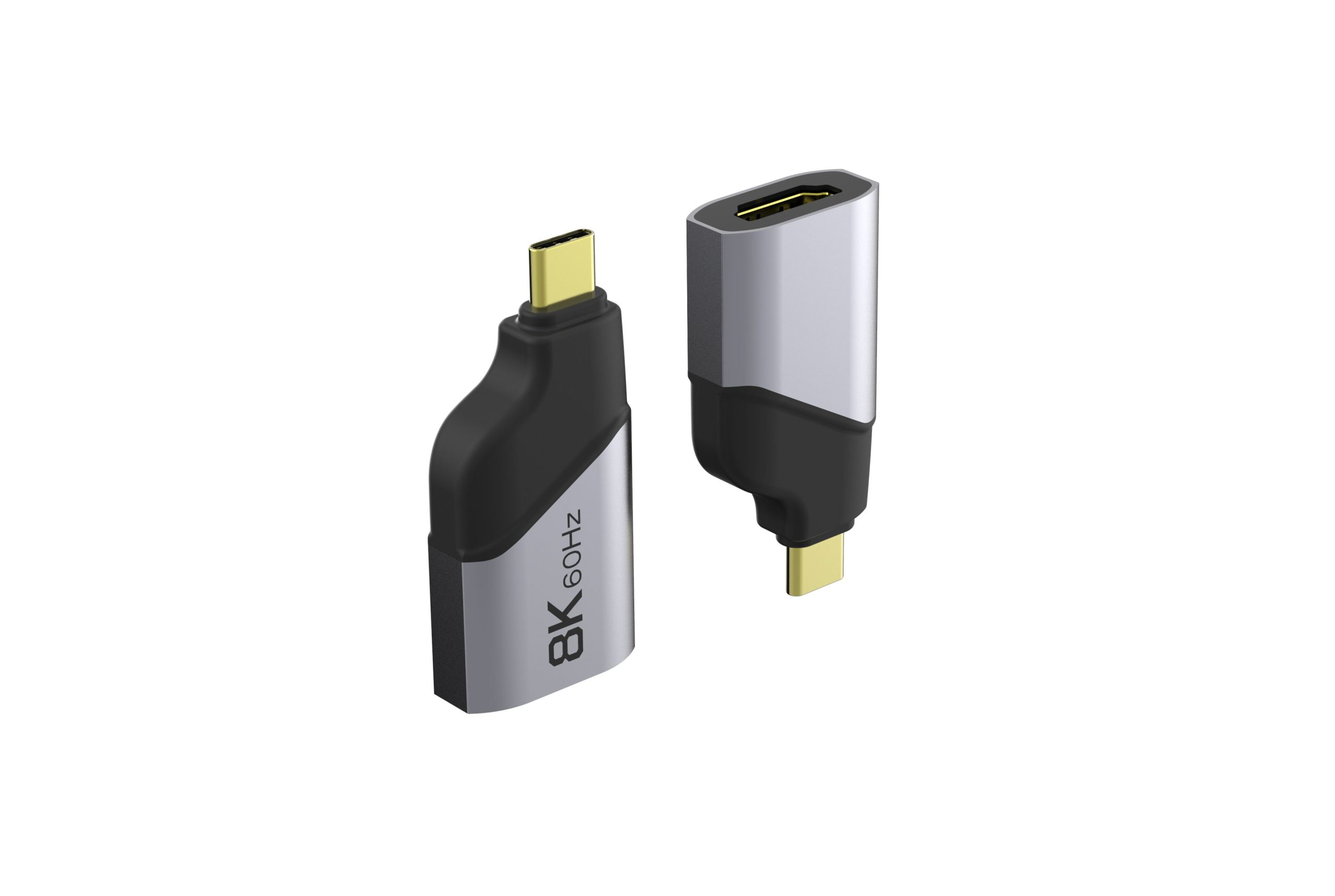
A drawing that names the panel model and the host port type closes five of those six before the sample is requested, and Eilinks reads the same six off every enquiry. Where the monitor sits further from the host than one lead reaches, the female-port adapter for the same panel is the part to name on that drawing.
Power, drivers and the host port
Most bus converters take their power from the port. USB 2.0 allows five unit loads of 100 mA, so 500 mA, while USB 3.0 defines a 150 mA unit load and allows six of them, so 900 mA. A converter that ends up on a USB 2.0 port has roughly half the current to work with, which is why an unpowered hub in the path causes the first fault call.
Drivers are the second constraint. A desktop that accepts unsigned drivers on request is a different machine from a managed laptop fleet where the image blocks anything outside the catalogue, and the adapter is only as useful as the image allows it to be.
Where the host port does support Alt Mode, a straight-through part is the cheaper and lower-latency answer, and the USB-C to HDMI adapter built for Alt Mode hosts is the one to compare against. Eilinks quotes both, because the right answer depends on the port rather than the panel.
Documents and conformity requirements for export orders
Documentation is where an otherwise sound purchase stalls. CE marking requirements for USB 3.0 to HDMI adapter sit with the finished product placed on the market, so the importer carries the file rather than the component maker. USB-IF certification requirements apply where the logo or the certified name is used on the pack.
The 5 Gbps figure behind the bus name is published on the USB 3.2 specification landing page at usb.org, and it is the reference a drawing should point at when the label on the box says USB 3.0 and the schedule says USB 3.2 Gen 1.
Sampling is the other half of the file: a converter can only be judged in the room it was bought for.
| Document | Who holds it | When it is needed |
|---|---|---|
| Technical file | The party placing the product on the market | Before the first shipment |
| Declaration | The importer or the authorised representative | With each market entry |
| Test record | The manufacturer that ran the assembly | On request from the buyer |
| Sample approval | Both sides, signed against the drawing | Before bulk release |
- Name the panel model and the host port on the drawing
- Pin the driver version the fleet will allow
- Record which party holds the technical file
- Approve a sample in the room it will be used in
Who decides what on a USB 3.0 to HDMI adapter order
Confusion here costs more than the part does. The facilities team measures the distance and the mounting, the IT team owns the driver policy, and the sourcing team owns the drawing. The same split runs through our meeting-room display adapter notes, where the panel and the port are chosen by different people.
A China USB 3.0 to HDMI adapter supplier can only quote what those three have written down, which is why the first reply is usually a question about the port rather than a number, and why a one-line enquiry tends to come back as another question.
Dongguan Eilinks works from the drawing rather than from a listing, and a USB 3.0 to HDMI adapter manufacturer will ask about the host port before asking about the quantity.
- Facilities measures the run and photographs the port
- IT confirms the driver policy and the content type
- Sourcing pins the panel model to the drawing
- Both sides sign off the sample in the room
A USB 3.0 to HDMI adapter built in China for an export programme still has to satisfy the same bus arithmetic, so the origin changes the document trail rather than the physics of the link.
Questions buyers ask
Will a USB 3.0 to HDMI adapter run a 4K monitor?
At 30 Hz, some converters manage it with compression. At 60 Hz the required TMDS throughput is 17.82 Gbps, well past the uncompressed budget of a 5 Gbps bus, so an Alt Mode link is the part to specify.
Does the adapter need an external power supply?
Most draw from the bus. A USB 3.0 port allows 900 mA and a USB 2.0 port allows 500 mA, so a converter on the older port has less headroom and may flicker when a drive shares the bus.
Why does the picture lag when video plays?
The frames are packaged as data and rebuilt inside the shell. That path adds latency a pass-through adapter does not have, which is fine for slides and noticeable with motion.
What belongs on the drawing for a repeat order?
The host port type, the panel model and refresh rate, the driver version the fleet allows, and the cable length. Those four decide whether the second batch matches the first sample.
Where the checks lead
Almost every problem traces back to three points: the host port, the panel, and the driver policy.
A USB 3.0 to HDMI adapter factory in China is judged on the same three answers, and the useful test is whether the reply describes the part or repeats the listing. Send the panel model and the port type to the Eilinks HDMI adapter sample desk and the converter can be matched to the room.
