




USB-C Male To USB-A Female Cable
A USB-C cable or adapter RFQ should make the connection path unambiguous. Equipment builders tend to check USB-C cable spec and rating notes before fixing a connector pair. The words male, female, host side, device side and extension are easy to mix up, especially when a project combines USB-C ports with USB-A accessories, cameras, instruments or panel interfaces. For USB-C male to USB-A female cable orders, Eilinks Eletronics in China works from the drawing. Equipment builders tend to check the usb-c hub adapter selection notes before fixing this part of the spec.
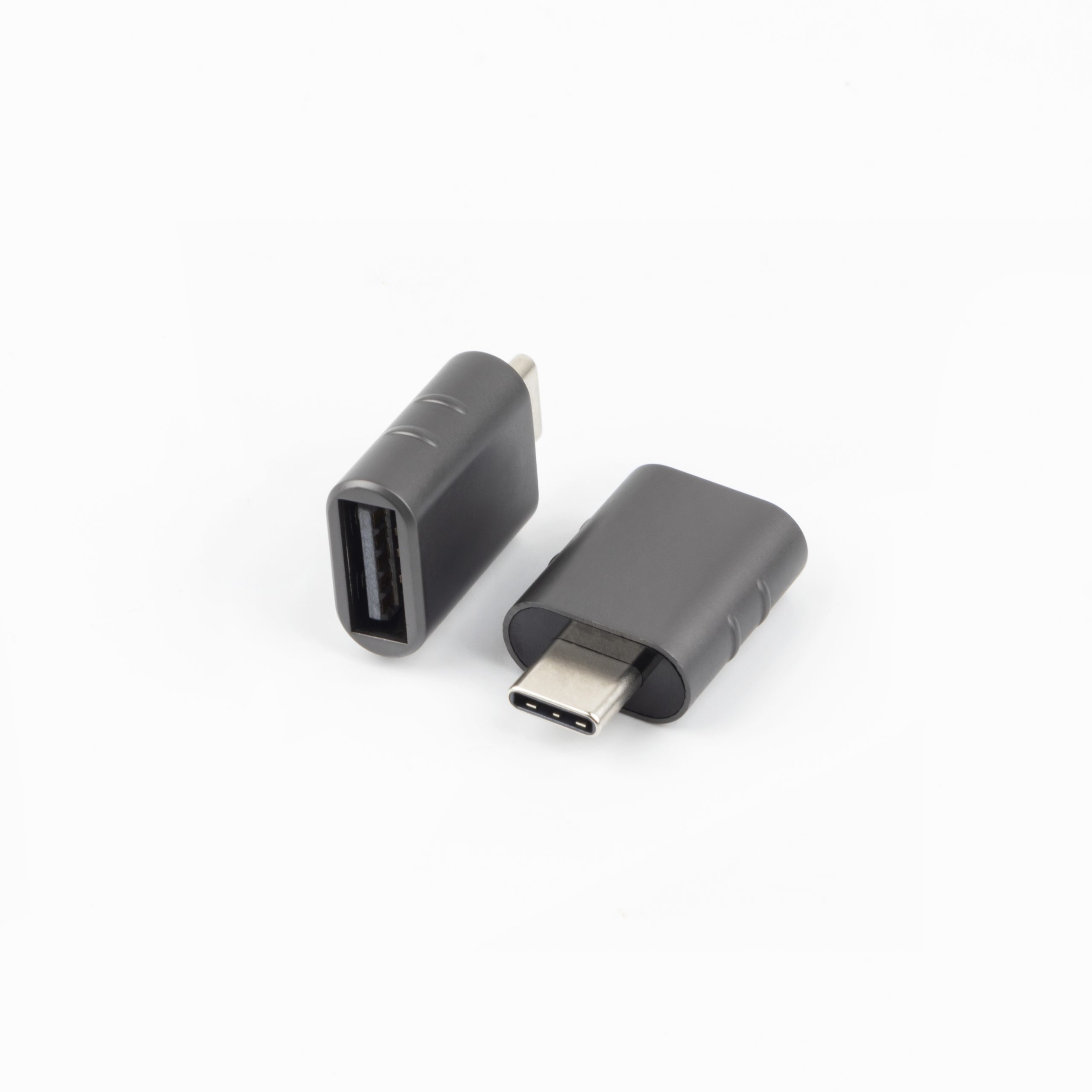
The safest approach is to describe what each end connects to, not only the connector names. This helps the supplier identify whether the buyer needs a cable assembly, an extension lead, a coupler, or a compact adapter.
Ordering details to confirm
Common product paths
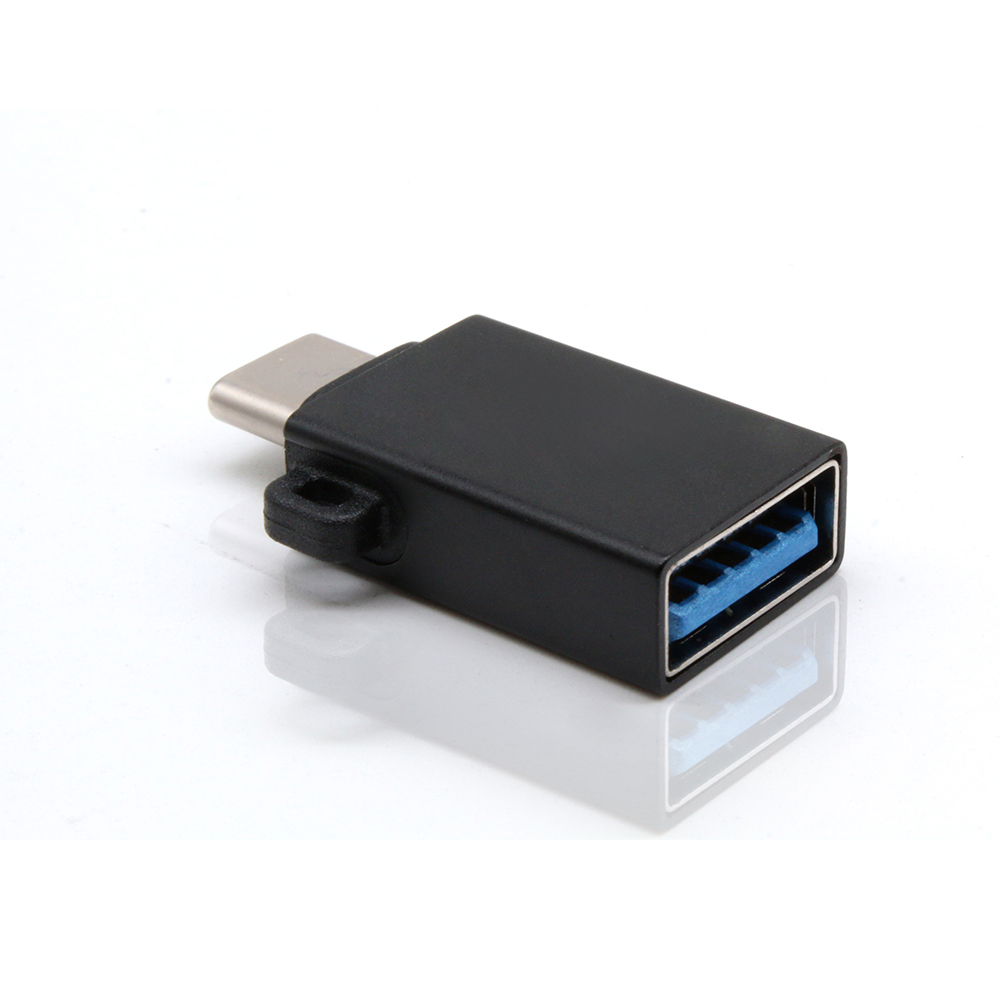
- For a USB-C host that needs to connect to a USB-A accessory, review a USB-C male to USB-A female cable. Buyers usually work from the 240W USB4 40Gbps cable before a drawing is signed off. Dongguan Eilinks ships from China, and documents USB-C male to USB-A female cable details on the order record.
- For a USB-A host or workstation that needs a USB-C female connection point, review a USB-A to USB-C female cable.
- For two USB-C plug ends that need a compact inline connection, review a double-side USB-C extension adapter.
Procurement mistakes to avoid
Before requesting a quotation
| Question | Why it matters | Example wording for an RFQ |
|---|---|---|
| Which side is the host? | Prevents confusion when a USB-C device connects to a USB-A computer, hub or accessory. | USB-C host to USB-A female accessory connection. |
| Is the USB-C end male or female? | Separates a plug-in cable from an extension or panel-facing interface. | USB-C male plug on the host side, USB-C female receptacle on the fixture side. |
| Is this an extension or conversion path? | Extension products preserve a port location, while conversion cables bridge different connector families. | USB-C extension for a test fixture, not a USB-C to USB-A conversion cable. |
| What performance is expected? | Charging, data rate and video expectations should be stated carefully instead of assumed. | Data transfer required; charging requirement to be confirmed separately. |
- Write both ends as a pair.
- Name the enclosure the plug must clear.
- Confirm the length at the target rate.
- Approve the sample against the drawing.
The detail behind this step is kept current in the usb-c compatibility chart notes. Buyers can talk to a Chinese USB-C cable supplier when the drawing is unclear.
| Item | Procurement mistakes to avoid |
|---|---|
| 1 | Writing only ?USB-C adapter? without naming both ends and the direction of use. |
| 2 | Using product photos as the only source of connector gender information. |
| 3 | Assuming a female USB-C end always means a panel-mount product. |
| 4 | Combining charging, data and video requirements into one line without priority or test context. |
| 5 | Changing the host device late in the project without rechecking the cable direction. |
- Check the port the plug will mate.
- Confirm rear clearance before ordering.
- State whether the run is fixed or moved.
- Record the failed step in writing.
List the host device, connected device, required connector gender at each end, expected data or charging use, and installation space. The USB-C product catalog is a useful starting point for matching the connection path to an existing cable, adapter or extension style before discussing project-specific details. The wider range behind this part is set out in the 100W 20Gbps adapter from a China factory. Eilinks in China answers USB-C male to USB-A female cable questions from the same inspection sheet that ships with the cable. The underlying standard behind this interface is maintained by the USB Implementers Forum.
