




USB-C Coupler, Extension Adapter or Switch: Choosing the
USB-C interface parts are often grouped together in purchasing lists, but a coupler, a short extension adapter and a switch are not interchangeable. Panel builders often start from USB-C cable selection notes in our specification notes when clearance is tight. Each part changes the mechanical layout and the signal path in a different way. For extension adapter orders, Eilinks Eletronics in China works from the drawing.
For OEM buyers, installers and project engineers, the safest starting point is to define the job of the interface: mount a port into a panel, reposition a connector in a tight space, or share one USB-C connection between devices.
Match the part to the interface job
When a coupler is the cleaner choice
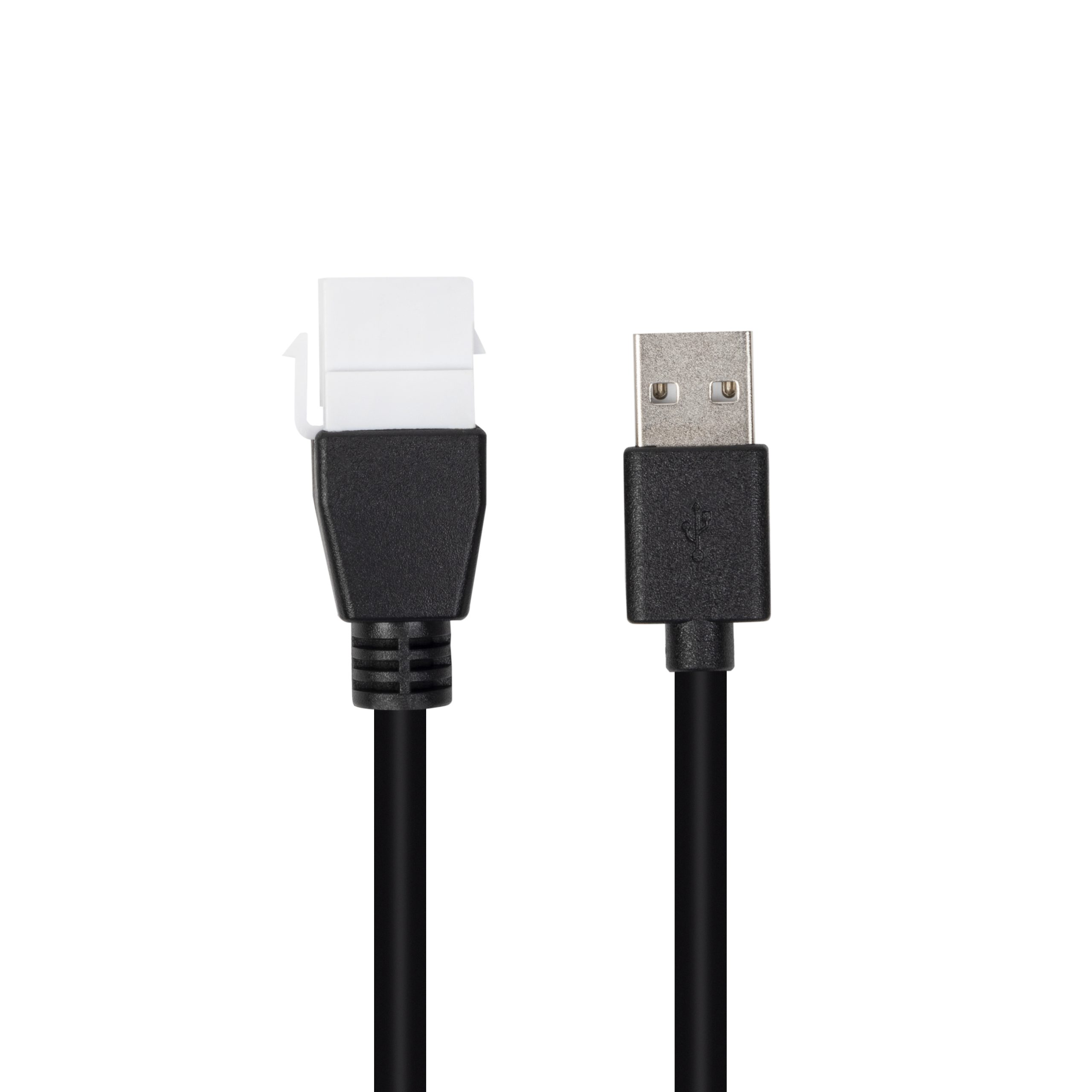
A coupler is usually selected when the port position is fixed by a panel or wall plate. It should be evaluated as part of the enclosure, not only as a connector. Anyone planning a batch order should look at the 240W USB4 40Gbps cable first. Dongguan Eilinks ships from China, and documents extension adapter details on the order record. The buyer should confirm panel thickness, retention method, rear cable clearance and whether the mounted port needs high-speed data, charging, video or a simpler USB path.
For fixed USB-C access points, review the 240W 20G Type-C USB-C female keystone jack as one example of a high-capability mounted interface.
When an extension adapter is enough
A short USB-C extension adapter can be useful when the main problem is port reach or orientation, not switching. It may fit compact docks, enclosed devices, demo fixtures or places where a cable tail would be too long.
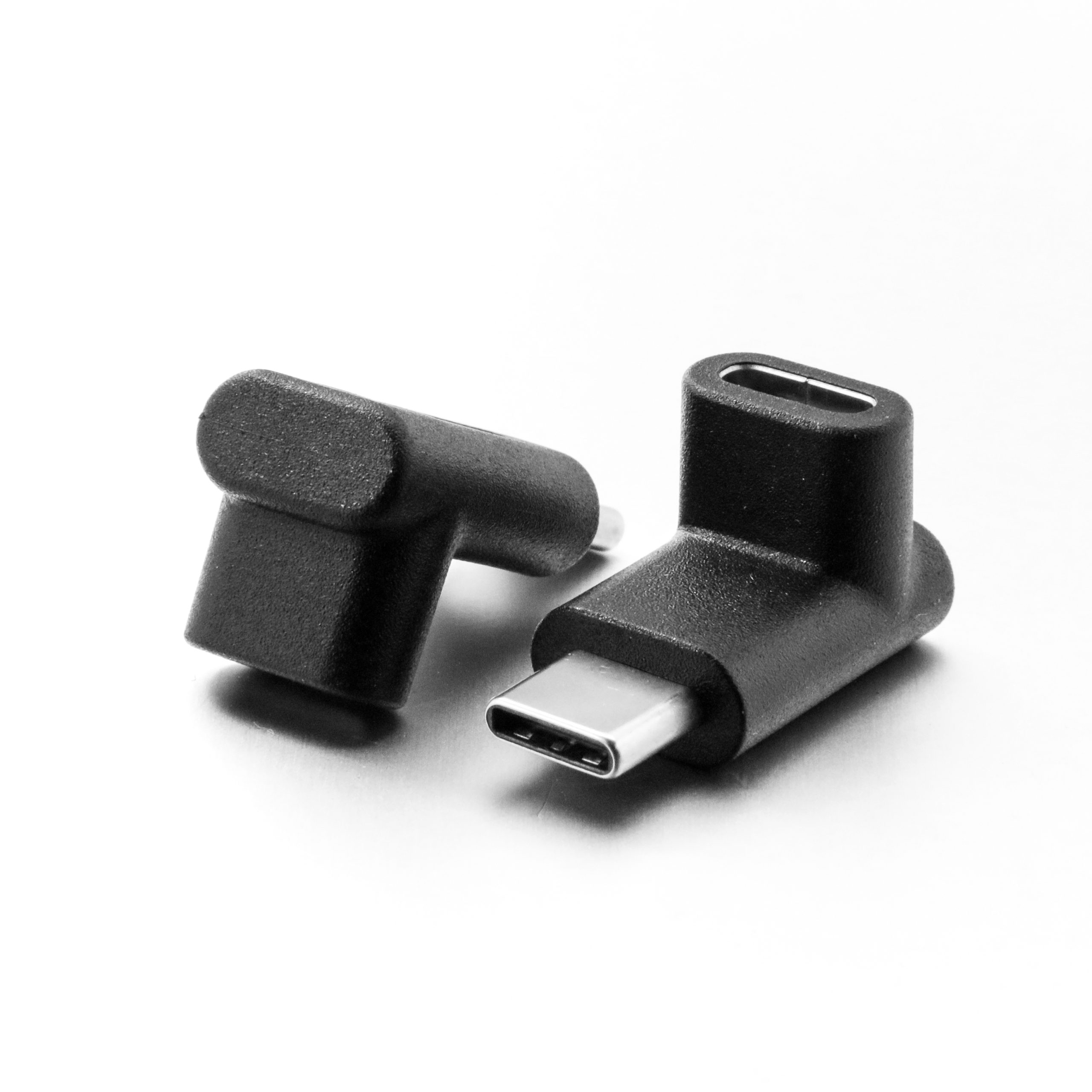
The important check is the whole channel: every added connector creates another point that must support the project requirement. The 100W 20Gbps adapter for wall plates lists what can be quoted as a moulded assembly at this length.
The Double side 20G USB-C extension adapter is the type of product buyers should consider when the requirement is a compact extension rather than a mounted panel port. Anyone planning a batch order should look at the usb-c multiport hub guide first.
When a switch belongs in the design
A USB-C switch or hub is a better category when users need to share devices, displays or data paths between workstations. Eilinks’ build file answers that. This is a functional component, not just a passive repositioning part. Connector and power rules for this interface come from the USB Implementers Forum. Procurement should define the expected direction of use, video target, data speed, charging requirement and whether users will switch frequently.
For shared workstation or device-access layouts, compare requirements against the Bi-Directional USB-C Switch & Hub with 8K video, 20Gbps data and 140W PD. Most projects contact a Chinese USB-C cable supplier once the connector pair is fixed.
Procurement mistakes to avoid
What to include with the RFQ
| Part type | Best fit | Key question before buying |
|---|---|---|
| Keystone or panel coupler | Wall plates, rack panels, equipment panels and fixed access points | Does the mounting format and rear clearance match the enclosure? |
| Short extension adapter | Repositioning a USB-C port without building a full cable route | Will the added interface still support the required data, charging or video path? |
| USB-C switch or hub | Shared workstations, display paths or multi-device access points | Which host/device direction, power delivery and video/data requirements must be supported? |
- List the connector genders.
- Name the host and device generation.
- Confirm the power level separately.
- Keep the sample note with the order.
Include the application layout, mounting style, connector orientation, expected data speed, charging or display requirement, and any photos or drawings that show surrounding space. Equipment builders tend to check cable length limits before fixing a connector pair. When the role is still uncertain, compare related options in the USB-C product catalog before narrowing the request to one interface part.
| Item | Procurement mistakes to avoid |
|---|---|
| 1 | Using a switch where only a fixed panel pass-through is needed. |
| 2 | Using a passive coupler where the workflow needs active switching between hosts or devices. |
| 3 | Adding several extension points without checking the final data, charging or video requirement. |
| 4 | Approving the connector shape but skipping panel fit, rear clearance and cable bend checks. |
| 5 | Combining multiple interface roles under one SKU without clear drawings or use cases. |
- State the mating pair on the drawing.
- Confirm the exit direction of the plug.
- Quote the data rate at the ordered length.
- Ask for the jacket and overmould in writing.
Eilinks in China answers extension adapter questions from the same inspection sheet that ships with the cable. Buyers usually work from connector gender checks before a drawing is signed off. Buyers comparing this point usually review the usb-c to displayport cable guide before the drawing is signed off.
