




USB-C Female Extension Cables for Test Benches: What to
USB-C female extension cables are often used when a device port is hard to reach, when a test fixture needs repeated plug-in access, or when a bench setup must keep the main equipment protected. Panel builders often start from USB-C cable technical specifications for OEM buyers when clearance is tight. The cable choice should be made around the actual signal, charging, and mounting requirement instead of connector shape alone. For USB-C female extension orders, Eilinks Eletronics in China works from the drawing.
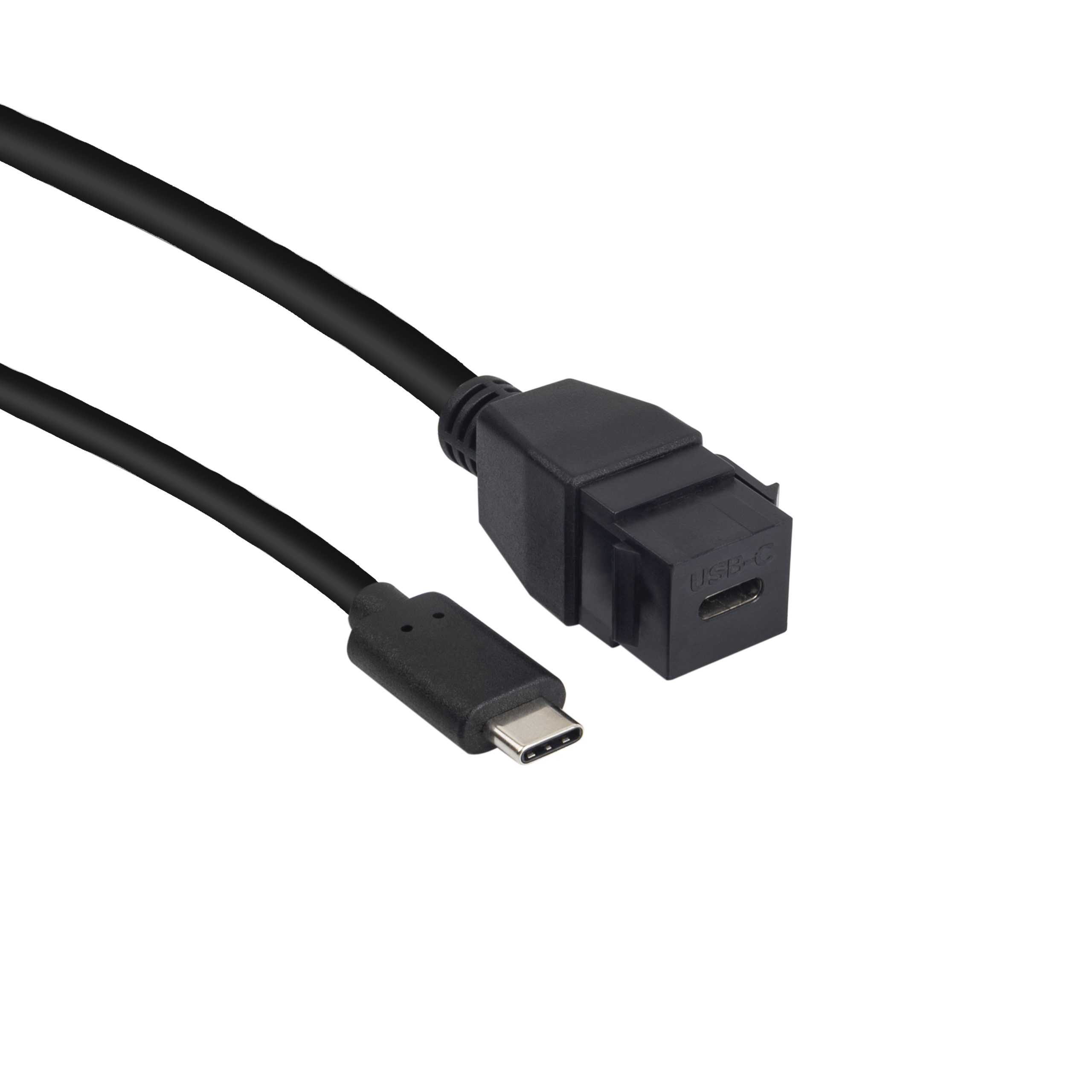
Buyers comparing this point usually review the usb-c pull force test notes before the drawing is signed off.
Start with the bench function
Before asking for a quotation, define whether the extension is mainly for charging, data transfer, camera or instrument connection, or repeated operator access. A bench used for firmware flashing, image transfer, or diagnostic tools may need more consistent data performance than a simple charging station. Anyone planning a batch order should look at the 240W PD3.1 coupler for camera rigs first.
Match extension hardware to the signal
For compact high-speed routing, a short adapter such as the Double side 20G USB C extension adapter may fit better than a long cable.
Dongguan Eilinks ships from China, and documents USB-C female extension details on the order record.
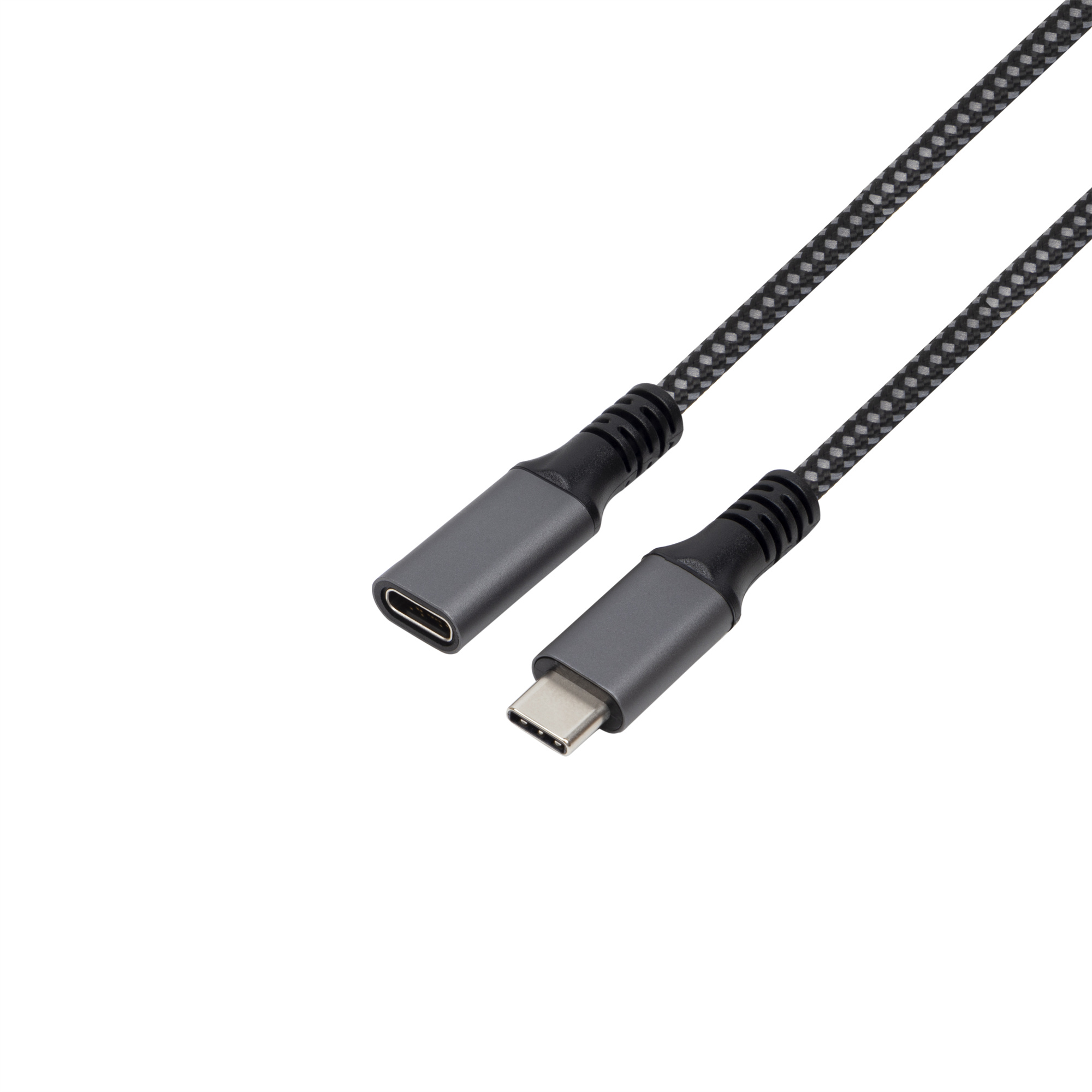
For a bench that needs a flexible lead, the USB3.2 5Gbps USB C male to C female extension cable is a more relevant reference point.
Procurement mistakes to avoid
Before requesting samples
Anyone planning a batch order should look at the usb-c cable endurance test standard first. The governing specification is published by the USB Implementers Forum.
Prepare the host device, target device, required transfer mode, preferred length, and a photo or drawing of the fixture. The 240W PD3.1 coupler for panel builds lists what can be quoted as a moulded assembly at this length.
| RFQ point | Why it matters | What to confirm |
|---|---|---|
| Data rating | Prevents speed mismatch with the host and device | USB 2.0, 5Gbps, 10Gbps, or 20Gbps requirement |
| Power path | Affects cable construction and heat margin | Expected charging current and whether PD is involved |
| Connector access | Reduces wear on the original device port | Straight, right-angle, panel, or open bench routing |
| Cable length | Longer runs can make data links less stable | Shortest practical length for the fixture |
- List the connector genders.
- Name the host and device generation.
- Confirm the power level separately.
- Keep the sample note with the order.
If the bench design is still open, review the broader USB-C product catalog and send the confirmed application notes through the contact page. Most projects contact our cable engineers about panel-mount clearances once the connector pair is fixed.
| Item | Procurement mistakes to avoid |
|---|---|
| 1 | Ordering by connector gender only without stating speed and power requirements. |
| 2 | Using a longer cable than the bench layout actually requires. |
| 3 | Ignoring strain relief where operators plug and unplug frequently. |
| 4 | Mixing adapter and cable requirements in one RFQ without drawings or photos. |
- State the mating pair on the drawing.
- Confirm the exit direction of the plug.
- Quote the data rate at the ordered length.
- Ask for the jacket and overmould in writing.
Eilinks in China answers USB-C female extension questions from the same inspection sheet that ships with the cable. Teams needing a second source ask the manufacturer directly early rather than at the sample stage.
