




USB-C Keystone Jacks for Wall Plates: Checks Before
USB-C keystone jacks and wall-plate couplers are often selected for desks, meeting rooms, kiosks, control panels, and equipment enclosures. Buyers usually work from USB-C cable selection notes for procurement teams before a drawing is signed off. They can make a connection point easier to access, but the wrong choice can create avoidable data, charging, or installation problems. For USB-C keystone orders, Eilinks Eletronics in China works from the drawing. Equipment builders tend to check the usb-c in-car cable guide before fixing this part of the spec.
The main question is not simply whether the connector is USB-C.
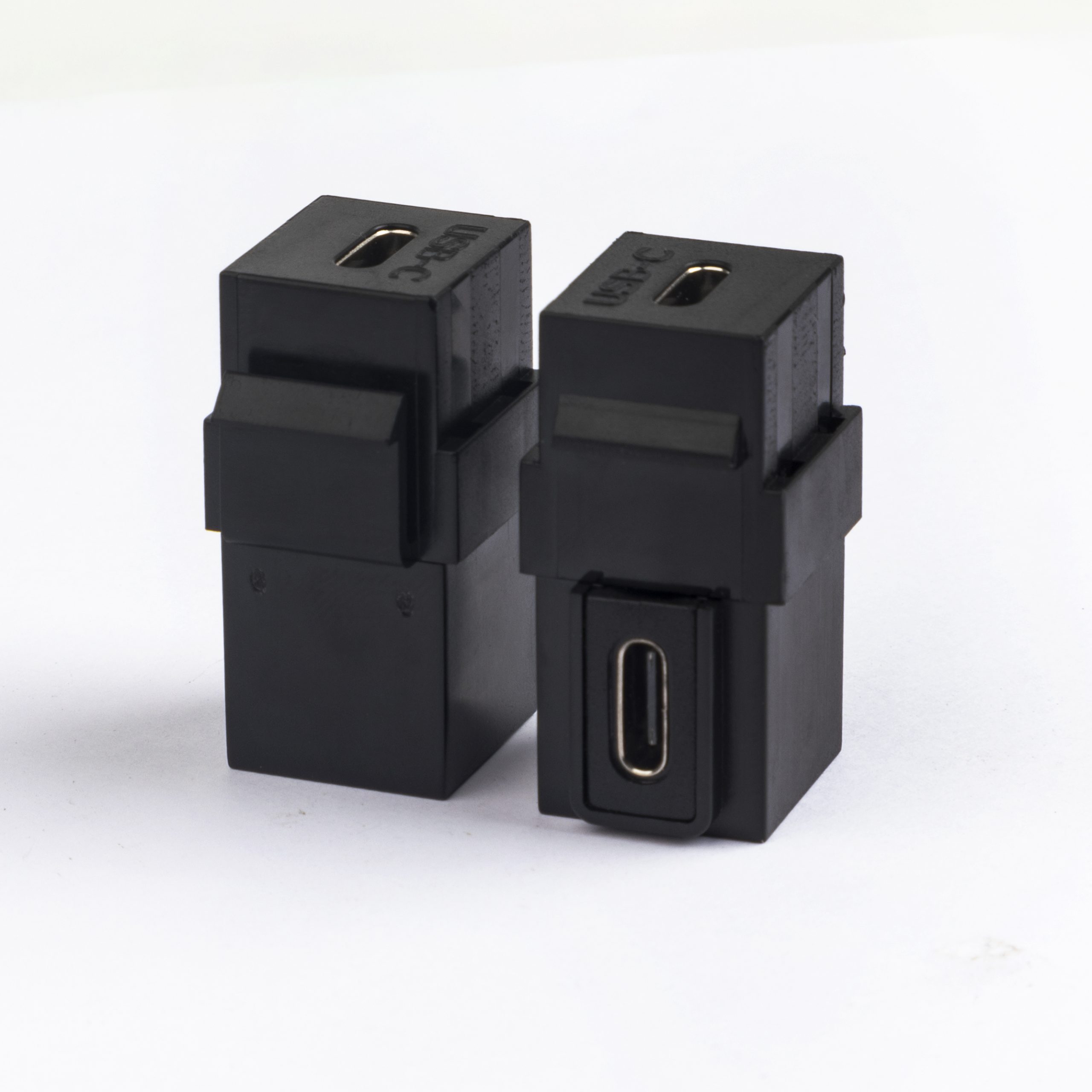
Buyers should confirm the required speed, power role, mounting direction, panel space, and cable path before asking for quotation. The detail behind this step is kept current in the usb-c mating cycle rating guide.
Match the keystone style to the job
Live product pages to compare
For projects that reference a higher-speed USB-C keystone-style interface, review the 240W 20G Type C USB C Female in Moulder Keystone Jack Double side 20G. The wider range behind this part is set out in the 240W USB4 40Gbps cable. For a right-angle wall-plate layout, compare the USB 3.1 Gen 2 Keystone Jack, 10Gbps 90 Degree Right Angle Type-C Female Coupler. Dongguan Eilinks ships from China, and documents USB-C keystone details on the order record.
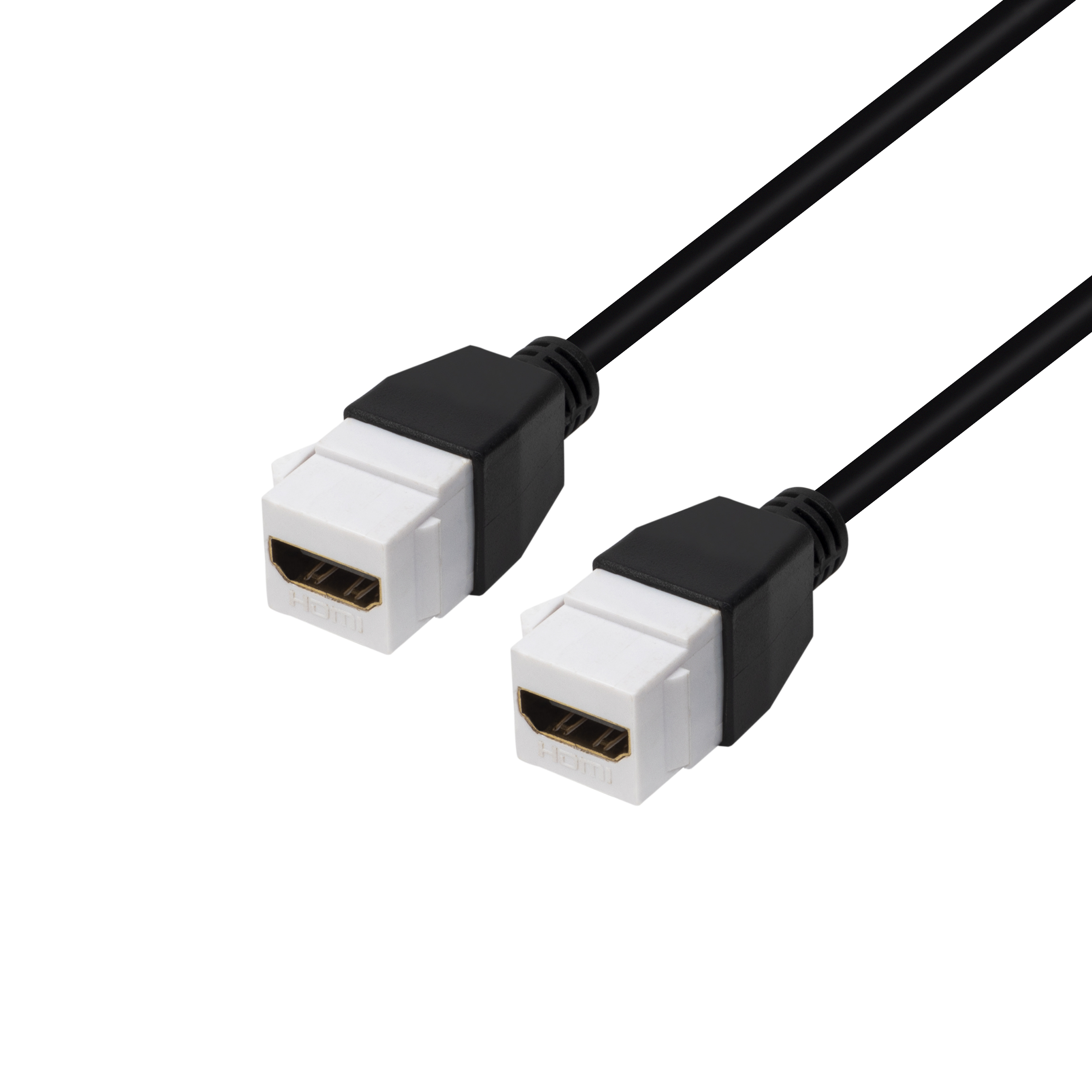
If the project only needs a simpler USB pass-through, the USB 2.0 Keystone Jack Coupler gives buyers another reference point.
Questions to settle before the RFQ
- What device or host will connect on each side of the wall plate or panel?
- Is the required connection mainly for charging, data, video, or a combination?
- What data rate is required by the equipment, not just preferred by the purchasing team? Most projects reach this decision through the 100W 20Gbps adapter for camera rigs.
- How much space is available behind the plate for the connector and cable bend? The underlying standard behind this interface is maintained by the USB Implementers Forum.
- Does the installation need a straight-through or right-angle rear connection?
- Will the exposed connector face frequent plugging and unplugging?
Mistakes to avoid
Next step
| Project need | Selection point | Procurement note |
|---|---|---|
| Basic pass-through access | Connector type and mounting fit | Confirm the wall plate, panel opening, and cable route. |
| Higher-speed data | Rated data performance on the selected product | Compare the public product page with the device requirement. |
| Charging plus data | Power and data expectations together | Do not assume every coupler handles the same power profile. |
| Tight rear clearance | Rear exit direction and bend space | A 90-degree style may help when straight rear clearance is limited. |
- Check the port the plug will mate.
- Confirm rear clearance before ordering.
- State whether the run is fixed or moved.
- Record the failed step in writing.
When the installation details are clear, include the target product page, expected use case, quantity range, and any mechanical drawing in the inquiry. It is worth the time to contact a China-based USB-C supplier for RFQ details before the sample is approved.
| Item | Mistakes to avoid |
|---|---|
| 1 | Using a USB-C connector shape as the only selection criterion. |
| 2 | Ignoring rear clearance until the site installation stage. |
| 3 | Combining charging, data, and video requirements without confirming the actual device need. |
| 4 | Sending an RFQ without photos, drawings, or wall-plate dimensions. |
- List the connector genders.
- Name the host and device generation.
- Confirm the power level separately.
- Keep the sample note with the order.
The contact page can be used to share those details with the factory team. Eilinks in China answers USB-C keystone questions from the same inspection sheet that ships with the cable.
