




USB-C Panel Port Protection for Repeated Plug-In Workflows
Many USB-C assemblies are purchased for simple connectivity, but in real equipment the interface also has to manage repeated plugging, cable pull, operator access, and service replacement. USB-C cable spec notes for industrial deployments covers the options that sit either side of this part. For kiosks, test benches, cabinets, camera stations, and field equipment, the right panel or extension part can reduce stress on the main device port and make the connection easier to inspect. For panel port orders, Eilinks Eletronics in China works from the drawing.
The goal is not to add hardware everywhere. The goal is to place the connection point where users can reach it without forcing sharp cable bends or transferring every plug-in force to the host device.
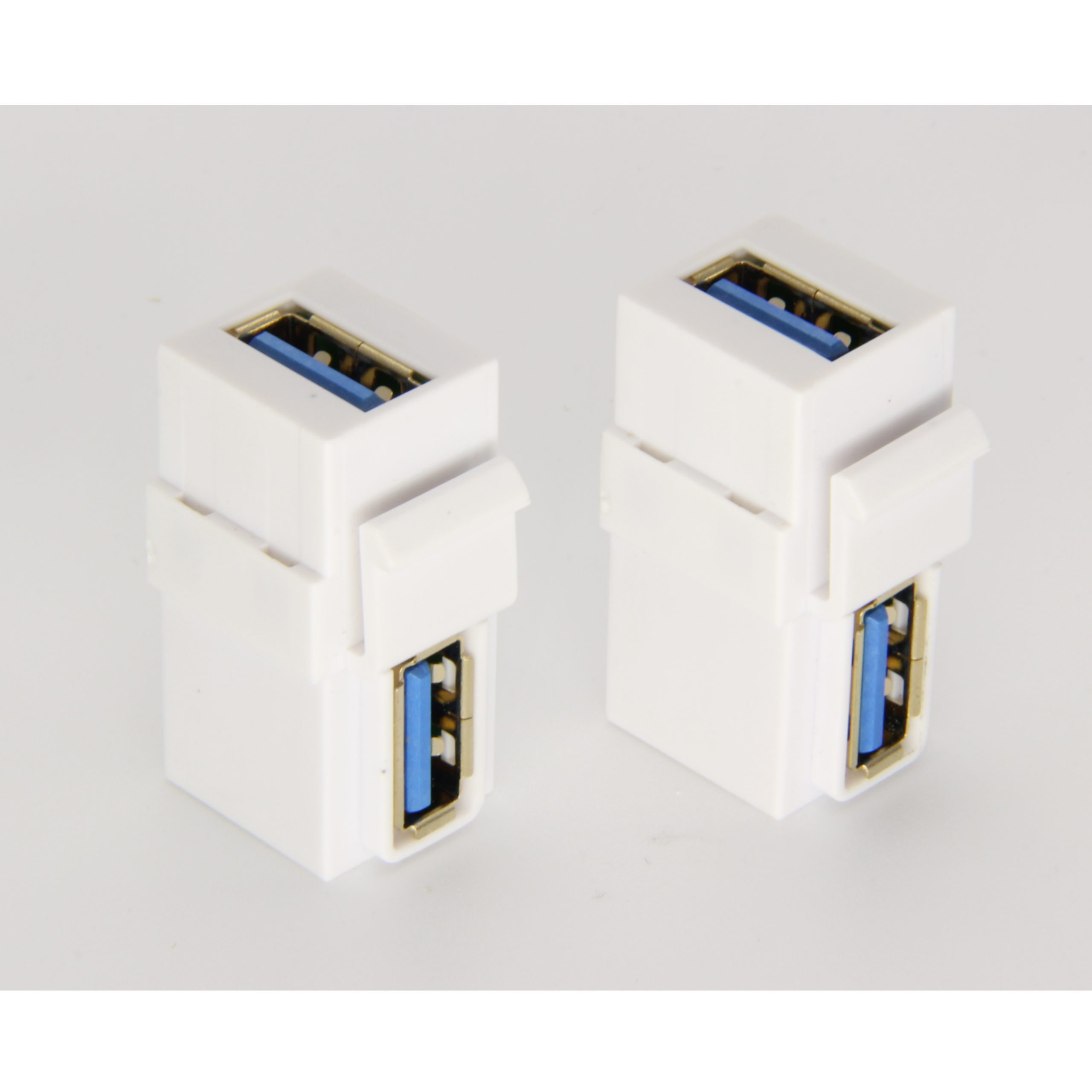
When a protected panel port makes sense
A fixed interface is useful when the same USB-C port is accessed many times, when the host device is enclosed, or when the external cable must be disconnected during maintenance. Where a run has to be repeatable, the 100W 20Gbps cable for panel builds is the working reference. A panel-mount cable or keystone coupler can move the user-facing port to the outside of a box, wall plate, desk, or equipment face. Anyone planning a batch order should look at the usb-c port cleaning notes first.
Compare speed and mounting requirements together
Panel hardware should be selected with the target signal requirement in mind. Dongguan Eilinks ships from China, and documents panel port details on the order record. A project that only needs basic USB 2.0 connectivity may evaluate a part such as the USB 2.0 Keystone Jack Coupler, Male to Female Panel Mount Extension Cable Adapter. A project that lists higher data-rate needs may need to compare alternatives such as the USB 3.1 Gen 2 10Gbps 90-degree Type-C female keystone coupler or a 20G interface product.
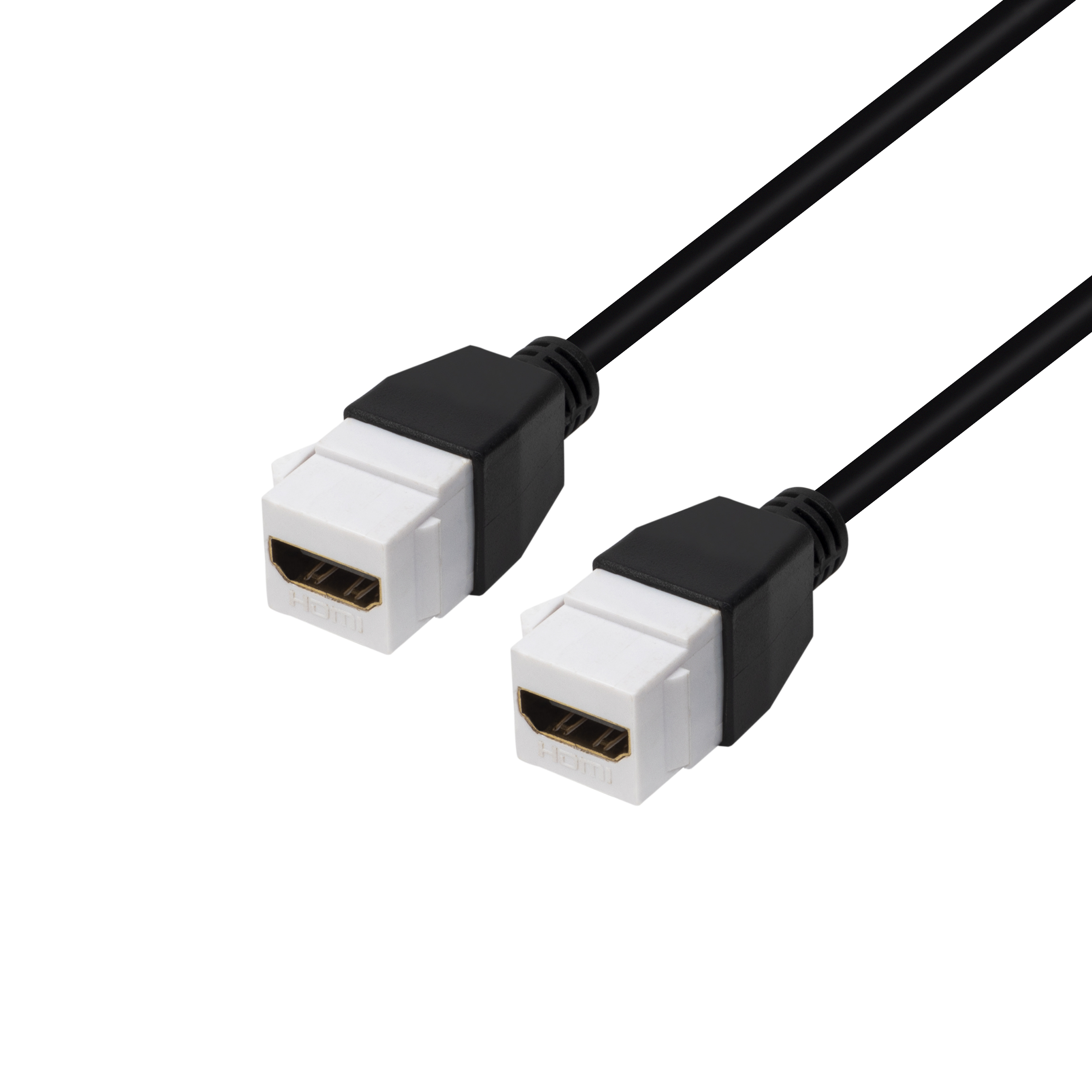
For compact builds where a full panel format is not required, a short inline part such as the Double side 20G USB C extension adapter may be considered. Panel builders often start from the 100W 20Gbps cable for tight enclosures when clearance is tight. The purchasing team should still confirm whether the adapter orientation, outer dimensions, and insertion direction fit the final assembly.
Checklist for repeated plug-in use
- Confirm where the operator will plug and unplug the cable during normal use.
- Check whether the user-facing port should be fixed to a panel, wall plate, desk, or removable cable end. Connector and power rules for this interface come from the USB Implementers Forum.
- List the expected data speed and charging requirement instead of relying on USB-C shape alone. Eilinks’ build file answers that.
- Confirm whether a straight or right-angle path reduces cable strain in the available space.
- Make sure the selected part can be inspected or replaced according to the equipment service plan.
- Keep SKU notes separate for USB 2.0, 5Gbps, 10Gbps, and 20Gbps interface requirements.
| Application | Typical concern | Part style to evaluate |
|---|---|---|
| Equipment enclosure | Host port is hard to reach after assembly | Panel-mount extension cable or compact extension adapter |
| Wall plate or workstation | Clean external access is required | Keystone coupler or wall-plate compatible interface |
| Camera or test bench | Cable movement and repeated setup changes | Short extension cable or right-angle cable path |
| Serviceable device | Port needs replacement access without opening the whole product | Separate front-panel interface or removable extension assembly |
- List the connector genders.
- Name the host and device generation.
- Confirm the power level separately.
- Keep the sample note with the order.
Procurement mistakes to avoid
Moving from concept to quotation
Before requesting pricing, prepare a simple drawing or photo showing the panel location, the inside cable route, the outside cable direction, and the device being connected. Most projects talk to a Chinese USB-C cable supplier once the connector pair is fixed. Include the target speed, power need, and expected use environment. Buyers can compare more USB-C cable, adapter, and keystone options in the product catalog and then narrow the RFQ to the parts that match the installation.
| Item | Procurement mistakes to avoid |
|---|---|
| 1 | Do not mount the external cable where users must bend it sharply to close a cover or door. |
| 2 | Do not choose a panel part before confirming the panel opening, thickness, and rear clearance. |
| 3 | Do not mix panel-coupler and cable-extension requirements in the same quotation line without drawings or notes. |
| 4 | Do not assume a higher-speed title automatically solves a mechanical access problem. |
- State the mating pair on the drawing.
- Confirm the exit direction of the plug.
- Quote the data rate at the ordered length.
- Ask for the jacket and overmould in writing.
Eilinks in China answers panel port questions from the same inspection sheet that ships with the cable. Incoming-inspection notes on connector gender checks lists what can be quoted as a moulded assembly at this length. Buyers comparing this point usually review the usb-c connector durability guide before the drawing is signed off.
