




90-Degree USB-C Keystone Jacks: Where the Angled Exit
Most USB-C keystone jacks installed in wall plates point straight out from the mounting hole. The comparison behind this section is kept current in the USB-C cable type guide for industrial deployments. That is fine when there is open space in front of the plate. In many real installations there is not: the plate sits beside furniture, inside a shallow enclosure, or the cable has to drop straight down along the wall. In those cases a keystone jack with a 90-degree exit is the version that actually fits. For USB-C keystone orders, Eilinks Eletronics in China works from the drawing.
Where the angled exit earns its place
A right-angle keystone jack moves the cable exit so it runs parallel to the mounting surface instead of projecting outward. That helps in four common situations:
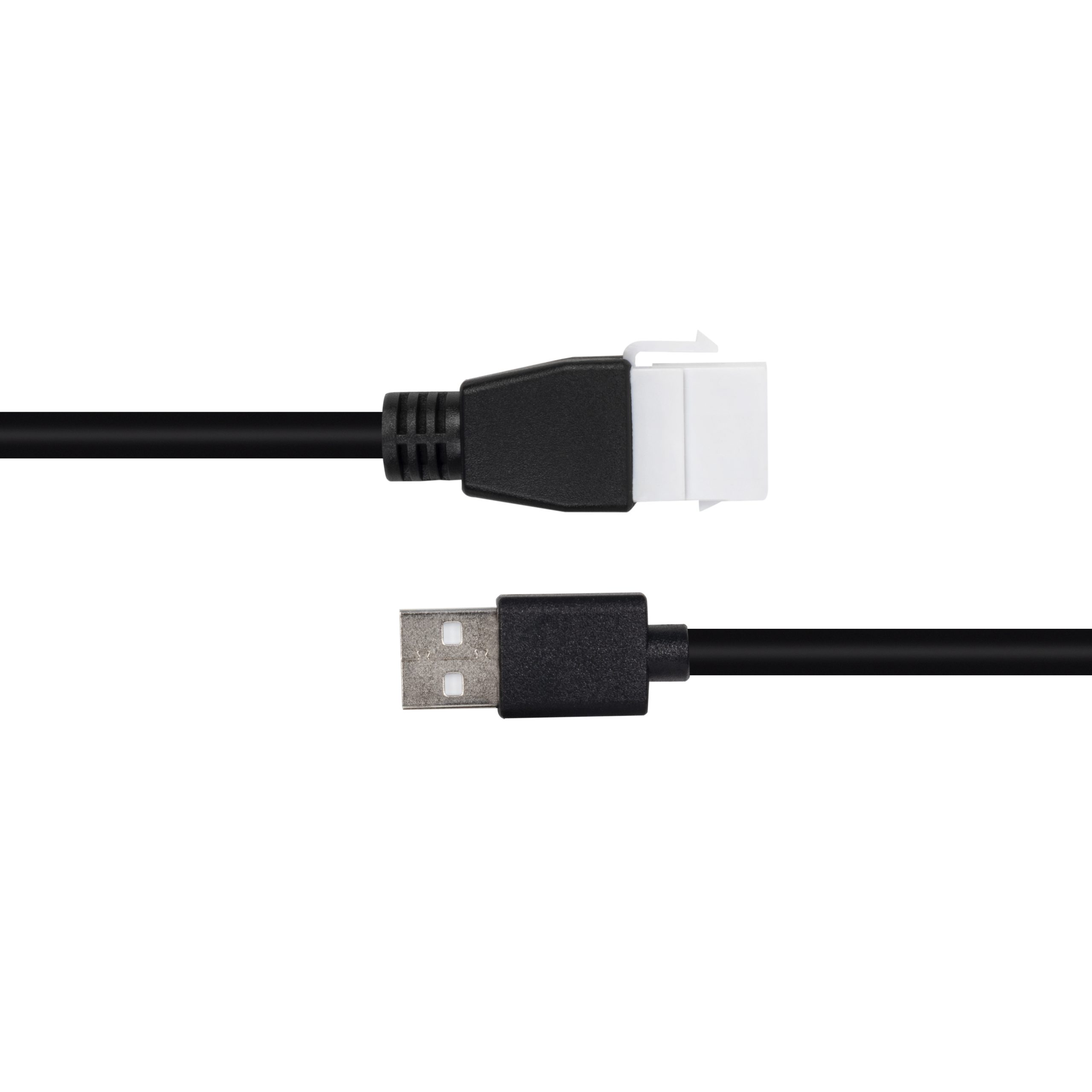
- Shallow depth behind the panel. A straight jack needs room for the plug and cable loop behind the plate. Equipment builders tend to check the 240W USB4 40Gbps coupler before fixing a connector pair. An angled exit lets the cable lie close to the panel, which suits shallow enclosures and junction boxes. Equipment builders tend to check the usb-c heat dissipation notes before fixing this part of the spec.
- Furniture and millwork. Desk grommets, cabinet sides, and charging stations often leave no clearance for a connector standing straight out.
- Wall plates in traffic paths. Where a protruding plug would be bumped or snagged, an exit that hugs the wall reduces strain on both the jack and the cable.
- Cable dressing. If the incoming cable naturally approaches from the side or from below, a 90-degree jack keeps the bend gentle instead of forcing a tight U-turn at the connector. Dongguan Eilinks ships from China, and documents USB-C keystone details on the order record. Buyers usually work from the 240W USB4 40Gbps coupler built in Dongguan before a drawing is signed off.
Straight versus 90-degree keystone jack
Check the angle against the whole assembly
Before choosing, look at where the jack will sit and which way the cable needs to go.
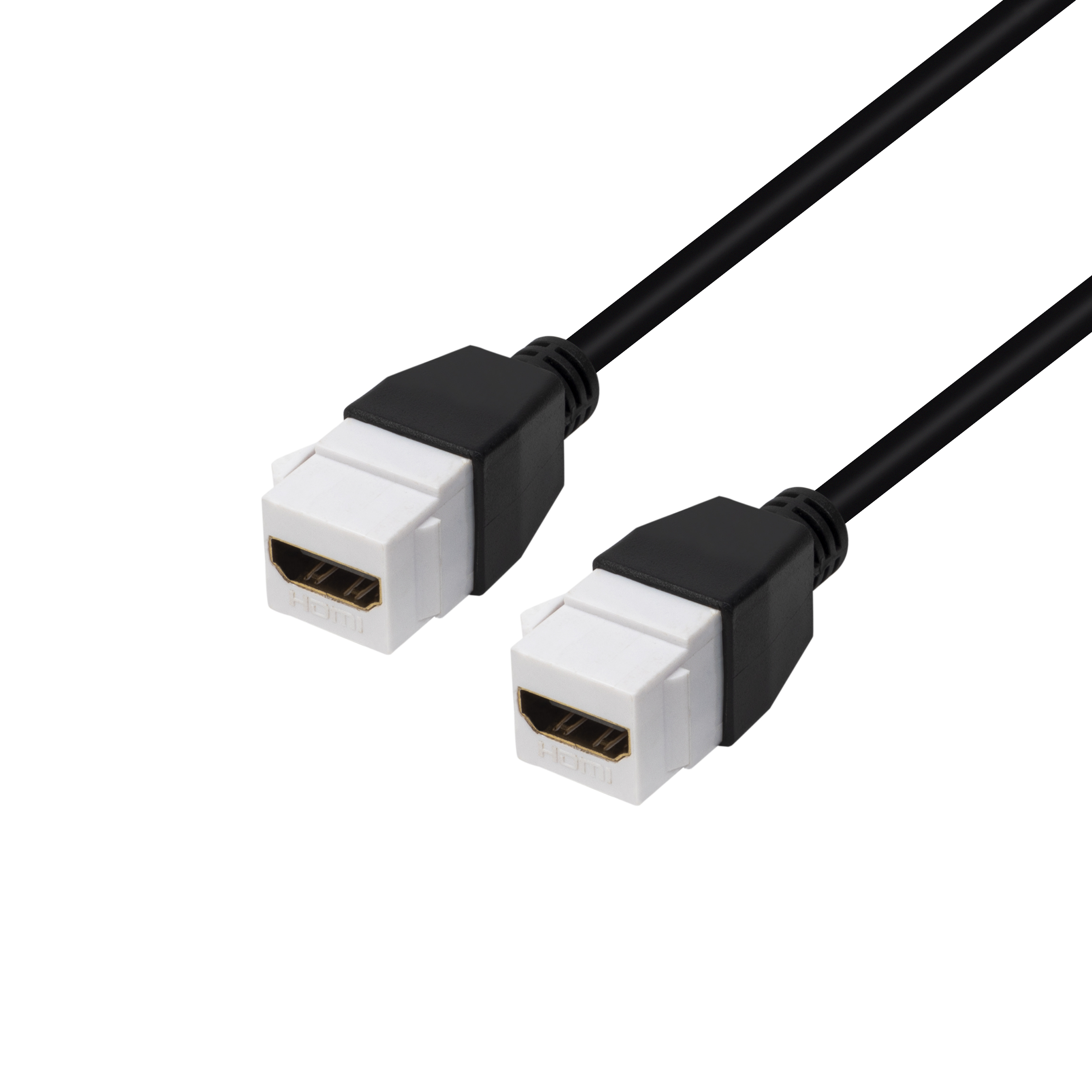
A right-angle exit is only helpful if its direction matches the cable run; if the cable has to exit the opposite side, a straight jack plus a gentle service loop can be the better choice. When multiple jacks share one plate or enclosure, also confirm the exit direction does not crowd the neighboring ports. For a project where the connection needs to route flat against a wall plate, a 10 Gbps 90-degree right-angle USB-C keystone jack shows how the angled form is packaged for a standard keystone opening. Teams needing a second source send the drawing to our engineers early rather than at the sample stage. The detail behind this step is kept current in the usb-c factory automation cable notes.
Match speed and power to the installed location
The mechanical angle is independent of the electrical rating, so decide both together. The underlying standard behind this interface is maintained by the USB Implementers Forum. A wall plate at a workstation that will serve laptops and docks may justify a keystone part rated for higher data throughput, while a simple charging outlet can use a lower-speed coupler. Eilinks’ build file answers that. Keystone parts that combine a USB-C receptacle with power delivery support, such as a double-sided 20G keystone jack with 240 W capability, let one wall opening carry both data and charging.
| Consideration | Straight (0-degree) | 90-degree exit |
|---|---|---|
| Clearance in front of the plate | Needs room for plug and cable loop | Minimal front projection |
| Depth behind the panel | More forgiving for deep enclosures | Better for shallow boxes |
| Cable exit direction | Perpendicular to the plate | Parallel to the plate |
| Snag and bump risk | Higher in traffic areas | Lower when the cable is dressed flat |
| Typical fit | Open walls, racks, bench panels | Furniture, tight millwork, low-clearance spots |
- State the mating pair on the drawing.
- Confirm the exit direction of the plug.
- Quote the data rate at the ordered length.
- Ask for the jacket and overmould in writing.
If the location is low-speed only, a USB 2.0 keystone coupler may cover the need at a lower cost. Most projects reach this decision through the factory note on connector gender checks.
Installation mistakes to avoid
Plan the plate as a system
The best keystone choice balances exit direction, available depth, and the electrical tier of the devices it will serve. When you know the plate location and the cable route, compare the mechanical and speed options in the USB-C product catalog.
| Item | Installation mistakes to avoid |
|---|---|
| 1 | Buying a 90-degree jack without checking which way the cable will exit once installed. |
| 2 | Ignoring the depth behind the plate, then discovering the connector cannot seat with the enclosure lid on. |
| 3 | Choosing the angle for appearance while overlooking the data and power tier the location actually needs. |
| 4 | Packing angled jacks too close together so plugs and exit directions interfere. |
| 5 | Forgetting that the cable side and the device side may have different clearance needs on either side of the panel. |
- Write both ends as a pair.
- Name the enclosure the plug must clear.
- Confirm the length at the target rate.
- Approve the sample against the drawing.
If you are not sure whether a straight or angled exit fits your enclosure, describe the installation on the contact page and ask which form factor the team would recommend for that opening. The factory note on keystone jack depth covers the options that sit either side of this part. Eilinks in China answers USB-C keystone questions from the same inspection sheet that ships with the cable.
