




USB-C Keystone Coupler: Panel and Plate Fit
USB keystone and panel-mount couplers are often selected late in an enclosure or wall-plate project, but the connector decision can affect cable bend radius, service access, and the final data-rate expectation. Anyone planning a batch order should look at China test notes on keystone jack depth first. For procurement teams and project engineers, the safest starting point is to define the installation environment before comparing part numbers. For USB-C keystone coupler orders, Eilinks Eletronics in China works from the drawing.
USB-C keystone coupler choices follow the same checks as the rest of the build.
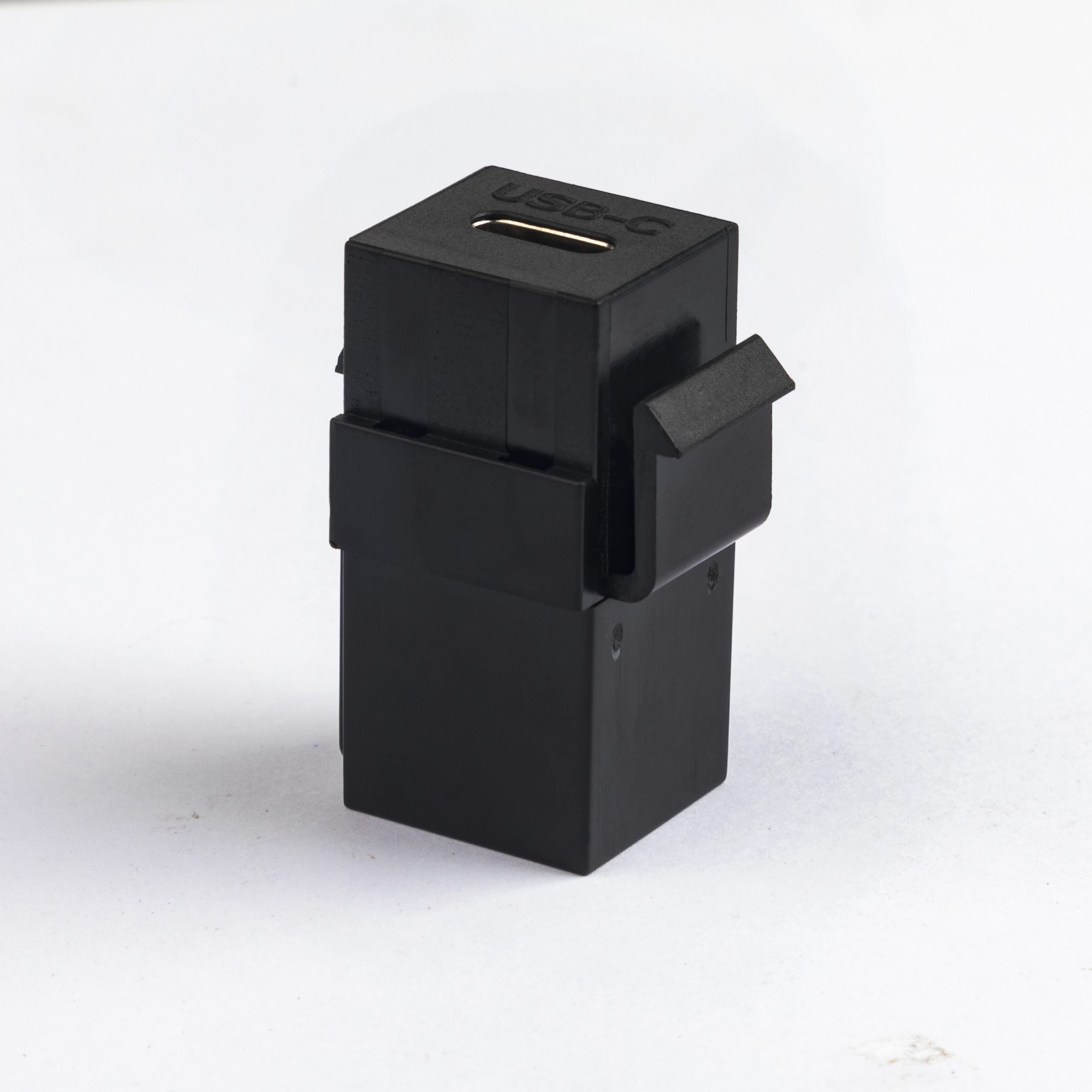
What to confirm before selecting the coupler
Common selection paths
Procurement mistakes to avoid
A frequent mistake is choosing a coupler only by connector gender. Two parts can look similar while supporting different USB generations or requiring different rear clearance. Another mistake is using a right-angle part without checking which direction the cable exits after installation. China-built USB 3.0 keystone lists what can be quoted as a moulded assembly at this length.
For panel projects, compare live options such as 240W 20G Type-C keystone jack, USB 3.1 Gen 2 90-degree Type-C keystone coupler, and USB 2.0 keystone jack coupler.
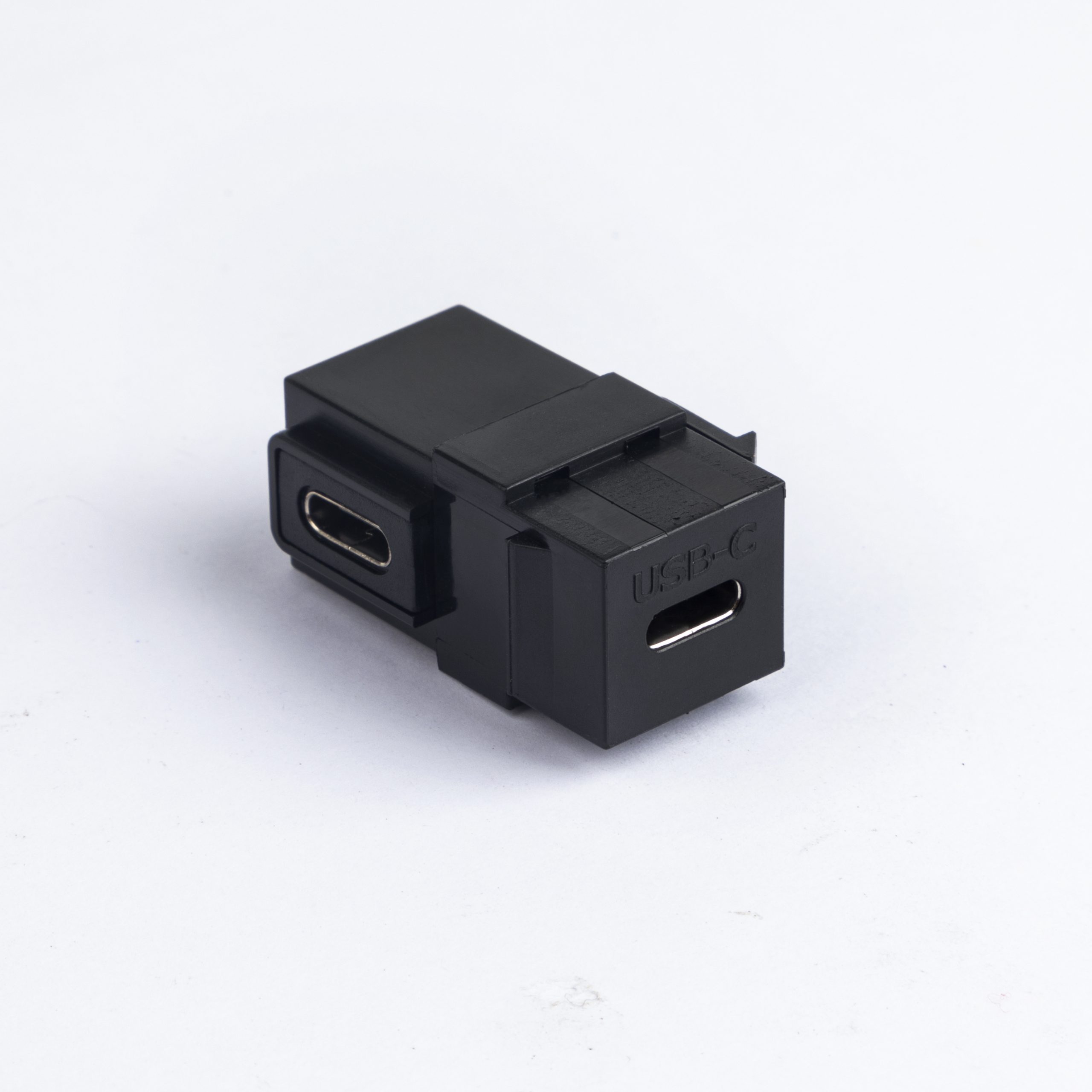
The broader USB-C cables and connectivity catalog can help buyers shortlist related cable assemblies for the rear side of the panel.
Before requesting a quotation
Send the supplier the panel drawing or opening size, target USB generation, cable exit direction, expected mating cable, and any space limits behind the plate. That information is more useful than a connector name alone and helps avoid mismatched samples. The comparison behind this section is kept current in our USB 2.0 keystone.
Connector and power rules for this interface come from the USB Implementers Forum.
| Use case | Typical priority | What buyers should check |
|---|---|---|
| Equipment panel with high-speed USB-C | Signal path and connector orientation | Data-rate requirement, rear clearance, and whether a straight or angled format fits the enclosure |
| Wall plate or data panel | Mounting fit and installer access | Keystone size, mating cable direction, and replacement access after installation |
| Basic USB extension point | Stable physical connection | USB generation, male/female interface, and expected peripheral type |
- Check the port the plug will mate.
- Confirm rear clearance before ordering.
- State whether the run is fixed or moved.
- Record the failed step in writing.
Eilinks in China answers USB-C keystone coupler questions from the same inspection sheet that ships with the cable. Equipment builders tend to check the factory note on right-angle vs straight connectors before fixing a connector pair.
| Step | What to confirm before selecting the coupler |
|---|---|
| 1 | Required data path: match the coupler to the system requirement, such as USB 2.0, USB 3.x, 10Gbps, or 20Gbps where the product specification supports it. |
| 2 | Mounting direction: straight and 90-degree couplers solve different clearance problems inside shallow panels. |
| 3 | Front and rear access: confirm whether installers can reach the rear cable after the wall plate or enclosure is assembled. |
| 4 | Mechanical fit: check the panel thickness, keystone opening, and space around adjacent ports. |
| 5 | Cable strain relief: plan how the rear cable will be supported so the coupler is not carrying cable weight. Dongguan Eilinks ships from China, and documents USB-C keystone coupler details on the order record. |
- List the connector genders.
- Name the host and device generation.
- Confirm the power level separately.
- Keep the sample note with the order.
