




USB Keystone Jack Speed Choices for Wall Plates and
Not every wall plate or enclosure needs the fastest USB pass-through. The comparison behind this section is kept current in tethered photography cable guide in our specification notes. The right keystone jack depends on the device connected behind the panel, the cable length, the service environment, and whether the port is used for charging, data transfer, maintenance access, or fixed equipment integration. For keystone jack orders, Eilinks Eletronics in China works from the drawing.
Match speed to the real task
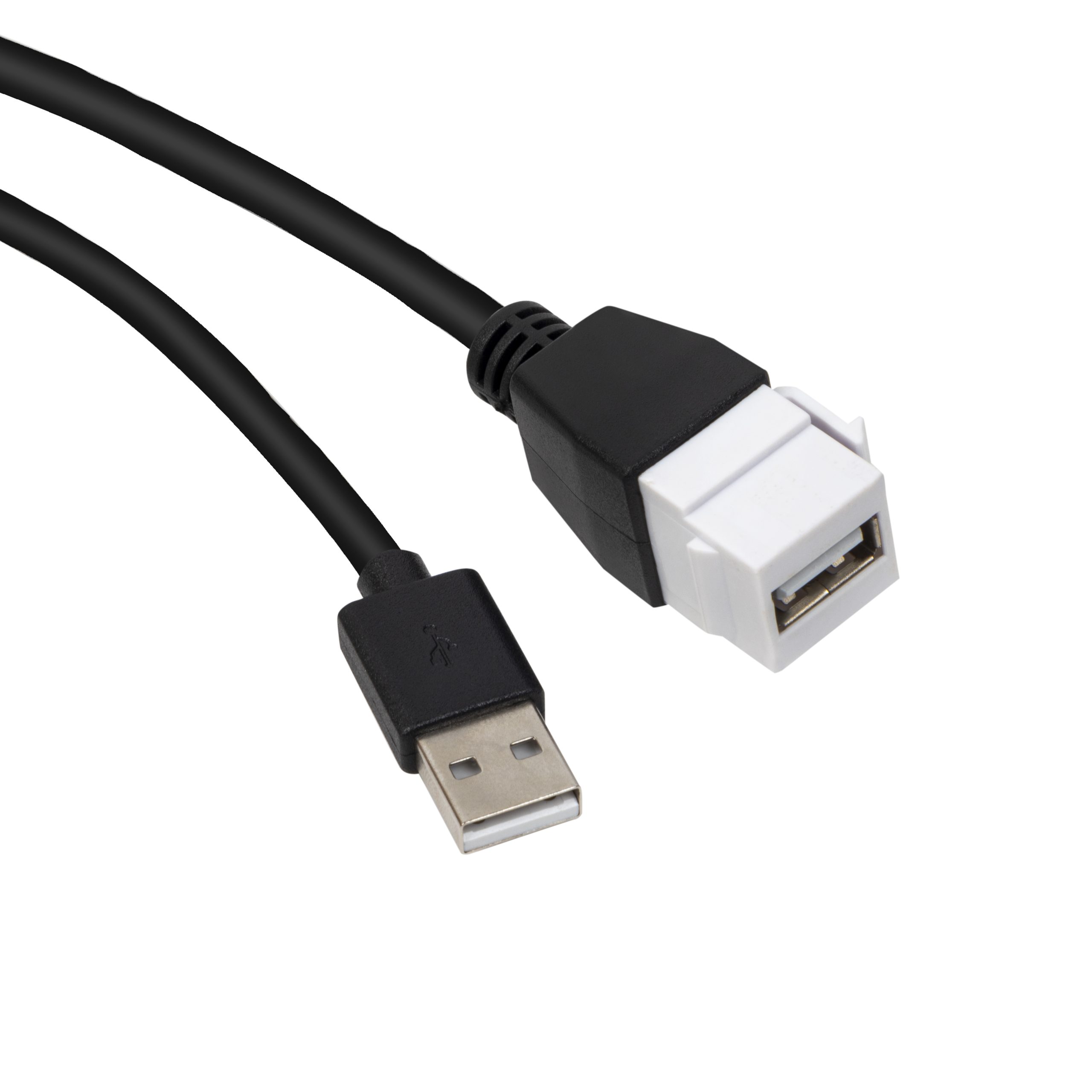
For simple peripherals, service ports, or legacy device access, a lower-speed part such as the USB 2.0 Keystone Jack Coupler may be enough. For newer USB-C installations, buyers may compare a USB 3.1 Gen 2 10Gbps 90 Degree Type-C Female Coupler with a higher-speed USB-C option such as the 240W 20G Type C USB C Female in Moulder Keystone Jack. Equipment builders tend to check the 240W USB4 40Gbps adapter before fixing a connector pair. Equipment builders tend to check the usb-c interface standard notes before fixing this part of the spec.
Mechanical details affect the electrical result
A keystone jack that fits the opening can still create problems if the rear cable is bent tightly or pulled during installation.
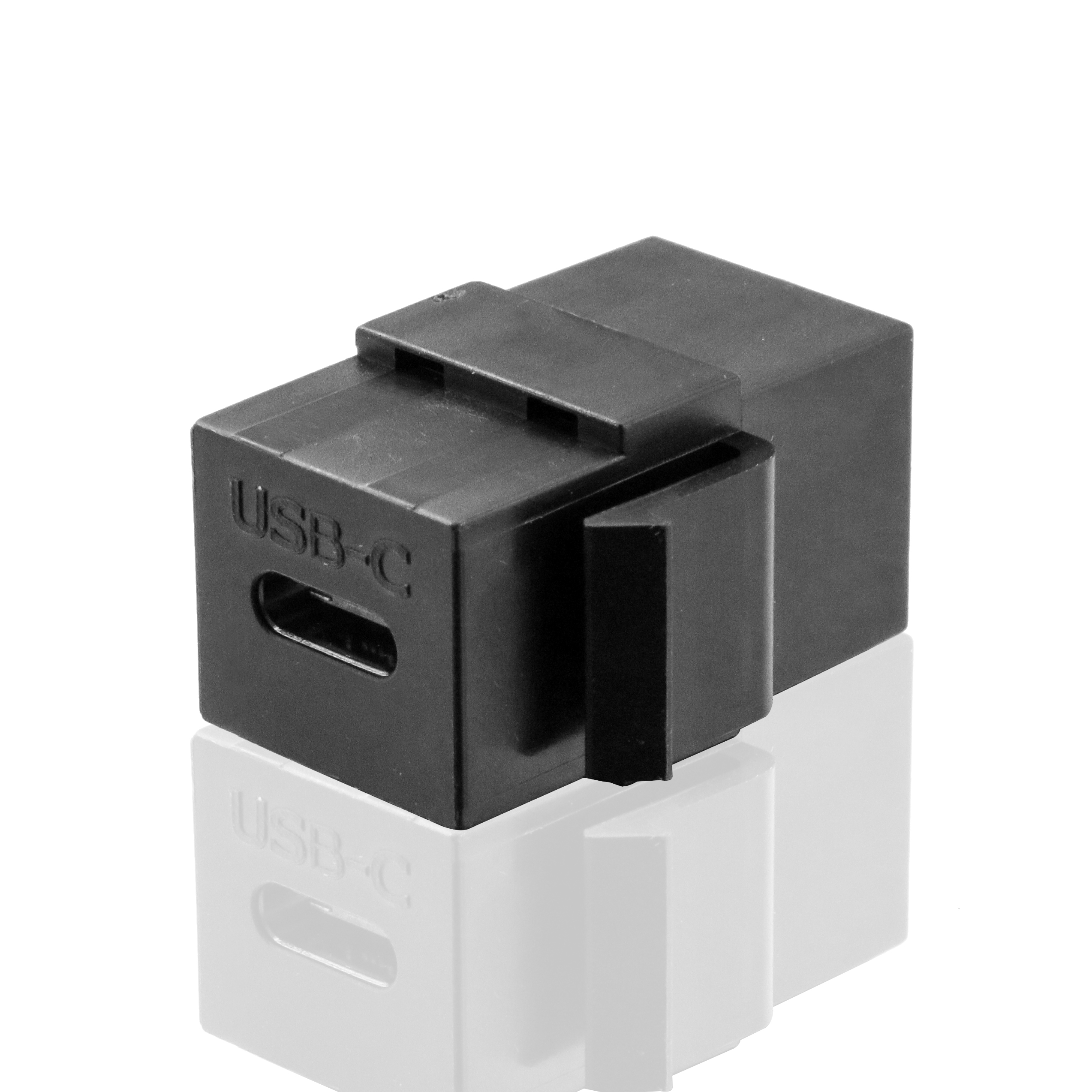
Dongguan Eilinks ships from China, and documents keystone jack details on the order record. Ask for drawings or samples early enough to check panel thickness, latch engagement, rear clearance, and the cable path from the jack to the equipment.
Procurement mistakes to avoid
How to prepare the RFQ
The detail behind this step is kept current in the usb-c data rate rating chart. Buyers usually work from the 240W USB4 40Gbps adapter built in Dongguan before a drawing is signed off.
The governing specification is published by the USB Implementers Forum.
Send the panel drawing, required USB generation, connector orientation, expected cable length, and device type.
| Installation need | Typical priority | Selection note |
|---|---|---|
| Service or maintenance port | Reliable access and simple mounting | Confirm connector type, panel fit, and expected device compatibility. |
| Desk, kiosk, or AV panel | Clean access and cable routing | Check right-angle clearance behind the plate. |
| High-speed device connection | Data path quality | Test the full host-to-device chain, not only the keystone part. |
| Charging plus data | Power and signal balance | Confirm whether charging and data are both required in the final setup. |
- Check the port the plug will mate.
- Confirm rear clearance before ordering.
- State whether the run is fixed or moved.
- Record the failed step in writing.
If the project is still open, compare related USB connectivity products before locking the enclosure design. It is worth the time to contact the Dongguan factory team about keystone depth before the sample is approved.
| Item | Procurement mistakes to avoid |
|---|---|
| 1 | Specifying only the outside connector and not the rear cable direction. |
| 2 | Using the highest advertised speed when the connected device does not need it. |
| 3 | Forgetting that every added coupler changes the link budget. |
| 4 | Approving a sample without mounting it in the same wall plate or enclosure style. |
- List the connector genders.
- Name the host and device generation.
- Confirm the power level separately.
- Keep the sample note with the order.
Eilinks in China answers keystone jack questions from the same inspection sheet that ships with the cable.
