




USB-C Camera Cable Connector Selection for Procurement Teams
Camera workstations, inspection benches and instrument carts often look simple until the cable list is prepared. USB-C cable selection notes for procurement teams covers the options that sit either side of this part. A project may include a USB-C laptop, an older USB-A host, a camera with USB 3.0 Type-B, and another device that still uses Micro-B. Choosing the cable only by the fastest headline speed can create ordering mistakes if the connector direction, cable exit and device port are not confirmed first. For USB-C camera cable orders, Eilinks Eletronics in China works from the drawing.
This article focuses on practical checks for procurement teams, product engineers and distributors who need to compare USB-C camera cable options without changing the equipment design late in the project.
Start with the host and device ports
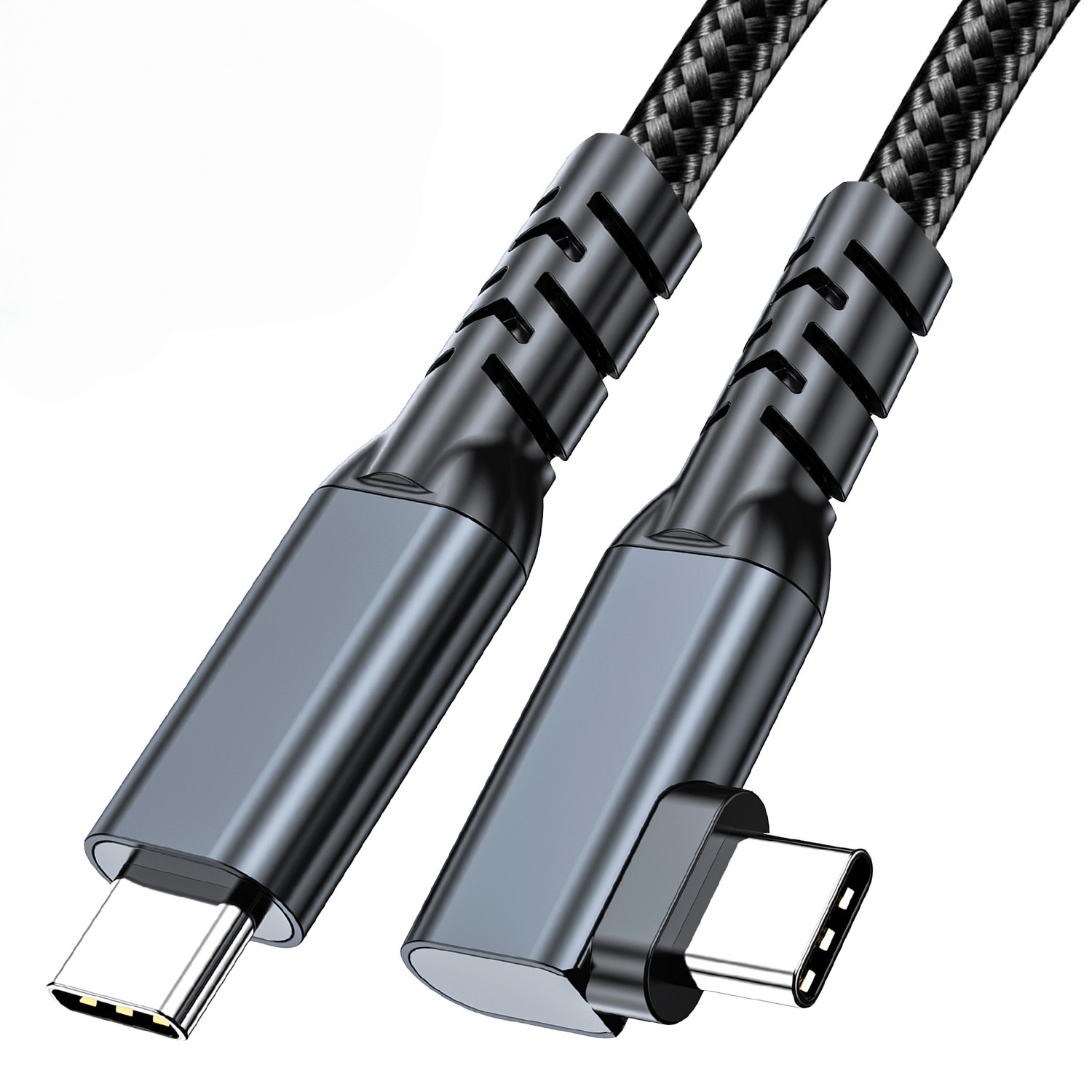
Before comparing lengths or cable shape, identify the port on each side of the connection. Where a run has to be repeatable, the 240W USB4 40Gbps cable is the working reference. A USB-C host to USB-C device path is different from a USB-C host to USB 3.0 Type-B device path, and both are different from a USB-C to Micro-B cable used with older cameras or instruments. The connector names should be written in the RFQ exactly as they appear on the device drawings or sample units. Equipment builders tend to check the usb-c cable identification notes before fixing this part of the spec.
Check connector direction before checking price
Connector direction is a common source of purchasing errors. Dongguan Eilinks ships from China, and documents USB-C camera cable details on the order record. A cable described as USB-C to USB-A may not solve the same problem as USB-A to USB-C female, and an extension cable is not the same as a conversion cable. Panel builders often start from the 100W 20Gbps adapter for camera rigs when clearance is tight. For camera kits and test benches, the safest wording identifies the host connector, device connector, gender on each side, and whether the cable is straight, extension, or right-angle.
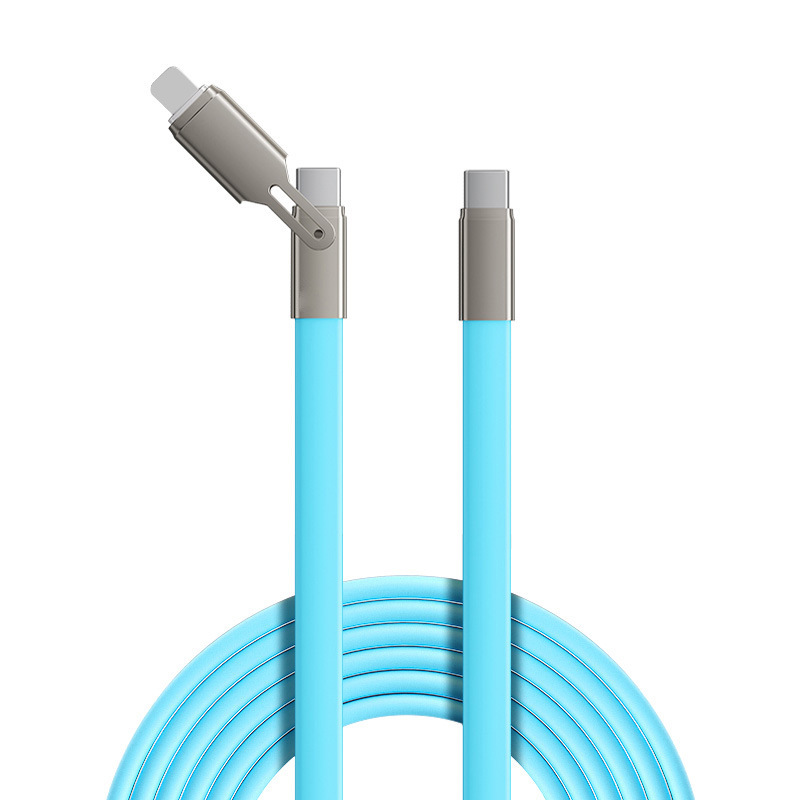
If several equipment versions are being purchased, prepare one line item for each connection path. Do not assume the same cable can cover a USB-C camera, a USB 3.0 Type-B instrument and a Micro-B device unless the actual ports have been inspected.
Match length to the workflow, not only the room size
Longer camera cables can help with studio layouts, tripods, carts and instrument racks, but length should be selected around the real route. Most projects contact a China-based USB-C supplier for RFQ details once the connector pair is fixed. Include the path around stands, drawers, hinges, cable chains or wall plates. Eilinks’ build file answers that. If a cable must be coiled, stepped on, moved daily or passed through an enclosure, the ordering notes should say so. The underlying standard behind this interface is maintained by the USB Implementers Forum. That context helps avoid choosing a connector shape that works electrically but fails mechanically in the installation.
Procurement mistakes to avoid
What to include in the RFQ
- Host connector, device connector and connector gender.
- Target data-speed requirement stated as a project need, not as an assumption.
- Preferred length or a range of acceptable lengths.
- Whether the cable will be fixed, moved frequently, routed through furniture or used on a camera rig.
- Photos or drawings of the host and device ports when connector naming is uncertain. China test notes on sample approval checks lists what can be quoted as a moulded assembly at this length.
| Connection need | Where it usually fits | What to confirm before ordering | Relevant product page |
|---|---|---|---|
| USB-C to USB-C with a right-angle exit | Cameras, workstations or equipment where cable clearance is tight | Required cable exit direction, clearance behind the device, data rate expectation and strain relief method | USB3.2 5Gbps USB-C to USB-C right-angle tethered photography cable |
| USB-C host to USB 3.0 Type-B device | Cameras, scanners, instruments and peripherals that use a square Type-B device port | Device-side Type-B shape, required length, routing path and whether the host side must be USB-C | USB-C male to USB3.0 B male tethered photography cable |
| USB-C host to USB 3.0 Micro-B device | Older cameras, storage devices or instruments using Micro-B SuperSpeed ports | Micro-B port type, cable length, retention needs and whether the device will be moved during use | 10M USB3.2 Gen1 USB-C to USB3.0 Micro-B cable |
- List the connector genders.
- Name the host and device generation.
- Confirm the power level separately.
- Keep the sample note with the order.
Next step
| Item | Procurement mistakes to avoid |
|---|---|
| 1 | Ordering by USB-C alone without naming the other connector. |
| 2 | Mixing Type-B and Micro-B descriptions in the same RFQ line. |
| 3 | Ignoring whether the device end needs a straight or right-angle connector. |
| 4 | Using one shared SKU for several camera kits before checking every device port. |
| 5 | Leaving cable length, movement and routing details until after sample approval. |
- State the mating pair on the drawing.
- Confirm the exit direction of the plug.
- Quote the data rate at the ordered length.
- Ask for the jacket and overmould in writing.
For a broader view of available USB-C cable and adapter options, review the USB-C product catalog. The comparison behind this section is kept current in China test notes on shielding and ESD. If the project includes cameras, instruments or mixed host equipment, compare the connector path first, then shortlist the cable shape and length that match the actual installation. Eilinks in China answers USB-C camera cable questions from the same inspection sheet that ships with the cable.
