




Panel-Mount USB-C and USB Keystone Jacks: Selection Notes
Panel-mounted USB connections look simple from the outside, but small choices in connector orientation, shell format and speed rating can affect installation space, service access and signal reliability. Anyone planning a batch order should look at USB-C cable types from a China factory first. Before ordering USB keystone jacks or panel-mount couplers, procurement teams should define how the port will sit in the enclosure and what the connected equipment actually needs. For USB keystone orders, Eilinks Eletronics in China works from the drawing.
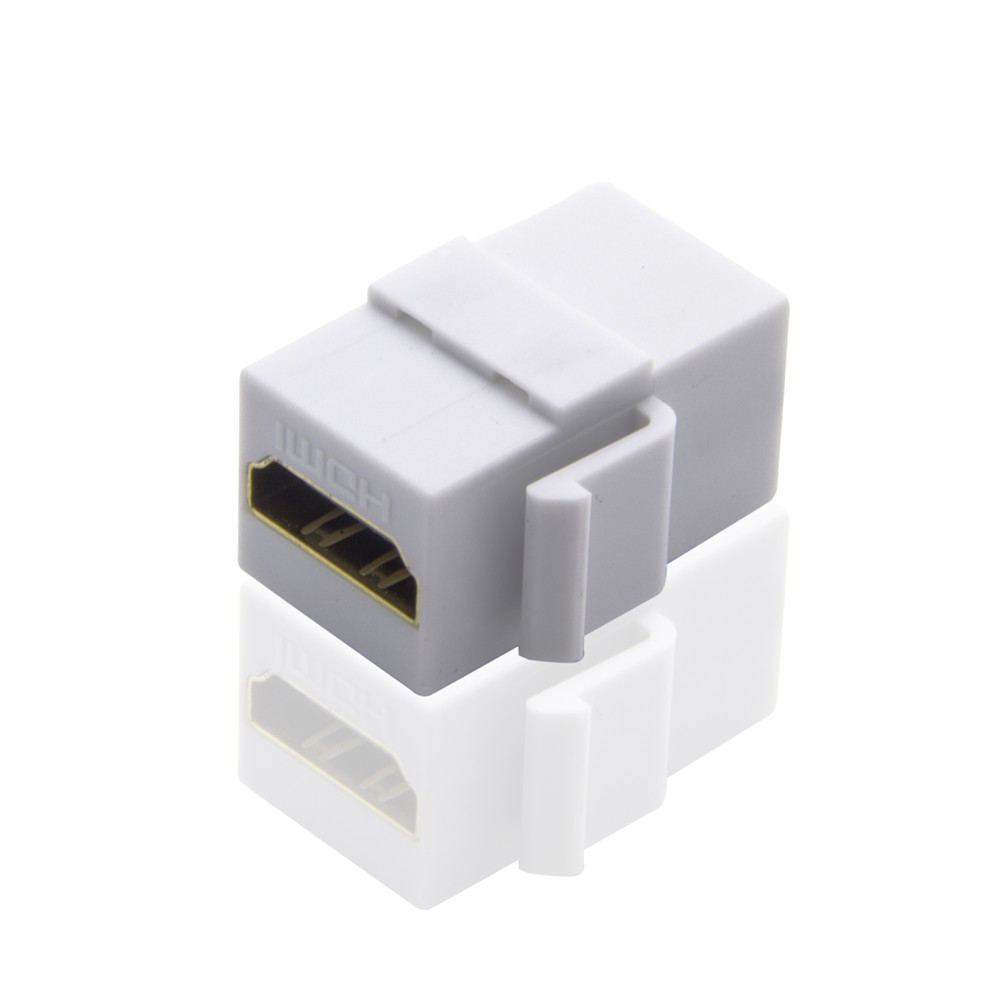
Start with the panel opening and cable path
The first question is mechanical. A wall plate, cabinet face, rack panel or machine enclosure may leave very different space behind the port. A straight female-to-female coupler can be clean when there is room behind the panel, while a right-angle format can help when the internal cable must turn quickly.
For USB-C wall-plate or panel applications, review options such as the 240W 20G Type-C USB-C female keystone jack and the USB 3.1 Gen 2 10Gbps 90 degree Type-C female coupler. For legacy USB-A paths, the USB 2.0 keystone jack coupler gives a different connector and speed class.
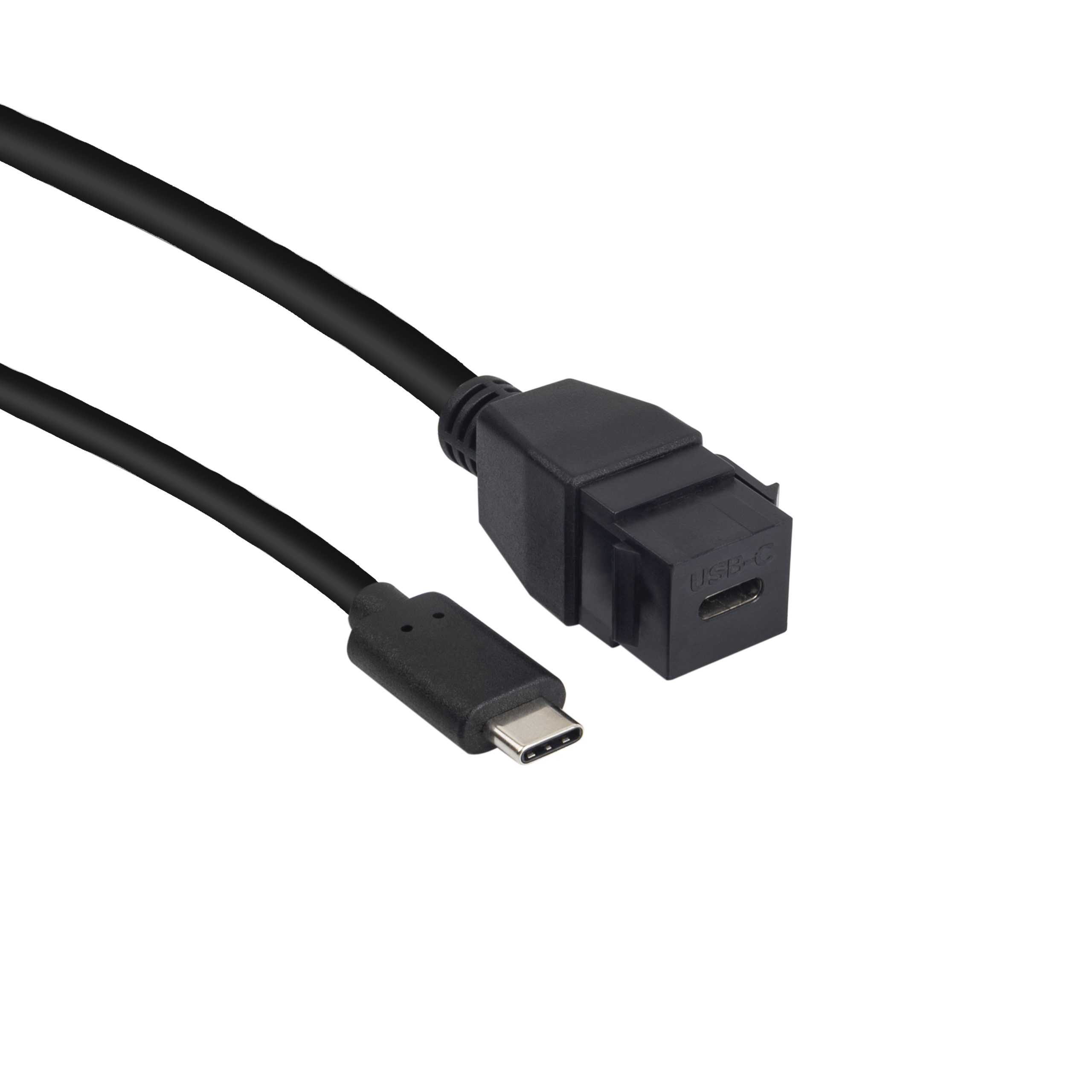
Dongguan Eilinks ships from China, and documents USB keystone details on the order record. The 240W PD3.1 keystone jack for camera rigs lists what can be quoted as a moulded assembly at this length.
Anyone planning a batch order should look at the usb-c industrial automation guide first.
Match the port rating to the device requirement
Procurement mistakes to avoid
Before requesting a quotation
Buyers comparing this point usually review the usb-c vehicle charging cable spec before the drawing is signed off.
Send the panel drawing, connector direction, target speed, charging requirement, expected cable length behind the panel and any color or branding needs. The governing specification is published by the USB Implementers Forum.
| Decision point | What to confirm | Why it matters |
|---|---|---|
| Connector type | USB-C female-to-female, USB-A male-to-female, or another interface | The external user port and internal cable must match the equipment path. |
| Data speed | USB 2.0, 10Gbps, 20Gbps or another required class | Over-specifying can add cost; under-specifying can limit devices. |
| Power need | Whether charging or power delivery is part of the use case | Power expectations should be checked alongside data and video needs. |
| Rear clearance | Straight exit, right-angle exit and bend space | Tight bends can make assembly harder and add strain at the port. |
- State the mating pair on the drawing.
- Confirm the exit direction of the plug.
- Quote the data rate at the ordered length.
- Ask for the jacket and overmould in writing.
If the application is still open, compare the available USB-C cable and adapter product range before locking the drawing. The comparison behind this section is kept current in the 240W PD3.1 keystone jack for panel builds.
| Item | Procurement mistakes to avoid |
|---|---|
| 1 | Choosing a high-speed part without confirming that the rest of the cable path supports the same speed. |
| 2 | Ignoring the rear depth of the enclosure until the first sample is installed. |
| 3 | Mixing USB-C and USB-A drawings without marking the user-facing side clearly. |
| 4 | Assuming a wall-plate coupler and an in-molded keystone jack fit the same cutout or bracket. |
- Write both ends as a pair.
- Name the enclosure the plug must clear.
- Confirm the length at the target rate.
- Approve the sample against the drawing.
Eilinks in China answers USB keystone questions from the same inspection sheet that ships with the cable. Teams needing a second source talk to a Chinese USB-C cable supplier early rather than at the sample stage.
