




USB-C Extension Adapter: Picking the Right Data Rate for
When a procurement team specifies USB-C cables or adapters, the data-rate line on the quote often reads 5Gbps or 20Gbps. The wider range behind this part is set out in USB-C cable spec notes from a China factory. Both are valid USB ratings, but they are not interchangeable. The right choice depends on what actually moves across the link: a tethered camera sending RAW files, a bench instrument streaming logs, or a peripheral that only needs power and a slow control channel. For USB-C extension adapter orders, Eilinks Eletronics in China works from the drawing.
This note compares the two ratings in practical terms and points to the product families where each one fits.
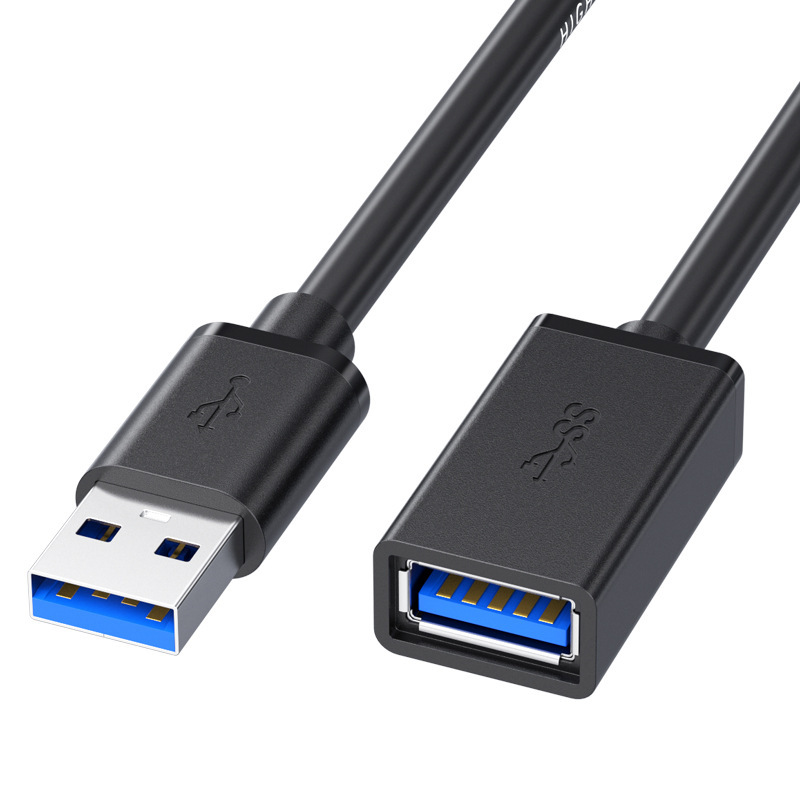
Anyone planning a batch order should look at the usb-c editing suite cable spec first.
What the two ratings mean for a buyer
5Gbps corresponds to USB 3.2 Gen 1 (formerly USB 3.0/3.1). Most projects reach this decision through the 100W 20Gbps extension adapter. 20Gbps corresponds to USB 3.2 Gen 2×2, which uses two lanes of 10Gbps. In day-to-day terms, 5Gbps moves roughly 400 to 600 MB/s of real payload, while 20Gbps moves roughly 1.6 to 2.0 GB/s after protocol overhead. The rating is a ceiling set by the cable, the connector, the host controller, and the device together; the link runs at the speed of its slowest component. Buyers comparing this point usually review the usb-c 8k video cable guide before the drawing is signed off.
Side-by-side: 5Gbps vs 20Gbps
When 5Gbps is enough
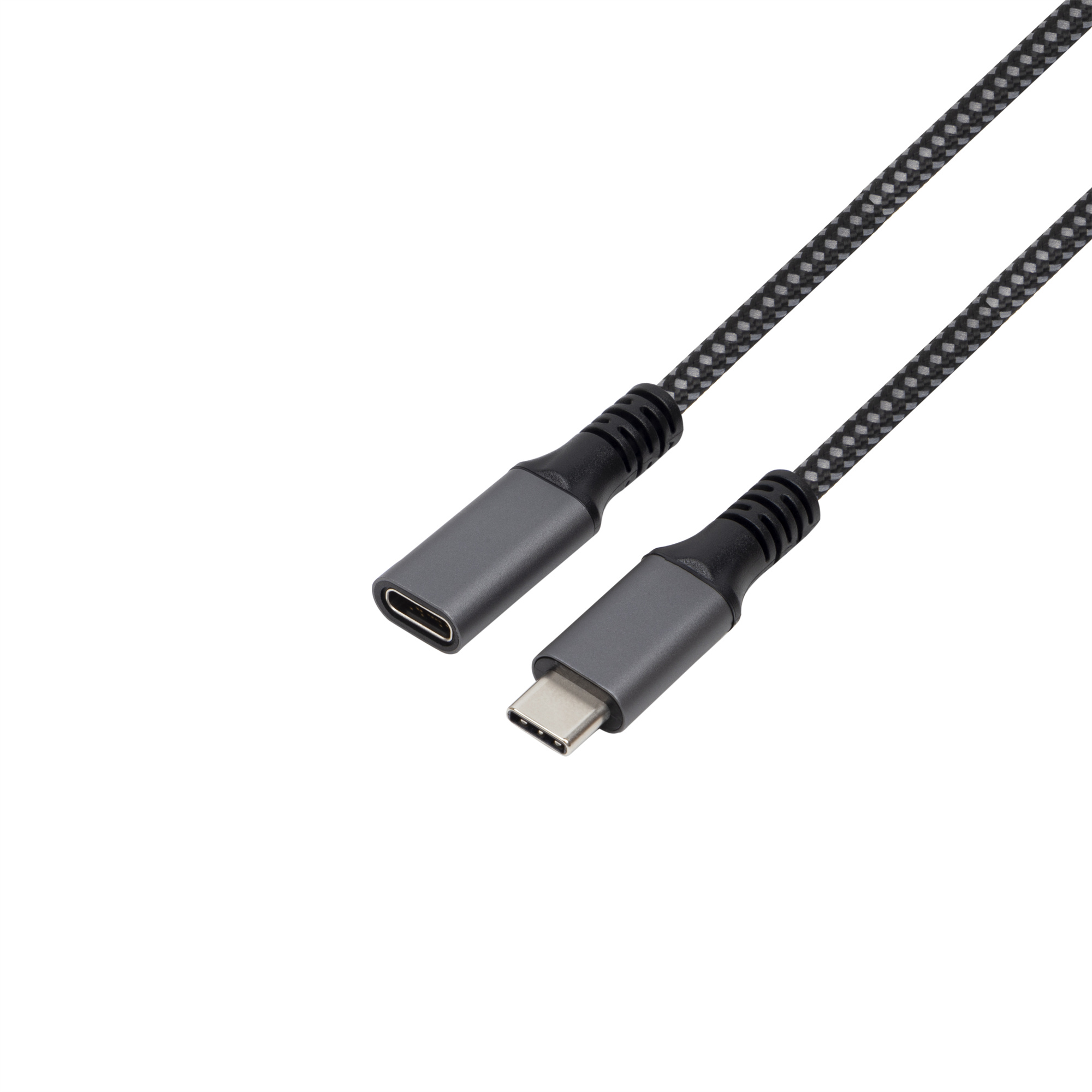
- Tethered camera capture where the body’s USB throughput is itself 5Gbps class.
- Bench instruments and scanners that stream modest log or measurement data.
- Charging plus a slow control or configuration channel.
- Mixed workstations where most links are peripherals, not bulk storage. Dongguan Eilinks Eletronics ships from China, and documents USB-C extension adapter details on the order record. The 100W 20Gbps extension adapter for tight enclosures covers the options that sit either side of this part.
For these cases a 5Gbps USB-A to USB-C photography cable or a similar 5Gbps tethered cable does the job without paying for bandwidth the host cannot use.
When 20Gbps pays off
A double-side 20Gbps USB-C extension adapter keeps a 20Gbps link intact across a join, and a bi-directional 20Gbps USB-C switch hub lets one high-rate host serve several devices without re-plugging. The underlying standard behind this interface is maintained by the USB Implementers Forum.
Procurement mistakes to avoid
- Quoting a 20Gbps cable but pairing it with a 5Gbps host: the link still runs at 5Gbps.
- Assuming the printed rating holds at any length; passive high-rate runs shorten with speed.
- Overlooking connector orientation in tight builds, which can force a weaker adapter.
- Skipping a sample on the actual host and device before a volume order. Most projects talk to a Chinese USB-C cable supplier once the connector pair is fixed.
| Factor | 5Gbps (USB 3.2 Gen 1) | 20Gbps (USB 3.2 Gen 2×2) |
|---|---|---|
| Typical payload | 400 to 600 MB/s | 1.6 to 2.0 GB/s |
| Best fit | Tethered photo capture, instruments, charging, peripherals | Large file transfers, 4K/8K capture, multi-device benches |
| Cable cost | Lower | Higher |
| Host requirement | Common on most PCs | Needs a Gen 2×2 or Thunderbolt-class port |
| Extension reach | Often longer passive runs feasible | Shorter passive runs; plan repeaters/active |
- List the connector genders.
- Name the host and device generation.
- Confirm the power level separately.
- Keep the sample note with the order.
Where to look next
Use the USB-C product catalog to shortlist candidate cables and adapters by rated speed, then confirm the host and device ratings with your supplier. Panel builders often start from incoming-inspection notes on mating-cycle limits when clearance is tight. Eilinks in China answers USB-C extension adapter questions from the same inspection sheet that ships with the cable.
| Item | When 20Gbps pays off |
|---|---|
| 1 | Moving large RAW or video files where capture time directly affects throughput. |
| 2 | Shared benches where one cable feeds a dock or switch serving several devices. |
| 3 | Extension runs that must stay at a high rate across a recessed or panel-mounted link. |
| 4 | Setups already built on 20Gbps-class hosts and storage. |
- State the mating pair on the drawing.
- Confirm the exit direction of the plug.
- Quote the data rate at the ordered length.
- Ask for the jacket and overmould in writing.
For tailored lengths, keystone, or panel-mount builds, reach the team through the contact page with the host port, required rate, and mechanical constraints so the quote matches the real link. Anyone planning a batch order should look at incoming-inspection notes on panel-mount clearance first. Eilinks in China answers USB-C extension adapter questions from the same inspection sheet that ships with the cable.
