




USB-C to Micro-B Cable: Data, Charging and Socket Checks
A USB-C to Micro-B cable is usually bought for equipment that predates USB-C: cameras, label printers, older instruments and bench meters that still use the Micro-B socket. Eilinks supplies these leads as adapters and as moulded assemblies. The cable is simple; the two ends carry very different capability, and that is where most returns come from.
What does a USB-C to Micro-B cable actually carry?
Micro-B is defined as a USB 2.0 connector in its common form, so the host end runs at 480 Mbps regardless of what the USB-C end can do. The USB-C end may be rated for far more, but the link settles at the lower of the two.
A USB-C to USB Micro-B cable that meets the USB 2.0 charge and data specification will still fail on some devices, because the Micro-B socket has a mechanical limit that USB-C does not.
The practical reading is that a USB-C to Micro-B cable is a USB 2.0 lead with one modern connector. Buyers who expect 10Gbps or 240W from it are looking at the wrong part of the catalogue, and the datasheet of the USB-C end will not correct that.
Both ends should be checked against the device rather than against each other. The USB-C end may be the newer connector, but the device socket at the other end is what limits the run.

Micro-B pinout and the limits it sets
Eilinks Eletronics works to this pinout as a fixed mechanical standard. Micro-B carries five contacts in the common version: power, ground, two data lines and an ID pin. The ID pin is what once told a phone to act as a host, and on older cameras it still selects between charging and data depending on how the lead is wired.
That five-contact arrangement is the hard ceiling. There is no SuperSpeed pair and no configuration channel, so a Micro-B link cannot negotiate beyond USB 2.0 whatever the far end supports.
Where a device charges and transfers at once, the ID pin wiring decides which is possible. A charge-only lead is often wired with the data lines absent, which is why some cables charge but do not appear on the computer.
Eilinks marks the charge-only and data-capable versions apart at the connector, because mixing them in one box is the fastest way to a support ticket.
Why a USB-C to Micro-B cable fails on some devices
Most failures trace to one of three causes: the lead is charge-only, the socket is worn, or the device expects a data handshake the cable cannot carry. None of them is an electrical fault in the usual sense.
| Observed symptom | Likely cause | Check to run |
|---|---|---|
| Charges but the computer does not list it | Lead is charge-only, or data lines are open | Try a known data lead on the same device |
| Disconnects when the camera is moved | Worn Micro-B socket or bent plug shell | Check retention by feel against a new lead |
| Works on one host, not another | Host port current limit or driver expectation | Test the same lead on a second computer |
A USB 2.0 Type-C to Micro-B cable avoids the first cause by carrying the data pair, which is the version most bench instruments need.
Socket wear is the cause buyers most often misdiagnose. The Micro-B shell is small and the retention is by friction, so a socket that has taken a few thousand insertions holds a new lead loosely. A socket that has been used hard is worth checking against a new reference plug before the lead is blamed.
USB-C to Micro-B cable for camera tethering
Tethered shooting is the heaviest use a Micro-B lead sees, and Dongguan Eilinks builds these leads for that duty. The cable is moved every time the camera is repositioned, and the socket carries the load rather than the lead.
For a tethered camera the lead should be supported near the body so that the strain is taken by the cable rather than by the socket. A short loop of slack taped to the cage does more for socket life than any choice of cable jacket, and a strain-relief boot at the plug adds a second line of defence.
An angled Micro-B plug is worth the extra cost on a camera that is handled often, because it keeps the cable run close to the body and out of the way of the operator.
Tethered work also puts the lead through more insertions than any other use, so a spare lead is worth carrying. A socket that has taken a few thousand cycles holds a new plug less firmly than it did when the camera was new.
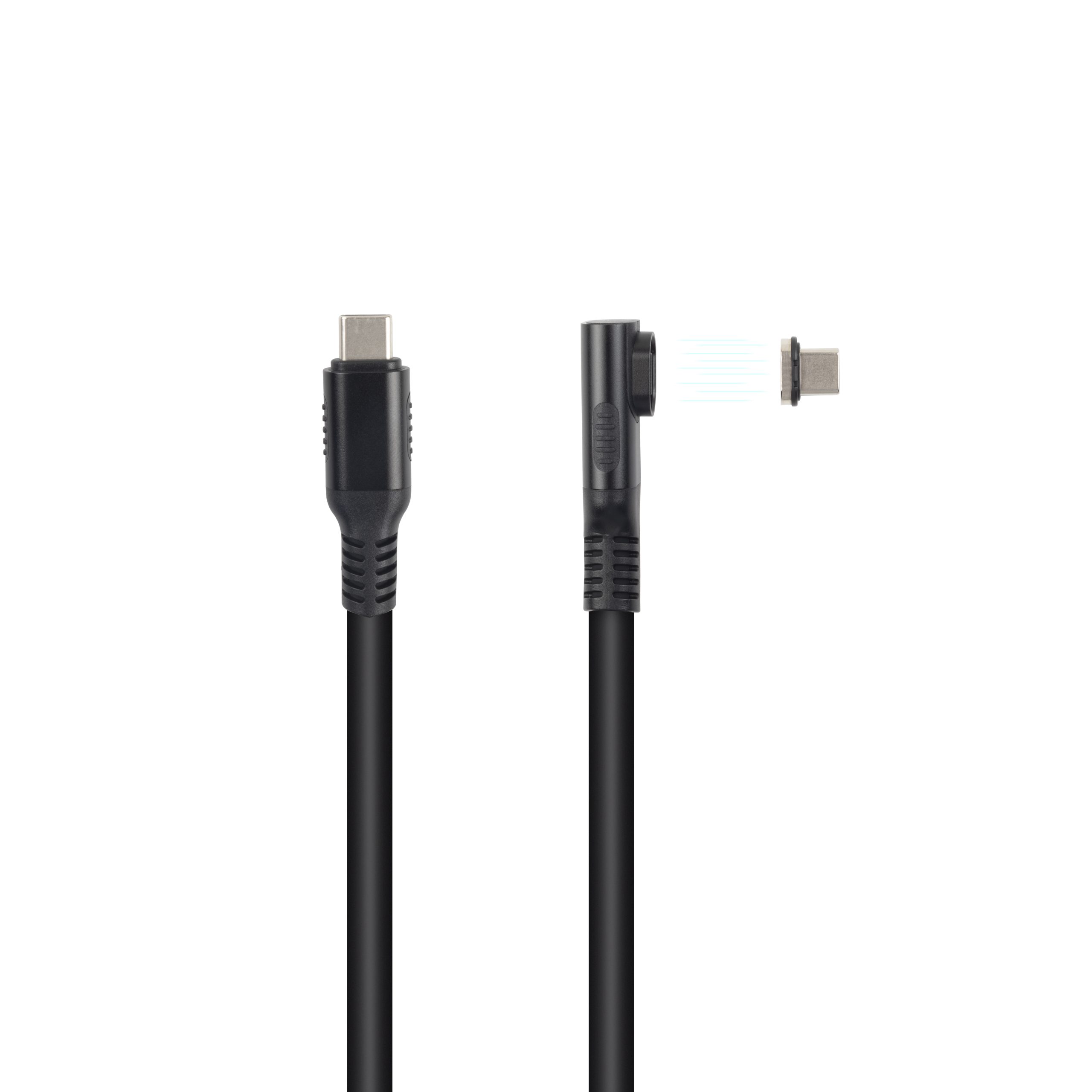
A braided or reinforced jacket helps against abrasion but does nothing for the socket, which is where the load actually arrives. Where the camera is on a moving head, the lead should be loomed to the rig rather than left to swing, because a swinging lead loads the socket in every direction.
The rig side is where the lead is usually lost, not the cable itself. A lead clipped at both ends lasts longer than one that hangs free.
Where the camera body has a recessed socket, a slim plug shell matters, because a wide moulded boot makes the plug sit proud.
Our note on Chinese-made camera tether cable routing covers the rig side of the same problem.
Camera makers differ on how deep the socket recess sits, so the plug shell that fits one body can foul another.
How to check a USB-C to Micro-B cable before a batch order
Every USB-C to Micro-B cable from this Chinese factory passes three checks before a purchase order is raised. Confirm the lead carries the data pair, confirm the plug shell dimensions against the socket drawing, and confirm the conductor gauge against the charge current the device needs.
| Check | Measure | Failure mode if missed |
|---|---|---|
| Data pair | D+ and D- present on the Micro-B contacts | Charges but the host does not list it |
| Plug shell | Micro-B insert depth and retention feel | Loose fit and dropouts when the device moves |
| Conductor gauge | Adequate for the charge current required | Voltage drop and slow charging at the far end |
| Strain relief | Moulded boot covers the full transition | Jacket splits where the lead leaves the plug |
- Test one sample on the actual device before ordering
- Confirm the data pair is present, not just the power lines
- Check retention by feel against a new reference lead
A sample tested on the real device is worth more than any datasheet claim. The Micro-B socket dimensions vary enough between makers that a plug which seats in one camera may sit loose in another.
Strain relief matters more on a Micro-B lead than on a full-size USB-C lead. The plug shell is small, so a moulded boot that covers the whole transition from plug to jacket is the difference between a lead that lasts a season and one that splits at the boot.
What does a USB-C to Micro-B cable not do?
The lead does not convert a USB 2.0 device into a fast one, and it does not add power delivery to a device that did not negotiate it. Its USB-C end can be a modern connector and the link is still USB 2.0.
A USB-C to Micro-B cable also does not replace a dock or a hub. Where a device needs several peripherals at once, the single Micro-B socket is the bottleneck regardless of what the USB-C end supports.
A device that needs more than the standard current will not get it through a USB-C cable ratings comparison, because the Micro-B contacts are the same size whatever the lead costs.
Where a device also needs a fast data path, the Micro-B socket on this USB-C to Micro-B cable is the wrong connector rather than the cable being the wrong grade.
Some devices draw their operating current through the same lead that carries data, and a thin conductor raises the voltage drop across the run. The device then charges slowly or resets under load, which is easy to blame on the cable and hard to prove without a meter.
- The device owner confirms the socket type and its condition
- The sourcing engineer confirms the data pair and conductor gauge
- The supplier pins the plug drawing and the moulded boot profile
- The installer confirms strain relief on the finished rig
China USB-C to Micro-B cable supplier checks
Eilinks is a Chinese USB-C to Micro-B cable manufacturer, and four questions separate a supplier who can support a legacy device programme from one who can only ship boxes. Can they show the data pair on a test certificate? Can they state the conductor gauge and the jacket material? Can they quote against the socket drawing? And can they hold the plug drawing across repeat batches?
A supplier working to a published specification references the USB-C cable markings.
Legacy connectors sit outside USB Power Delivery specification requirements, so negotiation happens at the USB-C end only.
Questions buyers ask
Can a USB-C to Micro-B cable charge at full speed?
Only up to what the Micro-B contacts and the gauge allow. The lead should be specified against the charge current the device draws, not the rating printed on the USB-C end.
Will a USB-C to Micro-B cable work with USB 3.0 devices?
The link runs at USB 2.0 speed because the Micro-B socket has no SuperSpeed contacts. The device may support USB 3.0 at its other port, but through this socket it operates as USB 2.0.
Is a charge-only USB-C to Micro-B cable safe to use for data?
It is safe but it will not work, because the data lines are absent or not connected. The device charges and the computer does not list it, which is often mistaken for a driver fault.
How long can a USB-C to Micro-B cable be before data fails?
USB 2.0 tolerates a longer run than SuperSpeed, and leads of three to five metres are common. Signal quality still falls with length, so a long lead is best confirmed on the device first.
Where the checks lead
Most problems trace back to the data pair, the socket and the gauge.
Send the device model and the socket drawing to Eilinks engineering team.
