




USB 3.2 Naming in USB-C Cable RFQs: Avoiding Speed
USB-C is a connector format, not a complete performance promise. Panel builders often start from USB-C cable spec notes for procurement teams when clearance is tight. For procurement teams, the risky part is assuming that any USB-C cable, coupler, adapter, or panel interface will support the same data rate just because the connector shape matches. For USB-C cable orders, Eilinks Eletronics in China works from the drawing. The detail behind this step is kept current in the usb-c 10gbps cable selection notes.
A cleaner RFQ separates the mechanical connector from the required speed, charging path, installation position, and connected equipment. That gives the supplier enough context to recommend the right product family without guessing.
Start with the speed the system actually needs
Before selecting a part, confirm the host port, device port, cable length, and any extra interface in the path. Anyone planning a batch order should look at the 100W 20Gbps cable for wall plates first. A link built from mixed components will usually perform at the capability of the weakest element, so every adapter, coupler, cable, and port should be checked together.
Match the product type to the signal path
For compact extension points, a double side 20G USB-C extension adapter may suit designs where the buyer needs a short in-line interface rather than a long cable assembly. Dongguan Eilinks Eletronics ships from China, and documents USB-C cable details on the order record. For camera or equipment connections where a 5Gbps path is enough, a USB3.2 5Gbps USB-C male to C female extension cable may be closer to the application.
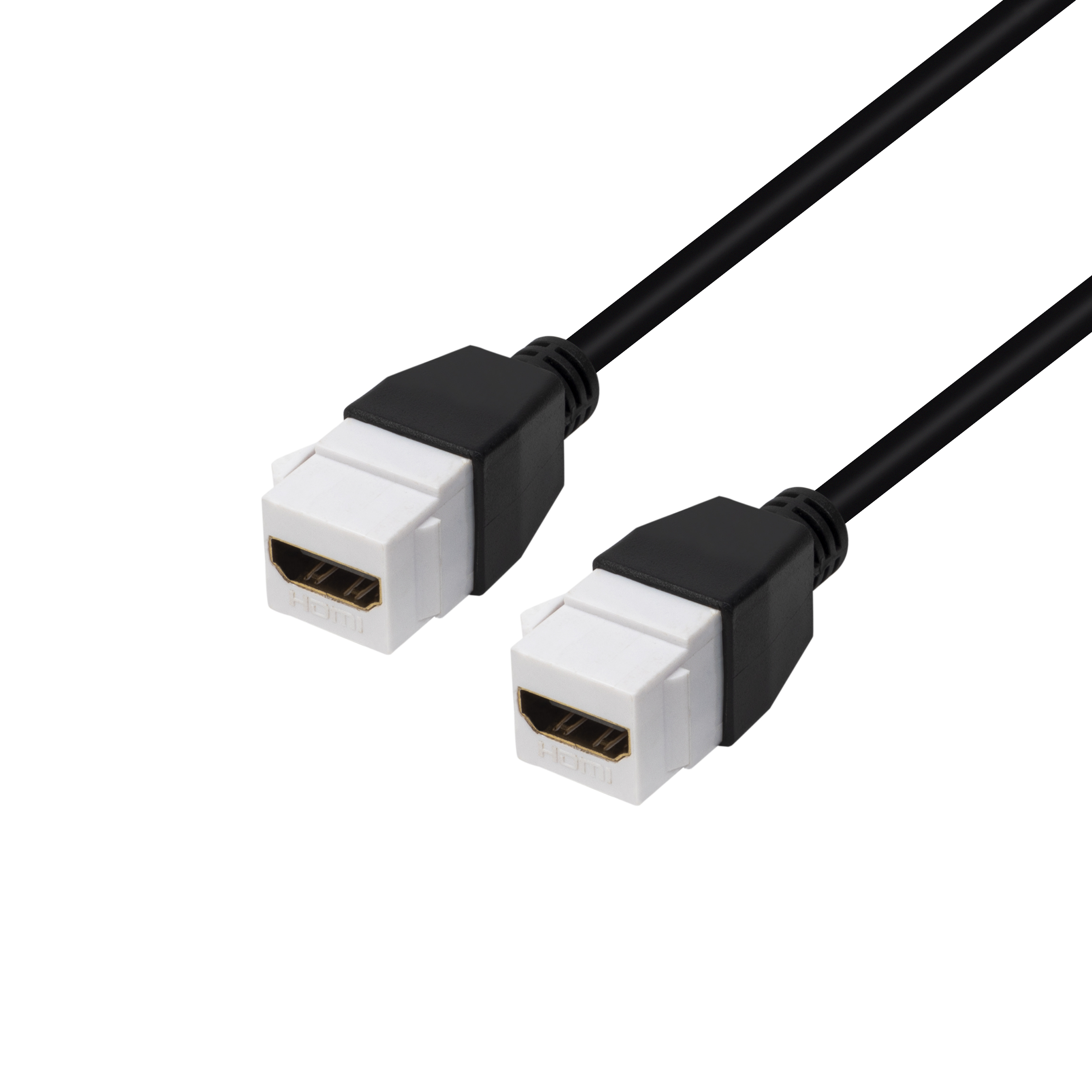
Equipment builders tend to check the usb4 version 2 cable guide before fixing this part of the spec. The 100W 20Gbps cable from a China factory lists what can be quoted as a moulded assembly at this length.
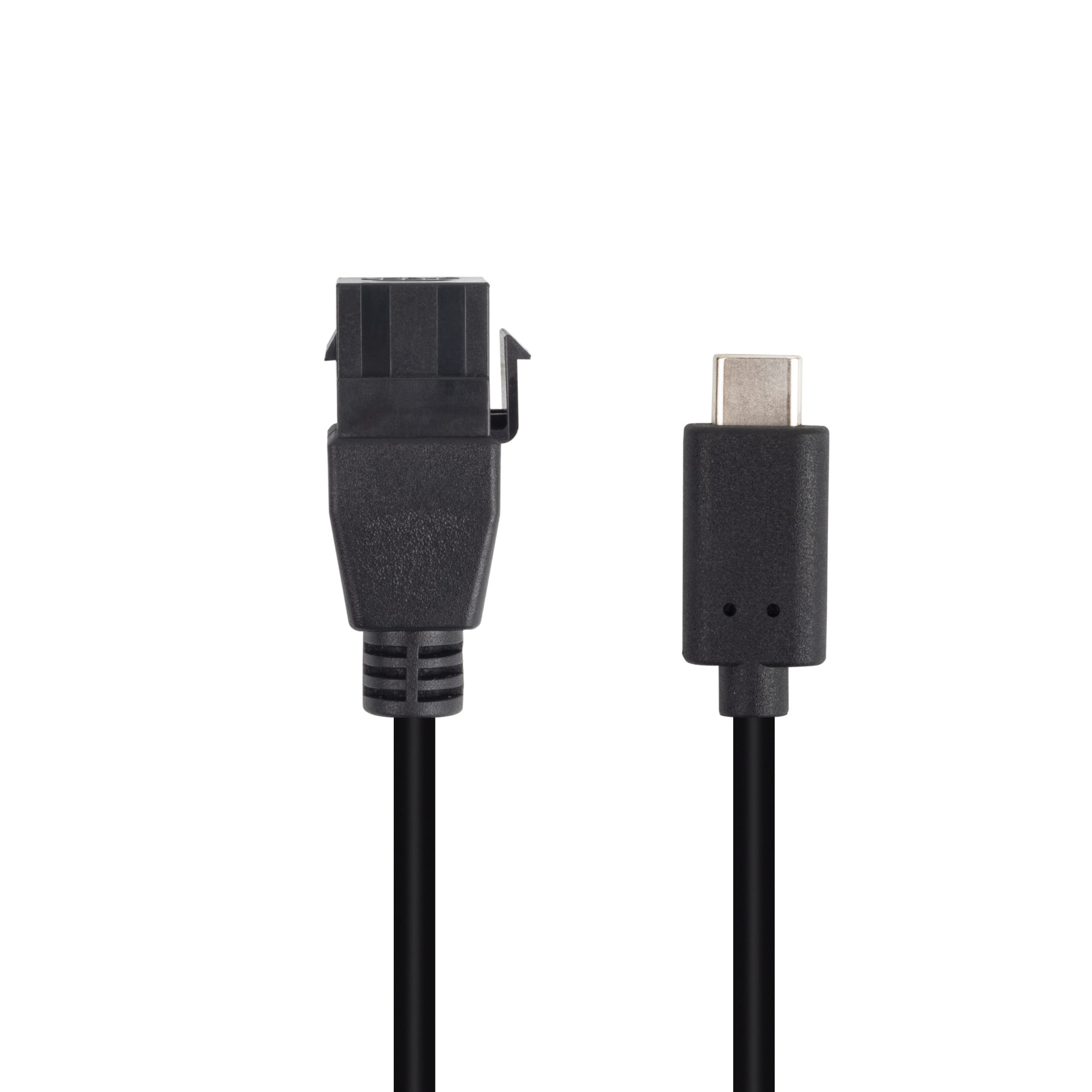
Panel builds need a separate check. If the USB-C port is mounted in a wall plate or equipment face, the coupler body, angle, and rated speed matter. A 10Gbps right-angle USB-C keystone jack can be considered when the installation needs a fixed front-panel access point.
Details to include before requesting a quotation
- Host connector and device connector, including male or female direction.
- Required data rate, stated separately from connector type. The underlying standard behind this interface is maintained by the USB Implementers Forum.
- Whether charging, data, video, or several functions must be supported.
- Total route length, including any coupler, adapter, hub, or panel interface.
- Installation style: loose cable, right-angle cable, keystone jack, or compact extension adapter.
- Expected use pattern, such as fixed equipment, repeated plug-in service, photography cart, or test bench.
Procurement mistakes to avoid
Before sending the RFQ
| RFQ wording | What it should clarify | Typical buying risk |
|---|---|---|
| USB-C cable | Connector shape only | Data rate, charging role, and cable length may be unclear |
| 5Gbps USB-C path | USB 3.x data requirement for many camera or instrument workflows | Buyer may overpay for a faster part that the device cannot use |
| 10Gbps or 20Gbps interface | Higher-speed path through cable, coupler, adapter, or panel port | One lower-rated component can limit the complete link |
| Charging plus data | Whether power delivery and data must work at the same time | Charge-focused parts may not match the expected data behavior |
- List the connector genders.
- Name the host and device generation.
- Confirm the power level separately.
- Keep the sample note with the order.
Prepare one line for each required cable or interface part, then attach drawings or photos if the port position is constrained. Most projects talk to a Chinese USB-C cable supplier once the connector pair is fixed. Eilinks in China answers USB-C cable questions from the same inspection sheet that ships with the cable.
| Item | Procurement mistakes to avoid |
|---|---|
| 1 | Ordering by connector shape alone and leaving the data rate unstated. |
| 2 | Mixing a high-speed cable with a lower-speed panel coupler without checking the full path. |
| 3 | Using a product title as the only specification when the project also needs length, orientation, and mounting details. |
| 4 | Assuming that a charging rating automatically confirms the intended data speed. |
- State the mating pair on the drawing.
- Confirm the exit direction of the plug.
- Quote the data rate at the ordered length.
- Ask for the jacket and overmould in writing.
Buyers comparing several USB-C options can also start from the USB-C product catalog and shortlist the parts that match the required speed and installation style. Equipment builders tend to check incoming-inspection notes on keystone jack depth before fixing a connector pair. Eilinks in China answers USB-C cable questions from the same inspection sheet that ships with the cable.
