
MacBook USB-C Cable: Windows Laptop Charging Too
A MacBook USB-C cable has to satisfy two power cultures at once, because a MacBook Pro asks for up to 100 W over USB-C while a Windows laptop from the same fleet may ask for 65 W or 45 W, and both negotiate through the same e-marker. The cable that covers the fleet is a 5 A assembly with 20 AWG power conductors and a marker that declares 100 W, and the cable that fails is the 3 A part sold as a 100 W accessory. Eilinks builds both and keeps notes on USB-C technology from a Chinese supplier as the reference for how the ratings are read. A 5 A build at 20 V carries 100 W with about 0.33 V of drop over 1 m, which keeps the laptop’s input above the threshold where it throttles charging. This guide covers the contract each platform asks for, the marker that decides whether it is granted, the data rate the two ecosystems share, and the RFQ fields that make two quotations comparable before an order.
What a MacBook USB-C cable has to satisfy on both platforms

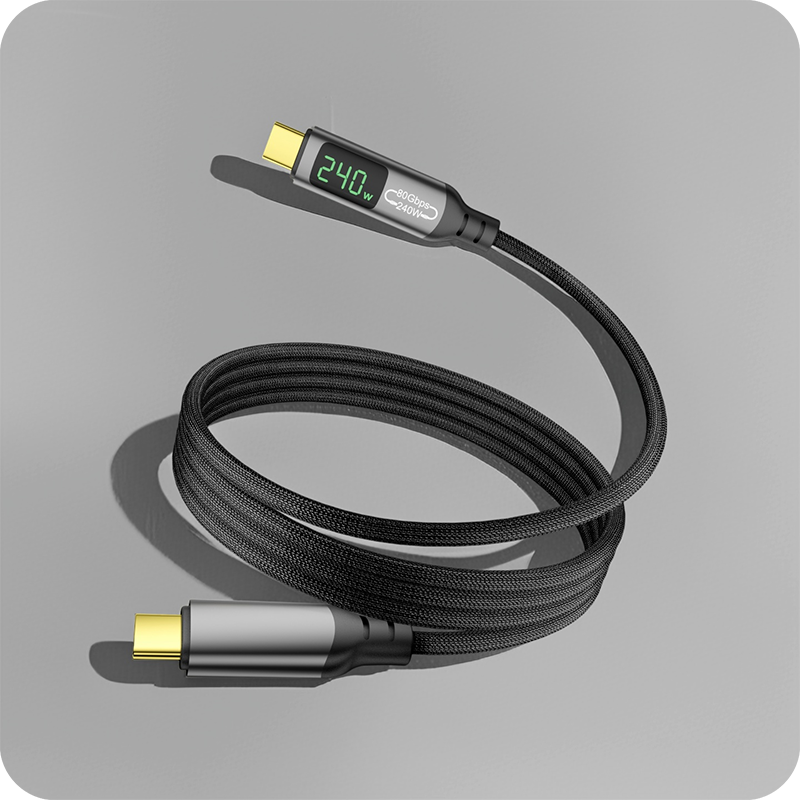
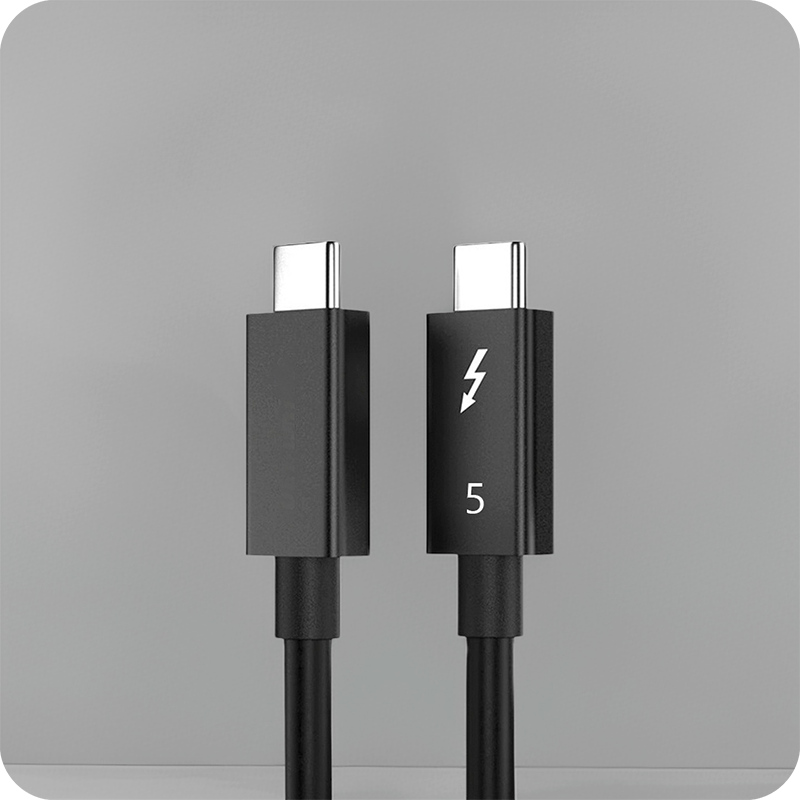
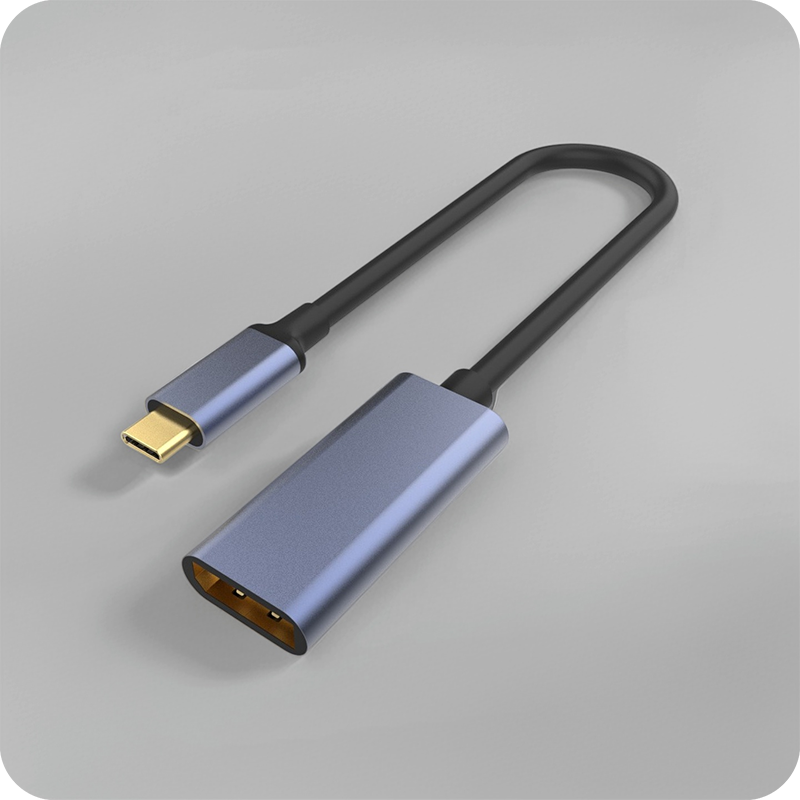
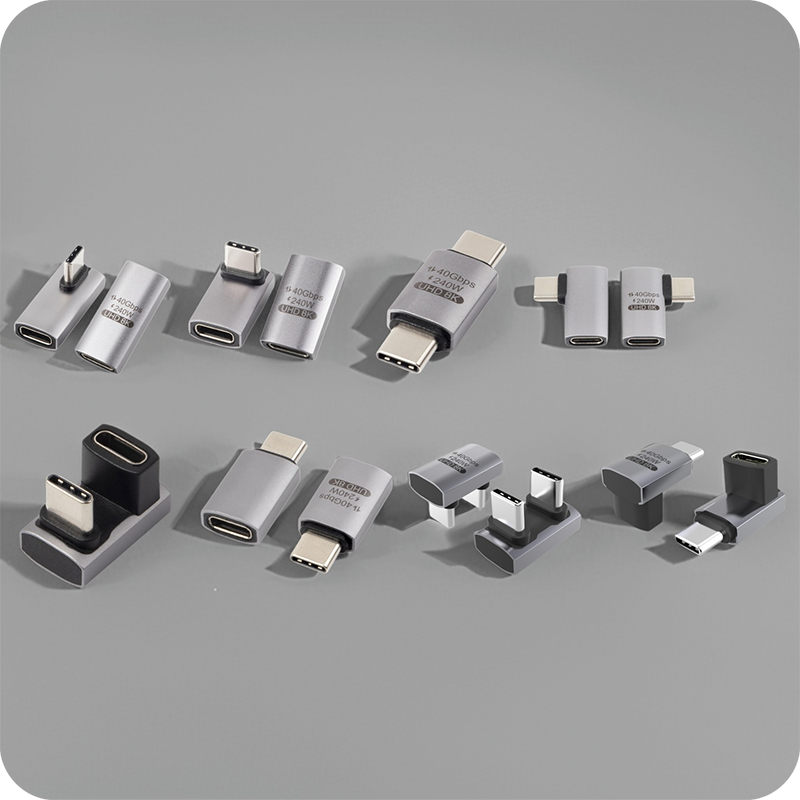
Where a studio photograph is not available, the current rating, the marker value and the length still travel with the part on the drawing.
Three requirements are shared. The cable has to pass the CC negotiation, declare its current through the marker, and carry the current without dropping more than the contract allows. A MacBook and a Windows laptop both read the marker before they ask for anything, so a 3 A part is treated as a 60 W part by both, regardless of the charger attached.
Two requirements differ. The first is the voltage a laptop prefers: Apple machines take 20 V for the 96 W and 100 W steps, while some Windows models prefer 15 V or 12 V for their mid-range adapters. The second is the data rate: a MacBook Pro runs Thunderbolt at 40 Gbps, and a business Windows laptop may run 5 Gbps. A cable sized for the faster machine covers the slower one, but not the reverse.
MacBook USB-C cable current and the 100 W contract
The 100 W contract is 20 V at 5 A, and every part of the cable is sized for the current rather than the wattage. A 20 AWG VBUS pair carries 5 A with about 0.33 V of drop over 1 m; a 24 AWG pair drops 0.84 V at the same current, which is enough to push a laptop below its input threshold under load. The difference between the two builds is a few cents of copper and the whole reason a 100 W label on a 3 A part is misleading. Chinese MacBook USB-C cable factories quote the gauge with the marker for that reason, and the pair is what a buyer compares rather than the headline wattage.
The marker is the second half. A 5 A assembly declares 5 A, and a host that reads 5 A will negotiate the full contract; a host that reads 3 A settles at 60 W and shows no error. Dongguan Eilinks tests the negotiated contract rather than the charger rating, and the 90 degree USB4 240 W cable shows the top of the same range, where the marker has to declare 5 A at 48 V for the extended contract.
MacBook USB-C cable and the Windows laptop handshake
Windows laptops add a variable that MacBooks do not: many of them ship with a barrel jack and a USB-C port that charges at a lower rate, so the same cable may be asked for 65 W on one desk and 45 W on another. The cable does not care, but the buyer’s expectation does. A fleet that mixes a 96 W MacBook with 45 W Windows ultrabooks needs one assembly rated for the higher figure, and the lower machines simply draw less.
The handshake itself is where compatibility complaints originate. A laptop that sees a 3 A marker on a 90 W adapter will charge at 60 W and report the adapter as underpowered in its own diagnostics, which reads as a cable fault to a user. Eilinks Eletronics quotes the marker value on the label so the two numbers can be compared without a meter, and the USB Implementers Forum specification is the reference for the contract limits themselves.
MacBook USB-C cable data rate across two ecosystems
Data rate is the field buyers most often overpay for. A MacBook Pro with Thunderbolt runs 40 Gbps over the same port that charges it, and a Windows ultrabook may run 5 Gbps or 10 Gbps. A 40 Gbps assembly covers both, and a 5 Gbps assembly covers neither the MacBook’s display chain nor its external storage. For a mixed fleet the safe choice is a 40 Gbps build at 0.8 m, which is also the length at which a passive assembly holds its margin. Eilinks builds that version as the default for a laptop fleet, and quotes the retimed one only where the run has to leave the desk.
Beyond 0.8 m the 40 Gbps build needs a retimer, which makes it directional and more expensive. A buyer who needs reach should decide between a shorter cable with a hub and a longer active cable, and the HDMI cable notes set out the display side of that decision. Chinese MacBook USB-C cable factories build both, and the fixed end of such a run usually terminates at a wall plate rather than at a loose plug.
MacBook USB-C cable RFQ fields buyers should fix
Five fields close most of the gap. The first is the current, stated as 5 A rather than as 100 W. The second is the marker requirement, since a 5 A part without one is a 3 A part. The third is the data rate, stated as 40 Gbps or 10 Gbps rather than as a generation name. The fourth is the length, because 0.8 m is the passive limit at 40 Gbps. The fifth is the retention force at the plug, which decides whether the cable stays in a laptop that is moved while charging.
With those five on the drawing, two quotations can be compared without a sample round, and Eilinks returns them on one page. The data center cable notes cover the case where the same assembly is used in a rack rather than on a desk, and the retention figure matters more there than the data rate.
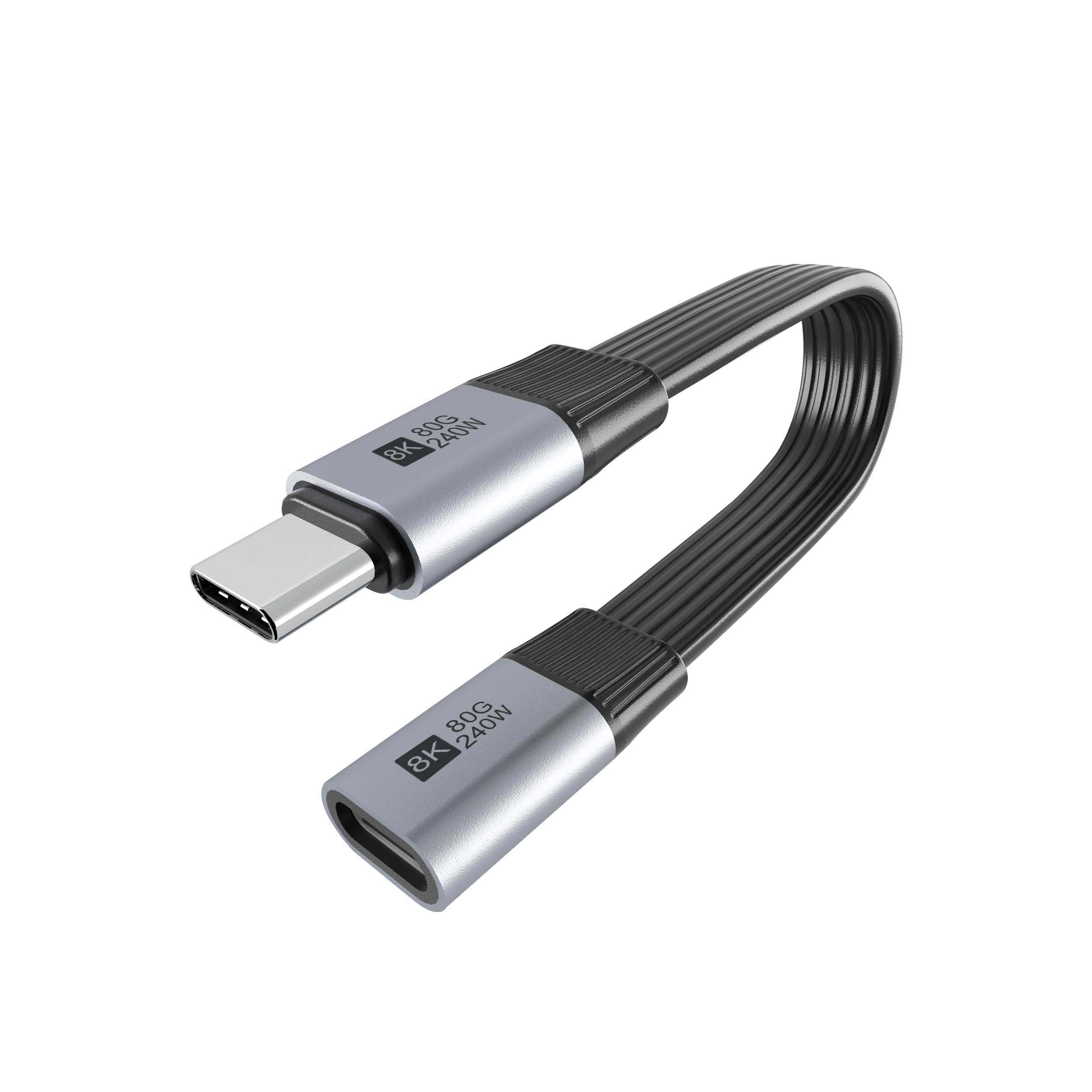
Where a photograph stands in for a drawing, the five fields still travel with the part, so a second supplier can quote the same assembly without a sample round.
Questions buyers ask about a MacBook USB-C cable
Will a 100 W cable charge a MacBook Pro at full rate? It will when the charger also offers 100 W and the marker declares 5 A. A 100 W label on a 3 A assembly caps the contract at 60 W, and the laptop reports the adapter as underpowered rather than the cable as wrong.
Can the same cable charge a Windows laptop? Yes, and the laptop simply draws less. A display test is not the right reference for that case; the marker value and the current rating are what decide it, and both are printed on the drawing.
Does the cable need to be 40 Gbps for charging? No. A 5 Gbps assembly charges exactly as fast, and the rate only matters for displays and storage. A China MacBook USB-C cable supplier should quote the two figures separately so a buyer is not paying for lanes the fleet never uses. Both figures are printed on the label, and the USB-C keystone coupler shows the fixed end of a run that never leaves the wall.
What is the most common return reason? A 3 A assembly sold as 100 W, which shows up as a laptop that charges slowly under load. The laptop reports the adapter as underpowered rather than the cable as wrong, so the fault is chased through the charger before anyone reads the marker. A fleet audit that lists the marker value next to each laptop model finds the mismatches in an afternoon, and it costs less than one returned sample, because the audit runs on paper while the return runs on freight. Eilinks prints the marker value on the label and on the drawing, and the sales engineers will confirm the contract against the laptop list before tooling starts.

2 Comments
[…] and then send the application details through the contact page. Panel builders often start from MacBook USB-C cable when clearance is tight. Keep the first discussion focused on the real operating conditions rather […]
[…] Will the cable be moved often, fixed inside equipment, or exposed to frequent handling? Most projects reach this decision through MacBook USB-C cable manufacturer for laptop docks. […]