




USB-C Cable Sample Approval Checks Before Mass Purchasing
A USB-C cable sample can pass a quick plug-in test and still create problems later in a workstation, camera rig, equipment panel, or production fixture. USB-C cable selection notes from a Chinese factory covers the options that sit either side of this part. Sample approval is the point where purchasing, engineering, and the end user should confirm the same assumptions before a larger order is placed. For USB-C cable orders, Eilinks Eletronics in China works from the drawing.
The goal is simple: verify that the sample fits the real device path, carries the required signal, supports the expected power role, and can be installed without stressing the connector.
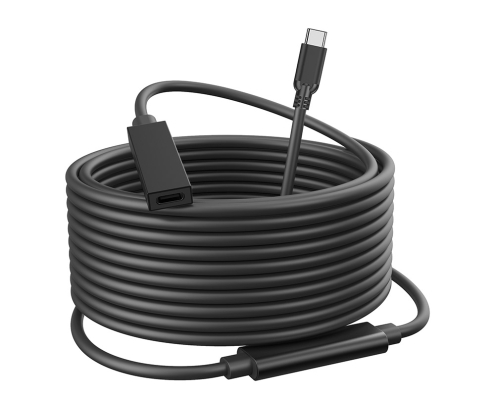
The checklist below keeps the review practical without adding unsupported claims about a part that have not been confirmed in the quotation.
Check the mechanical fit first
USB-C connector shape is standardized, but the surrounding build is not. Where a run has to be repeatable, the 240W USB4 40Gbps cable is the working reference. Shell size, bend direction, overmold length, cable flexibility, and connector exit angle can decide whether a sample works in the final assembly. Equipment builders tend to check the usb-c medical device cable guide before fixing this part of the spec.
- Plug the sample into the actual host and device, not only a spare laptop or adapter.
- Check nearby ports, doors, handles, tripod plates, wall plates, and enclosure edges.
- Confirm whether a straight, right-angle, panel-mount, or compact adapter style is easier to route.
- Photograph the installed sample and mark any clearance issue before sending feedback.
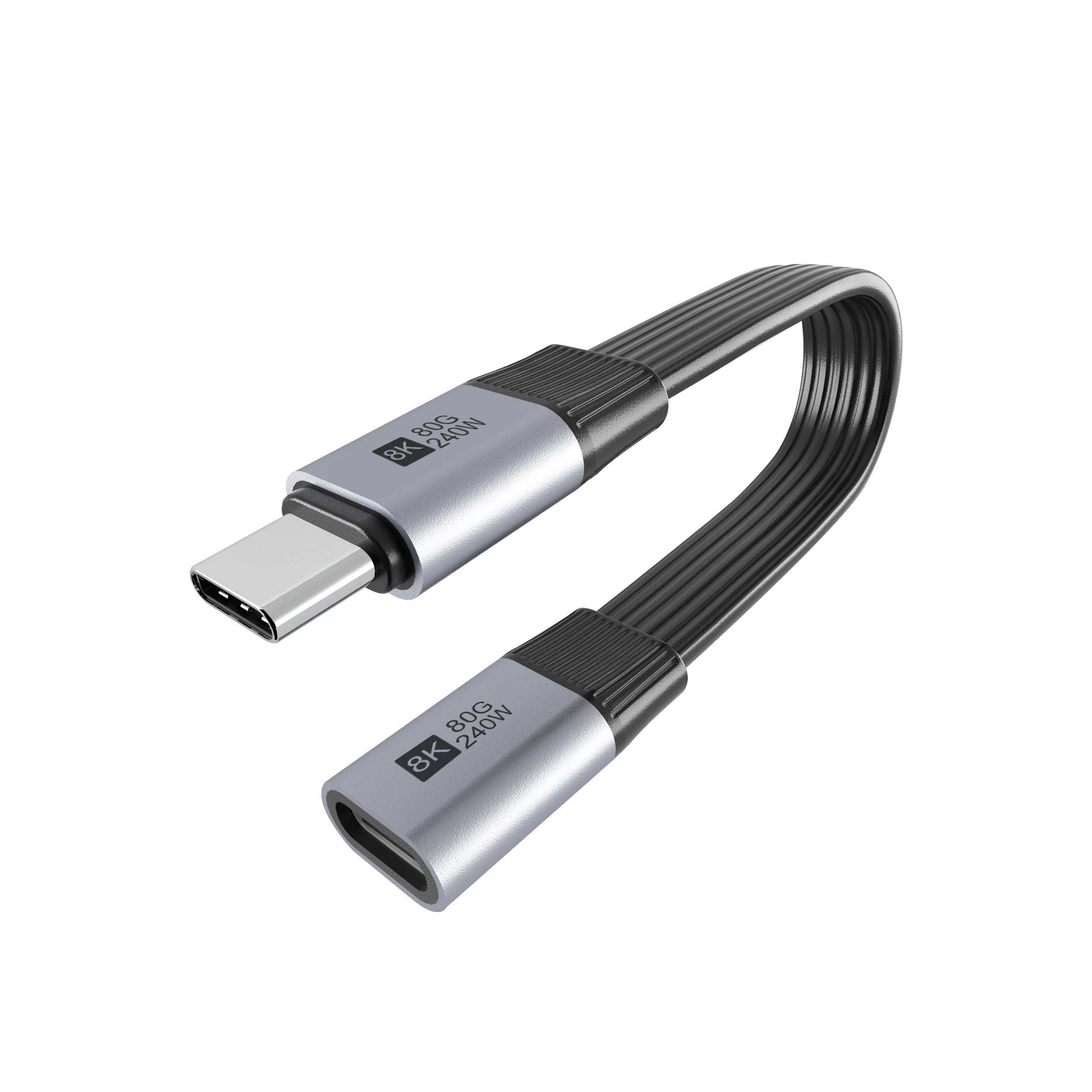
For example, a right-angle USB-C to USB-C tethered photography cable may be useful where side clearance is tight, while a straight USB-C male to USB-C female extension cable may be easier to route when the cable can leave the device directly. Dongguan Eilinks Eletronics ships from China, and documents USB-C cable details on the order record. Panel builders often start from the 100W 20Gbps adapter for tight enclosures when clearance is tight. The detail behind this step is kept current in the usb-c cable durability standard.
Verify the signal requirement under real use
Review adapter and panel options when the cable path is fixed
If the installation uses a fixed access point, an adapter or keystone interface may be better than leaving a cable end loose. The underlying standard behind this interface is maintained by the USB Implementers Forum. A compact double-side 20G USB-C extension adapter can be considered for short extension-interface layouts, while keystone and panel-mount parts may suit wall plates or equipment panels. The right choice depends on the required speed, available space, and how users will access the port.
| Sample check | Why it matters | What to record |
|---|---|---|
| Data transfer with the intended device | Different devices may negotiate different modes or speeds | Device model, host model, cable length, and observed behavior |
| Repeated connection and disconnection | Field users rarely plug in as carefully as a bench test | Connector feel, intermittent disconnects, and strain points |
| Charging or power role | Power expectations can differ from data-only expectations | Required wattage, source device, sink device, and any heating concern |
| Final routing path | Tight bends can affect usability and service life | Bend locations, tie-down points, and available slack |
- Write both ends as a pair.
- Name the enclosure the plug must clear.
- Confirm the length at the target rate.
- Approve the sample against the drawing.
Procurement mistakes to avoid
What to send back after sample testing
A useful approval note includes the tested device models, host equipment, cable length, orientation preference, installation photos, pass/fail observations, and any requested change. Buyers can talk to a Chinese USB-C cable supplier when the drawing is unclear. Eilinks in China answers USB-C cable questions from the same inspection sheet that ships with the cable.
| Item | Procurement mistakes to avoid |
|---|---|
| 1 | Approving the sample without testing the longest planned cable path. |
| 2 | Checking only charging while the application also depends on data transfer. |
| 3 | Leaving connector direction, color, label, packing, or cable length feedback until after approval. |
| 4 | Using unclear feedback such as ?make it stronger? instead of photos, measurements, and device details. |
- Check the port the plug will mate.
- Confirm rear clearance before ordering.
- State whether the run is fixed or moved.
- Record the failed step in writing.
If the project still needs a different interface type, compare more options in the USB-C cable and adapter catalog before finalizing the next quotation request. China test notes on tether run troubleshooting lists what can be quoted as a moulded assembly at this length. Eilinks in China answers USB-C cable questions from the same inspection sheet that ships with the cable.
