




USB-C Coupler: Joined-Run Checks for Fixed Installations
A USB-C coupler joins two cable runs end to end, so a lead that stops short of a rack, a bench or a wall plate can be finished without replacing the whole assembly. The part looks like a plain barrel with a receptacle at each end, and that plainness is what makes it easy to mis-specify. Eilinks builds the part for installers who need another metre at the far end of a run rather than a new cable from end to end.
A joined run is not the same object as one continuous cable, and the difference lands on the rating rather than on the shape. Every join adds a second pair of contacts, a second moulded shell and another place where the shield is interrupted. Settling where the part sits among the wider set of USB-C cable types is worth doing before the enquiry goes out, because a coupler extends an existing type rather than replacing it.
What does a USB-C coupler actually change?
The short answer is that nothing about the protocol changes. The part passes the same lanes, the same power path and the same configuration channel from one cable to the next, and the host still enumerates one link rather than two.
What does change is the physical path. The Type-C connector presents 24 contacts, and a joined run puts two more contact interfaces in front of the high-speed pairs, the power conductors and the configuration line at the same time.
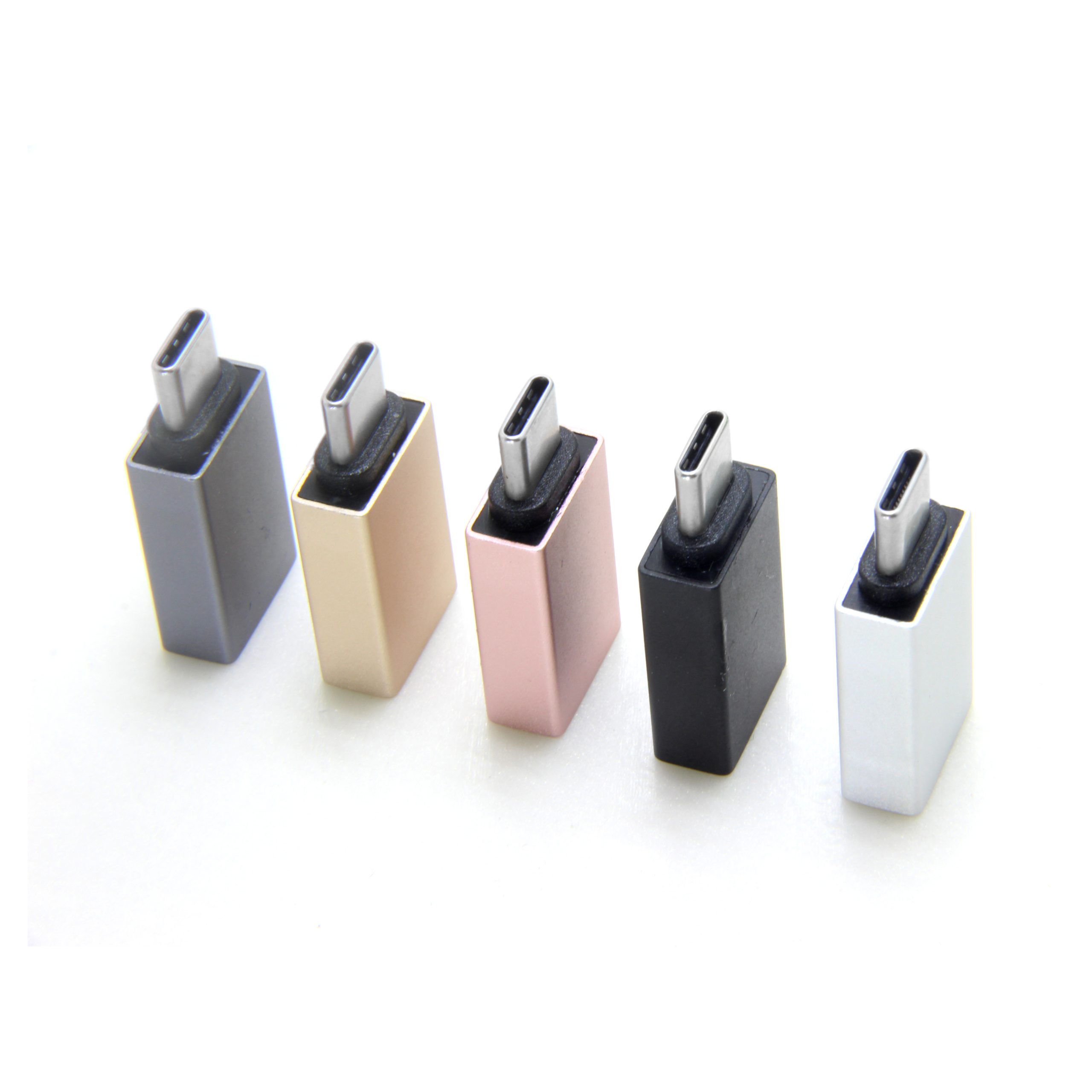
That is why a joined run can hold charging and drop data, or hold data at a lower rate while charging at the full rate. The two budgets degrade separately, and the join takes margin out of both of them at once.
USB-C coupler or extension cable: which holds the rating
The choice is easier to settle with a table than with an opinion. A USB-C coupler vs extension cable decision usually turns on three things: the rate the link has to hold, whether the run is fixed or moved, and how many joins the path can tolerate.
| Point to check | USB-C coupler | One longer cable |
|---|---|---|
| Rate at the far end | Set by the lower of the two runs | One rating for the path |
| Joins in the path | Adds one | None |
| Finishing at a wall plate | Common use | Needs a panel pass-through |
| Rework after install | Swap one part | Replace the run |
Where the rate matters, ask what each half of the run is rated for rather than what the coupler alone declares. A Chinese-made USB-C coupler joins two ratings, and the lower of the two is the one the link settles on.
Two figures set that ceiling. 5 Gbps of raw signalling is 625 MB/s before encoding overhead, and a run built for that figure has far more room than one built for 20 Gbps, which is 2.5 GB/s.
Current is the other half of the story. A run that carries more than 3 A, or more than 20 V, is the one the specification expects to declare itself with an e-marker, and a join in the middle does not change what either half declares. Where an enquiry names only one figure, the missing one is usually the one that causes the argument later, and Eilinks asks for both before a drawing goes out.
Why does a joined run lose speed first?
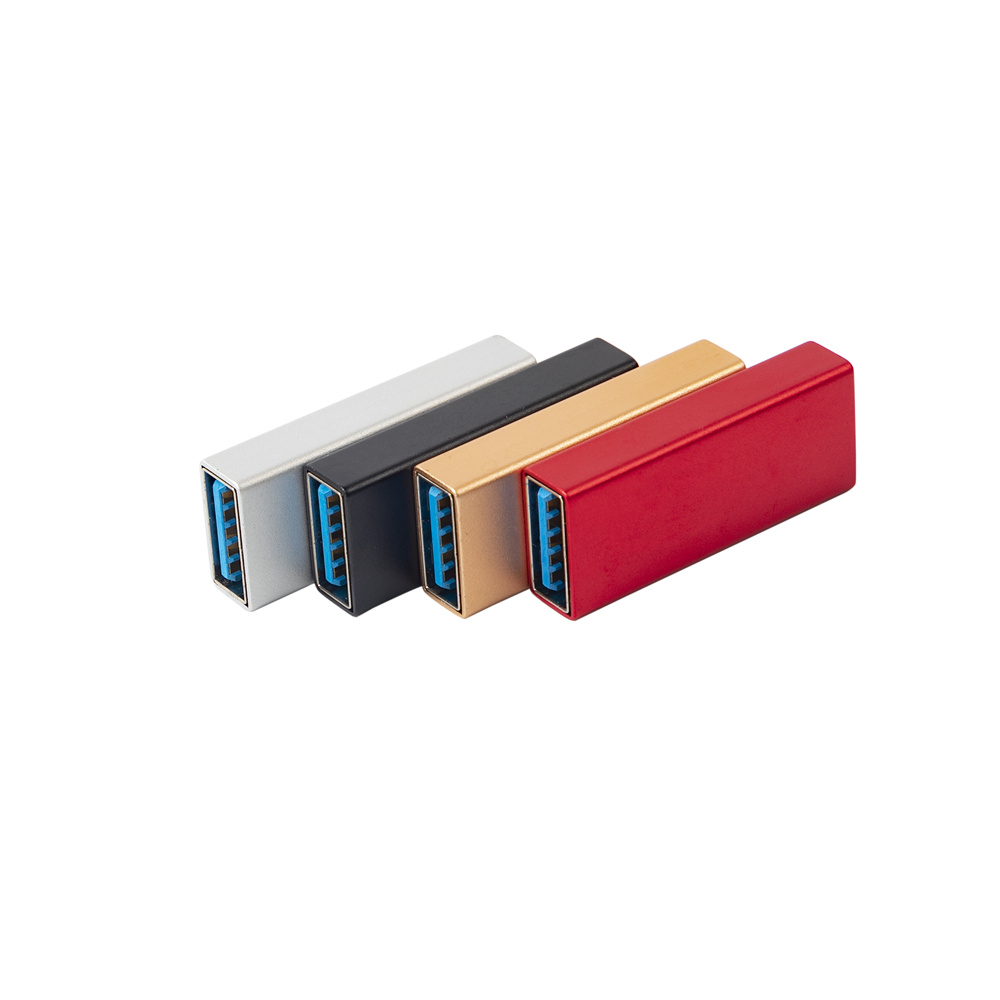
High-speed pairs are the first thing to run out of margin. Charging tolerates a longer and looser path than data does, which is why a run can still deliver current after it has stopped holding its top rate. The reason is structural: a data pair is a controlled-impedance transmission line, and every contact interface along it reflects part of the signal back toward the source, while a power conductor only sees the resistance of the path.
Adding a join does not halve the rate, but it does take margin out of the budget the link was designed with. That is why a run that held its rate on the bench can settle lower once it is dressed into a rack, and Eilinks Eletronics hears that complaint after installation rather than before it. The place to read the difference is how a power rating and a data rating differ on the same cable.
Two field observations help separate the causes. A run that is marginal at 20 Gbps often still holds 5 Gbps, because the lower rate has more margin to give; and a run that fails only when a nearby motor starts is usually a shield problem rather than a rate problem. Both are cheap to separate on site: drop the rate and see whether the fault clears, then move the join away from the noise and see whether it clears again.
| Check point | What to confirm | When it shows up |
|---|---|---|
| Rate at the join | Rate each half was built for | First sync at full speed |
| Shield path | Shell carries the shield across | Under a nearby motor or relay |
| Current path | Current each half declares | Under a full-power charge |
| Mechanical support | Join is held, not hanging | After a season of service |
- State the rate for both halves of the run
- Confirm the shell carries the shield
- Confirm the current each half declares
- Support the join so it carries no load
Where a USB-C coupler belongs in a run
USB-C coupler for panel runs is the commonest ask, because a wall plate or a data panel is where a fixed run usually ends. A coupler turns that ending into a socket, and the socket is the part that gets reused when the equipment on the other side changes.
The same logic applies on a bench or inside a cabinet. One join at a known point is easier to support than a cable pulled tight to reach a port, and the strain that ends a run usually starts at the plug rather than at the join. Where the run leaves a panel, anchoring a cable where it leaves a panel is the detail that decides how long the join lasts.
China USB-C coupler supplier checks
Three questions separate a partner who can support a programme from one who only ships boxes. At what rate was the join checked? Does the shell carry the shield across the join? And will the second batch match the approved sample?
A USB-C coupler manufacturer and a USB-C coupler factory in China are judged on the same three answers, and Dongguan Eilinks records them against the drawing because a join that behaves differently in the second batch is a site visit rather than a paperwork problem. A USB-C coupler for 20Gbps links is the version that exposes all three at once, and it is also the version where a shell that looks identical to a 5 Gbps part will not behave like one.
The pair geometry and the shield path are what differ between those two parts, and neither is visible from the outside. That is why the drawing has to carry the rate rather than the catalogue photo.
USB-C coupler checks before a batch order
USB-IF certification requirements for USB-C coupler describe what an assembly has to be able to do, and CE marking requirements for USB-C coupler sit with the finished product placed on the market. Neither document replaces a measurement on the two runs that will actually be joined, and Eilinks’ quotation packs name those runs rather than a generic figure.
The contact arrangement and the rating classes come from the USB Type-C Cable and Connector Specification published by usb.org, and that document is the reference to name when the enquiry goes out.
- The installer confirms both runs and their ratings
- The sourcing engineer confirms the rate to hold
- The supplier pins the shell drawing and the shield path
- The commissioning team confirms the rate after install
Choosing a USB-C coupler for a joined run comes down to three recorded items: the rate, the current, and the two runs on either side. Where the join has to sit in a plate, a panel-mount USB-C coupler from our factory in China is the version that stays serviceable.
Questions buyers ask
Does a USB-C coupler reduce the data rate?
Not by itself. The join adds contact interfaces and takes margin out of the link, so a run already close to its limit can settle at a lower rate once the join is fitted. The rate that matters is the lower of the two runs being joined.
Can a USB-C coupler carry high-power charging?
It passes what the two runs are rated for, and the weaker run sets the limit. Current above the 3 A default is the point where the specification expects a cable to declare itself, so ask what each half of the run declares rather than what the coupler alone carries.
Is a USB-C coupler the same as a keystone coupler?
Not quite. A keystone coupler is built to sit in a plate or a panel, while an inline coupler is built to sit in the run itself. Both join two cables, and the difference is where the join is mechanically supported.
What should appear on a USB-C coupler drawing?
The shell size, both receptacle types, the rate the link has to hold, the current it has to carry, and the two cable runs it will sit between. Those five items decide whether a repeat batch matches the approved sample.
Where the checks lead
Most USB-C coupler problems trace back to three points: the rate the join was checked at, whether the shell carries the shield, and whether the two runs on either side carry the same rating.
Send the two runs, the rate and the current to the Eilinks coupler sample desk and the part can be matched to the installation rather than the installation being reworked around the part.
