




USB-C Extension Adapter
USB-C purchasing looks simple until one project expects high charging power, fast data, video output, and mechanical extension in the same part. The wider range behind this part is set out in USB-C cable specifications in our specification notes. Procurement teams can reduce sampling delays by separating those requirements before asking for a quotation. For USB-C extension adapter orders, Eilinks Eletronics in China works from the drawing.
What buyers should know first
Power delivery and data speed are different design questions. A cable or adapter may be selected for charging current, data bandwidth, connector direction, panel mounting, or repeated plug-in use.
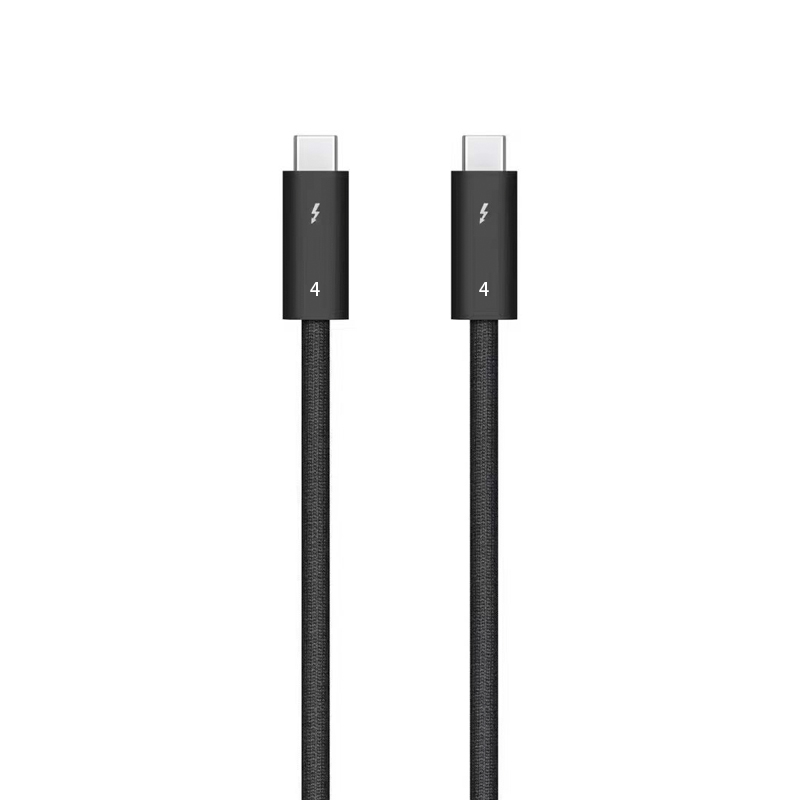
Treating one rating as proof of all other functions can lead to the wrong sample.
In practice
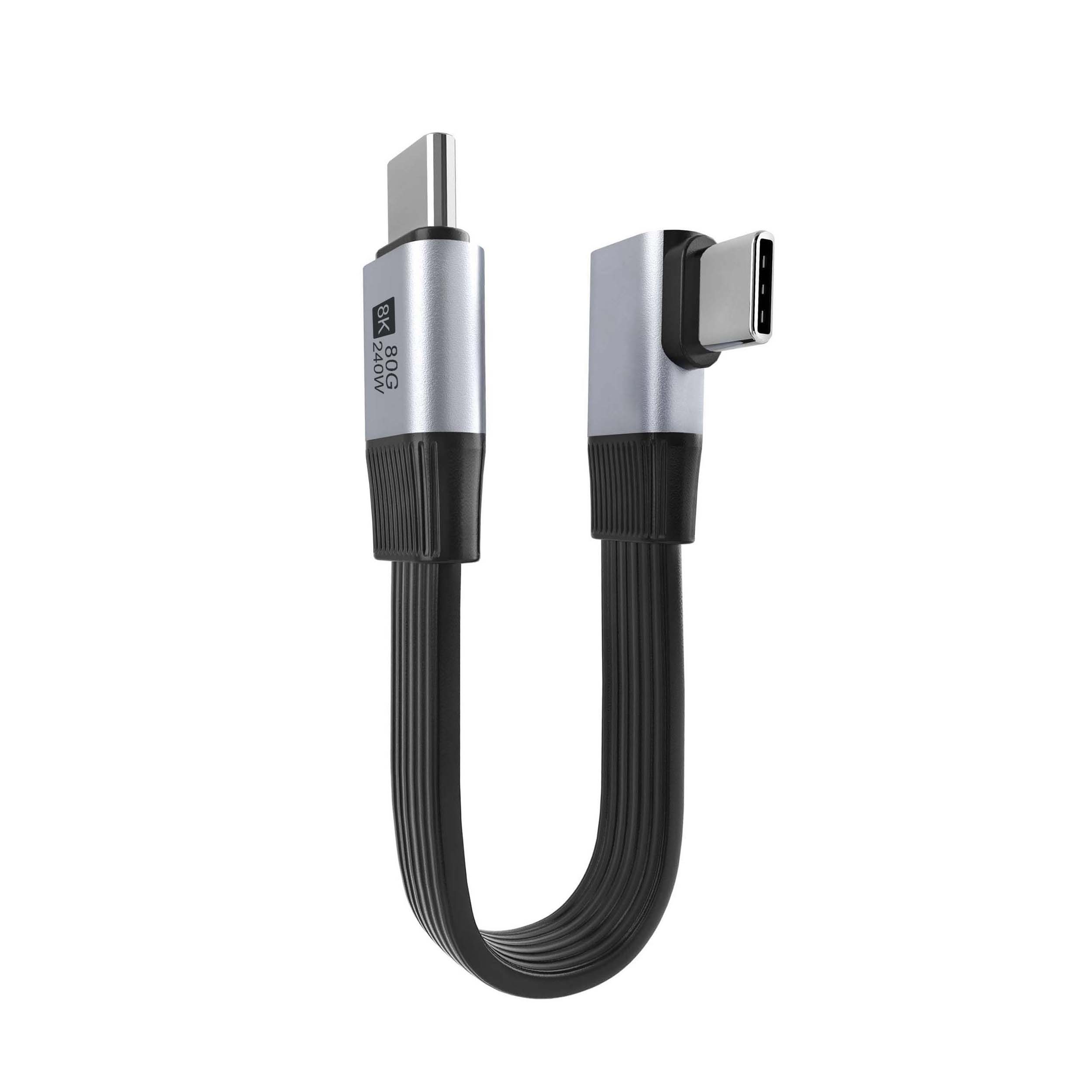
For shared-device or workstation projects, a product such as the bi-directional USB-C switch and hub shows why charging, data, and video expectations should be stated together. Most projects reach this decision through the 240W PD3.1 cable from a China factory. Dongguan Eilinks ships from China, and documents USB-C extension adapter details on the order record. For extension layouts, compare the project need with a 20Gbps USB-C extension adapter or a USB-C keystone style coupler instead of assuming every connector format behaves the same way. Buyers comparing this point usually review the usb-c extension interface spec notes before the drawing is signed off.
Procurement mistakes to avoid
Before requesting a quotation
| Requirement | Why it changes the order | Questions to confirm |
|---|---|---|
| Charging power | Higher power targets may affect cable construction, connector choice, and thermal expectations. | What source, device, and maximum charging wattage will be used? |
| Data speed | 5Gbps, 10Gbps, and 20Gbps links can have different length and shielding sensitivities. | Which USB generation is required by the host and device? |
| Video or hub use | Switches, hubs, and display paths need clearer role definitions than charge-only cables. | Is the cable connecting a dock, monitor, switch, camera, or storage device? |
| Mechanical routing | Right-angle, keystone, and extension layouts can solve space issues but add connection points. | Where will the connector be mounted, bent, or plugged repeatedly? |
- Write both ends as a pair.
- Name the enclosure the plug must clear.
- Confirm the length at the target rate.
- Approve the sample against the drawing.
Anyone planning a batch order should look at the usb-c 100w charging cable notes first. Buyers can talk to a Chinese USB-C cable supplier when the drawing is unclear.
| Item | Procurement mistakes to avoid |
|---|---|
| 1 | Do not use the connector shape alone as the specification. USB-C describes the connector, not the full electrical requirement. |
| 2 | Do not assume a charging rating confirms video or high-speed data support. |
| 3 | Do not extend a high-speed link without checking the host, device, cable length, and number of connection points. |
| 4 | Do not leave orientation, panel thickness, bend direction, or plug-in frequency out of the RFQ. |
- Check the port the plug will mate.
- Confirm rear clearance before ordering.
- State whether the run is fixed or moved.
- Record the failed step in writing.
Prepare the device list, target wattage, required data speed, cable length, connector direction, and installation drawing. If the project combines charging with high-speed data or panel mounting, share those details through the contact page so the quotation can be matched to the real application. The 240W PD3.1 coupler covers the options that sit either side of this part. Eilinks in China answers USB-C extension adapter questions from the same inspection sheet that ships with the cable. Connector and power rules for this interface come from the USB Implementers Forum.
