
40Gbps USB4 Extension Cable: Rating Checks for Dock Runs
A 40Gbps USB4 extension cable solves the last-metre problem behind a dock: the host lead reaches the desk, but the span from the desk edge to the mounted unit still has to carry the full link without shedding rate or wattage. The tier and length rules behind a dock run set out the speed classes behind the figures quoted below, and this guide applies them to the extension stage. Eilinks builds passive span products for desk and rack installs, and the advice here reflects what a purchaser should verify rather than what a listing page promises. The numbers that matter are concrete: 40 Gbps of data one way, up to 240 W of power under the Extended Power Range, and a passive span that stays inside roughly 0.8 metres per stage. This guide covers what the part does to the link, which ratings decide a purchase, how the power budget breaks down across a tier table, what the length figures on the sheet mean, how a closed door changes routing, and which documents a volume order should include. Working through those checks takes a drawing, a spec sheet and about ten minutes, and it prevents the most common failure: a dock that negotiates 80 Gbps on the host lead and then falls to a slower class the moment the jumper is added.
What a 40Gbps USB4 extension cable does across a dock run
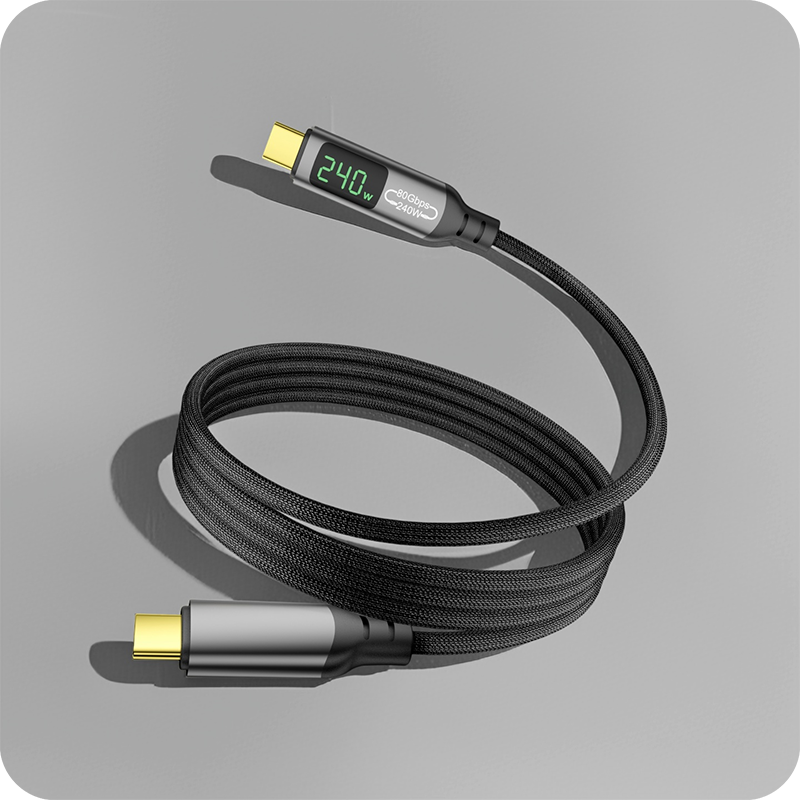
A 40Gbps USB4 extension cable is a passive span with a male plug on one end and a receptacle on the other, and it moves the dock’s connection point without regenerating anything. The 40-gigabit path negotiated by the host continues through the jumper unchanged, because there is no silicon inside to translate, buffer or re-clock the signal. That is the whole value: the extension stage behaves like extra length on the original lead, so the dock keeps the classification it negotiated before the span was inserted.
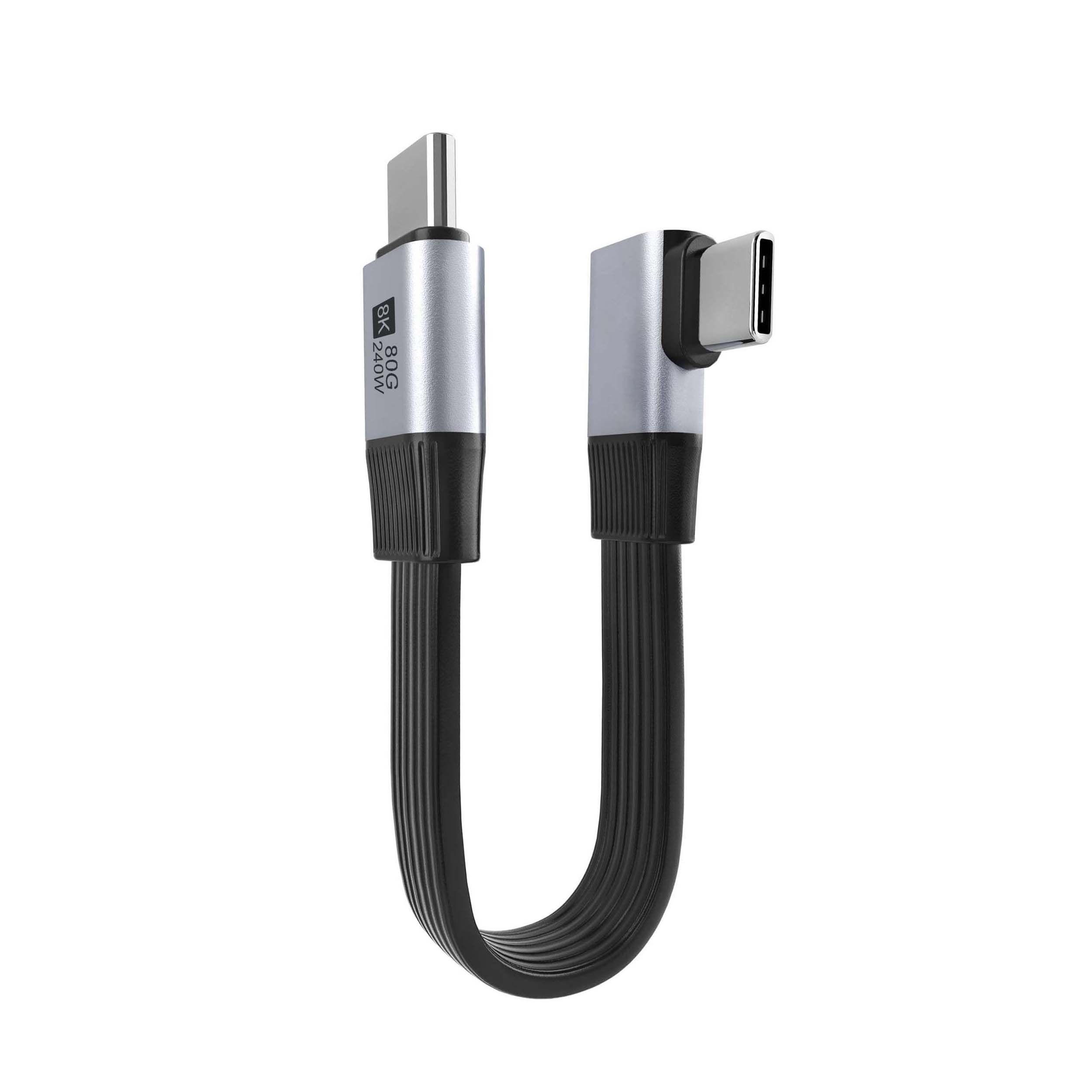
Because nothing is regenerated, quality is decided entirely by the parts inside the shell. A 40Gbps USB4 extension cable supplier should publish the conductor gauge, the shield construction and the supported rate rather than a generic high-speed claim. Ask for those three lines before a sample is requested, because a span built for a 5 Gbps class will pass a charge-only test and then silently cap a fast link.
Which ratings decide a 40Gbps extension cable purchase?
Three ratings decide it, and the first is data class. The interface supports up to 40 Gbps in the asymmetric modes and 80 Gbps in the symmetric Gen 4 mode, so the sheet should state the class the span carries, not just the connector family. A 40Gbps USB4 extension cable rated below the dock’s negotiated class becomes the bottleneck of the whole chain, and the drop is visible in a transfer test within seconds. The second rating is power. The USB Power Delivery 3.1 Extended Power Range defines a 240 W budget at 48 V and 5 A, and every contact in the span must be rated against that figure or the run will heat at the joints. The specification behind these figures is maintained at the USB4 specification page on usb.org, which is the neutral reference to cite when two sheets disagree.
The third rating is mechanical life. A span behind a dock is inserted once and left alone, so mating cycles matter less here than on a bench part; what matters instead is the latch or friction fit holding the dock’s plug under lead tension. Eilinks treats the retention figure as a pass/fail line, asking for the value in newtons, because a span that drifts out of the dock port by a millimetre will intermittently drop the link long before anyone suspects the extension stage.
How the dock power budget breaks down across a tier table
A dock does not pass the full 240 W through to every port, and the tier table is where the split becomes explicit. The wall supply feeds the dock, the dock reserves its own operating draw, and the remainder is divided across the downstream ports according to their negotiated profiles. The dock power budget tier table walks through that allocation line by line, and the same arithmetic applies once a span is added: the extension stage adds contact resistance measured in milliohms, which is negligible at 5 A but worth confirming on the sheet as a voltage-drop line. Eilinks publishes the milliohm figure for each rated span so the drop can be added to the budget before the install is approved.
The budget check matters most on single-lead docks. When one lead carries both the 40-gigabit data path and the full power feed, any resistance added mid-run eats the margin that the dock uses to hold its profiles under peak load. A span with a documented contact rating keeps that margin visible instead of guessed, because contact resistance is where signal integrity is lost first on a loaded run.
| Check | Figure to request | Why it matters |
|---|---|---|
| Data | 40 Gbps class on the sheet | preserves the negotiated link |
| Power | contact amps at 48 V | holds the 240 W budget |
| Retention | newtons at the plug | stops intermittent drops |
- Confirm the data class first.
- Read the contact amp rating.
- File the retention figure.
What the length figures on the manufacturer sheet mean
Passive spans have a hard length ceiling, and the sheet is where a manufacturer states it honestly. Inside roughly 0.8 metres per stage, a passive construction preserves the full 40-gigabit class; beyond that, signal integrity falls off and the honest options become an active span or a shorter route. A 40Gbps USB4 extension cable manufacturer should print the tested length against the rated class, and the passive and active length limits compared page explains where that ceiling comes from and when an active stage is the better buy.
Eilinks Eletronics tests every span length against the class on the sheet before release, so a purchaser can stack stages without guessing where the ceiling sits. Two passive stages in series need re-verification, because the tolerated length applies to the whole passive run, not to each piece of it.
Does a closed rack door change how the span routes?
It changes the routing more than the rating. A door that closes across the cable path squeezes the bend radius at exactly the point where the span meets the dock, and a flat construction survives that squeeze better than a round jacket of the same gauge. Route the span so the bend lands on the plug body rather than mid-jacket, leave a service loop behind the door, and keep the run away from the hinge where repeated opening works the jacket. A 40Gbps USB4 extension cable laid this way holds its class across door cycles, and the magnetic lead routing checklist shows the same door-clearance discipline applied to a routed bench run.
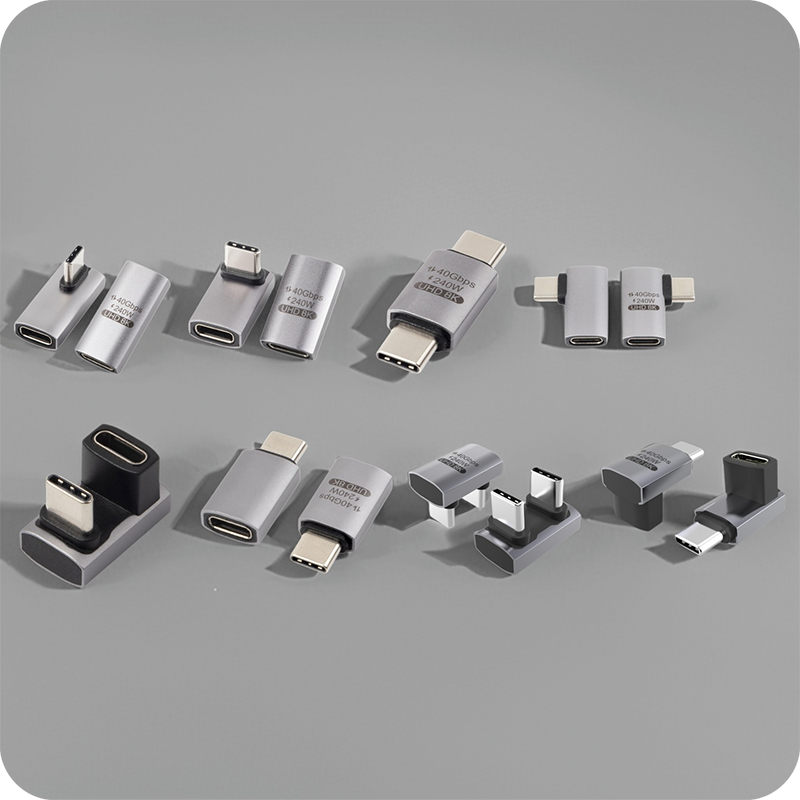
The other door-related check is clearance at the receptacle. An L-shaped head on the span turns the run flat against the panel and frees the depth behind the door, which is often the difference between a door that closes and a door that jams. The same measurement belongs in the panel drawing, taken with the door hardware fitted rather than with the door removed, so the fabricator sees the real envelope the span has to clear.
What gets documented before a volume order
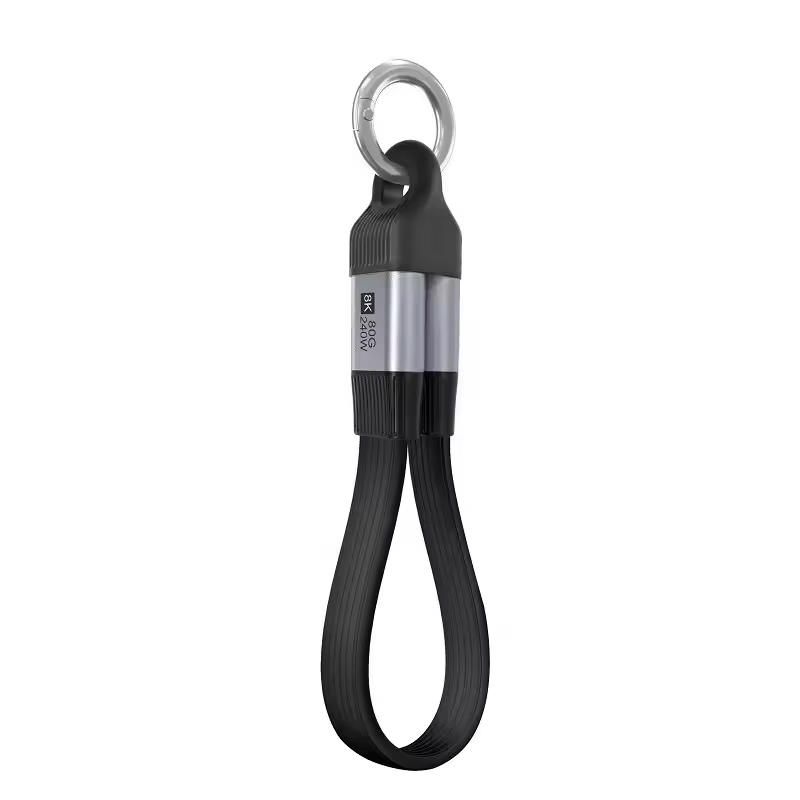
A volume order should arrive with the dimensional drawing, the class and wattage lines, and a first-article report tied to the tooling revision. The drawing lets a mechanical team confirm the head profile against the panel cut-out before production starts, and the report confirms the parts in hand match the parts that were quoted. The reference span listed by Eilinks Eletronics in the 40Gbps USB4 extension cable built by a China manufacturer ships with all three, which is the documentation set a purchaser should expect as the default rather than a favour.
Production checks on each lot typically cover continuity on every pin, an insulation check and a retention sample. None of that is a certification; it confirms the lot was built to the drawing the buyer approved. The IEC 62680 series describes the common interface requirements, and a buyer shipping into regulated markets should keep the class declaration alongside those references. Ask for the lot traceability record with the shipment, because a drifted tool shows up in retention long before it shows up in transfers.
| Document | What it confirms |
|---|---|
| Dimensional drawing | head profile and cut-out |
| Class sheet | 40 Gbps and wattage lines |
| First-article report | tooling tolerance at release |
- Request the drawing.
- Read the class sheet.
- File the first-article report.
Questions buyers ask
Does adding the span drop the 40 Gbps rate?
Not when the span is built to the class on its sheet. A 40Gbps USB4 extension cable is passive, so the negotiated classification continues through it; a drop points to a span rated below the link or to a worn contact at one of the joints.
Can it carry the dock’s full 240 W?
Only when the contacts are rated for 5 A at 48 V. A span built for a 3 A profile will pass light charging and then heat under the Extended Power Range, so read the amp line before a high-power install.
How long can the passive run be?
Around 0.8 metres per stage at the full class. Beyond that ceiling the sheet should say so, and the honest alternatives are an active span or a shorter route from the host.
Straight or L-shaped heads for a dock install?
L-shaped when the span must lie flat against a panel or clear a door; straight when the port faces open space. Both carry the same link, so the decision is set by clearance.
The practical path is to read the class line, check the contact rating and collect the drawing before the order. A 40Gbps USB4 extension cable keeps the dock chain simple when those three checks happen first. The team supports span lengths from stock with first-article reports, so contact the factory for a drawing review before the next dock rollout is scheduled.
