




USB-C Video Cable: Alt Mode Checks for 8K Capture
A USB-C video cable is asked to do three jobs at once: carry a display stream, hold a data link, and on most rigs deliver charge. Eilinks builds these leads for capture carts and workstation builds, where the display stream is the one that gets blamed first when something fails. The connector is the same on every lead; what differs is which alternate mode the cable is wired to support.
What does a USB-C video cable carry?
DisplayPort Alt Mode is the usual answer: the host reassigns high-speed lanes inside the cable from data to display, and the link then behaves like a DisplayPort connection. HDMI Alt Mode exists but is rare, so most leads on the market are wired for DisplayPort.
Which lanes are reassigned, and at what rate, is what a power and data rating comparison actually decides on a purchase order.
No lead can add lanes the host did not assign. Two cables that look identical on a bench can behave differently on the same workstation for exactly that reason.
The printed figures are worth reading before the order goes in. A lead sold as 8K capable usually states 32.4 Gbps across four lanes, which is the DisplayPort HBR3 rate of 8.1 Gbps per lane, or 25.92 Gbps once the line code overhead is taken out.
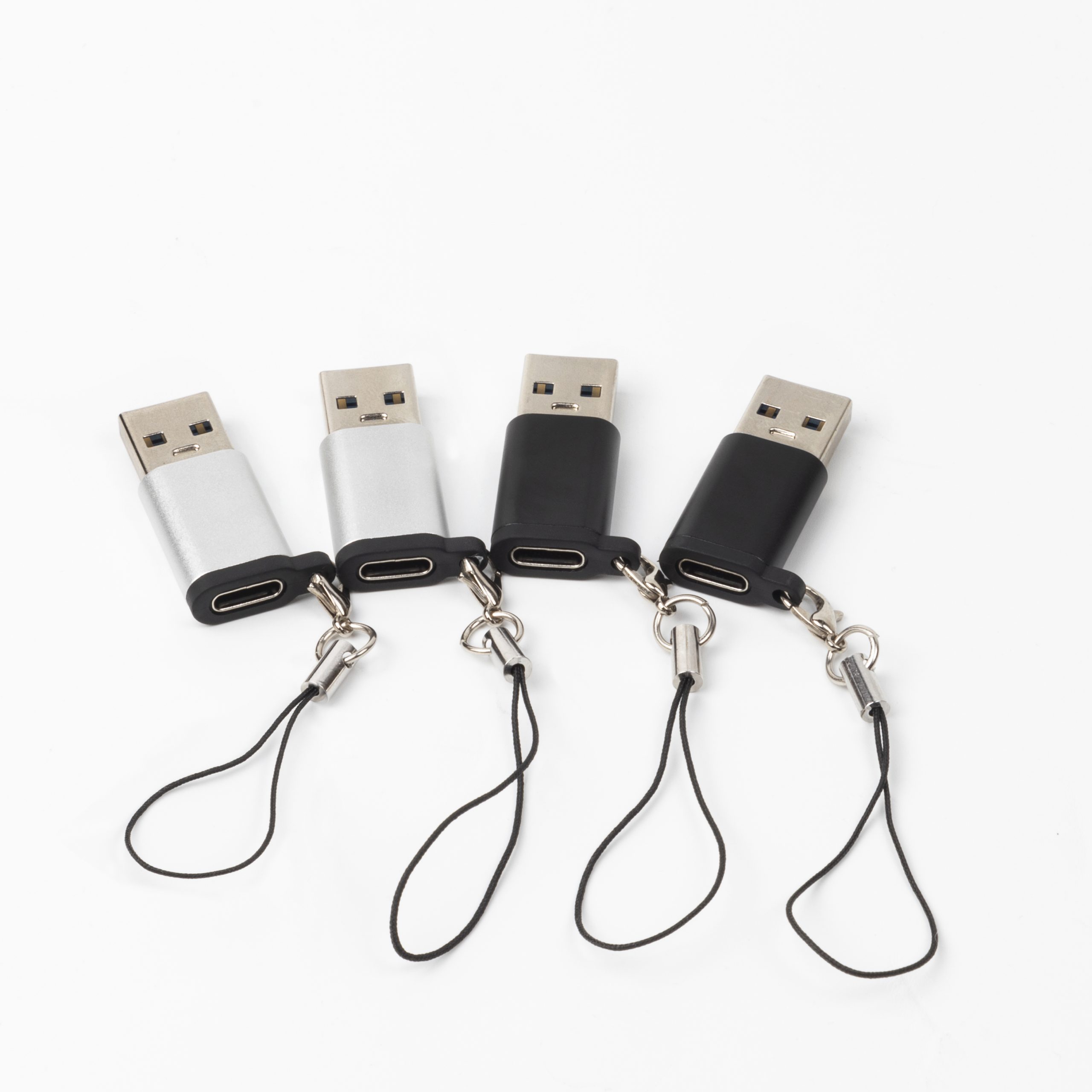
DisplayPort Alt Mode versus HDMI over USB-C
The choice of a USB-C video cable vs HDMI cable comes down to where the conversion happens. DisplayPort Alt Mode carries a native stream, so nothing has to translate it at the far end, while HDMI over USB-C is normally produced by a converter inside the adapter or inside the monitor. Whether DP Alt Mode or HDMI on a USB-C port is available is decided by the host rather than by the lead.
The difference shows in cost, heat, and what happens when the display is unplugged. A passive DisplayPort path renegotiates; an active HDMI path has one more device that has to wake up in order.
Eilinks Eletronics builds both versions, and the drawing that ships with the order states where the conversion sits.
Why does the picture drop at 8K but not at 4K?
A USB-C video cable for 8K capture needs more lanes running at a higher rate. A link that holds 4K at 60 Hz on two lanes will not hold 8K at 60 Hz, and the symptom is usually a blank screen or a silent drop to a lower refresh rate.
| Display target | Lane demand | Typical failure if the lead is short |
|---|---|---|
| 4K at 60 Hz | Two lanes at HBR2 is often enough | Stable on most leads |
| 4K at 120 Hz or higher | Four lanes at HBR2 or HBR3 | Drops to 60 Hz without a warning |
| 8K at 60 Hz | Four lanes at HBR3, sometimes with compression | Blank screen or a fallback refresh rate |
A Chinese-made USB-C to DisplayPort cable that states its lane count removes most of the guesswork from that decision.
Length is the second variable. Most video dropouts in USB-C video cable runs trace back to it, because signal margin falls as the run gets longer.
Construction is the part buyers rarely see. Coaxial pairs hold a high lane rate better than twisted pairs at the same gauge, which is why two leads with the same printed rating differ at the top end.
USB-C video cable and the power path
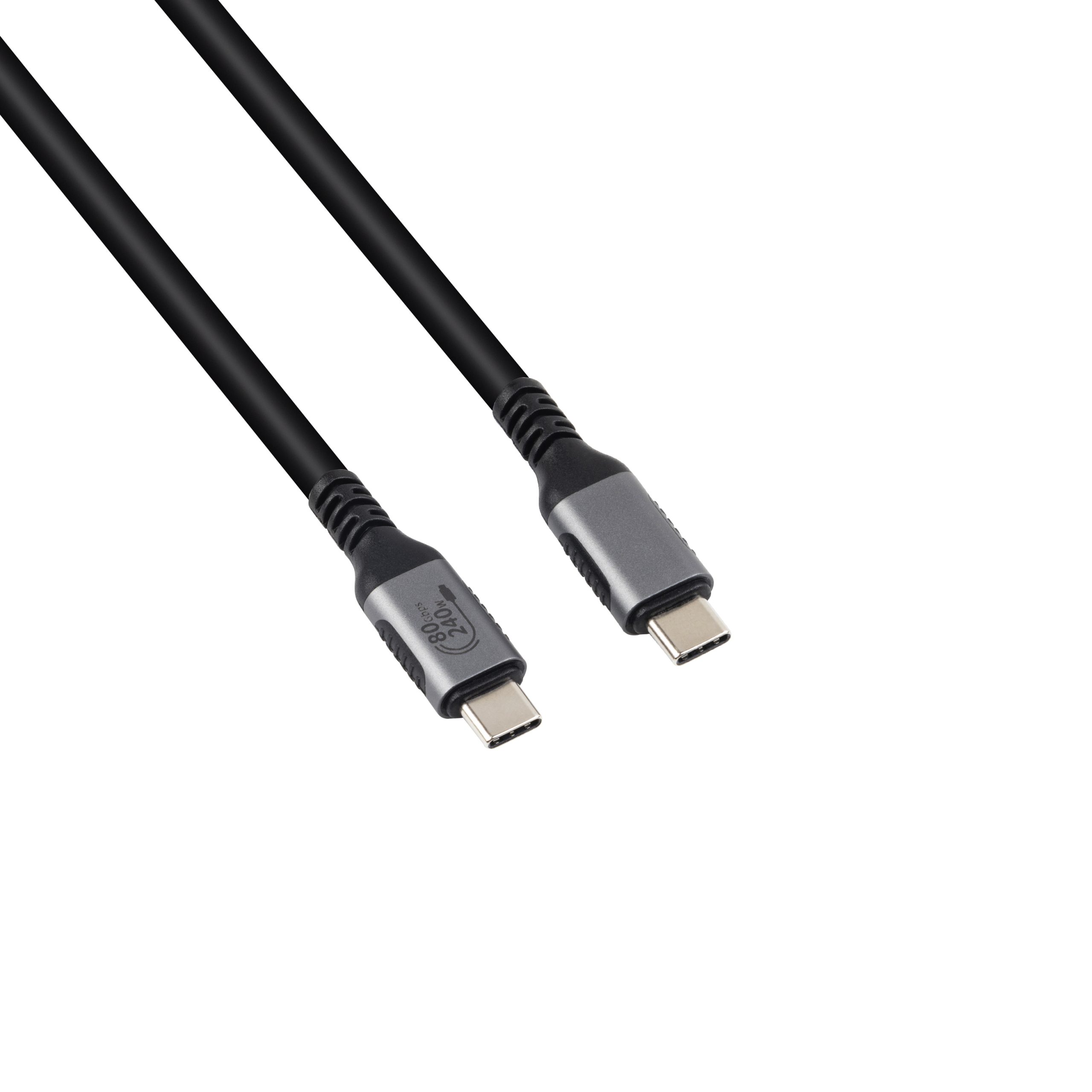
Most capture rigs want charge and picture on the same lead. USB Power Delivery negotiates voltage and current independently of the display lanes, so one cable can carry a high-resolution stream and still deliver 240 W where both ends support the extended power range.
The negotiation has consequences. Lane allocation that favours the display leaves less for data, and a rig that also pulls files off a card reader can find the data path thinner than expected.
Eilinks’ build notes put the power question ahead of the video question, because a lead that cannot hold the charge current gets replaced long before one that drops a frame.
A marker chip inside the lead is what tells the host what the cable can take. Without it the host falls back to a conservative current, and the rig charges slowly for reasons that look like a fault in the charger.
Where the display and the storage share one lead, the buyer should decide which of the two is allowed to degrade first. That decision belongs on the drawing rather than in an email.
Heat is the third constraint. An active converter in the plug body runs warm, and a lead buried in a tray has less room for that than one on an open bench.
Our note on USB-C cable markings shows how to read the power figure printed on the jacket before the lead is fitted.
How to check a USB-C video cable before a batch order
Four checks settle most of the risk: the lane count, the run length, the position of the converter, and the strain relief at the plug. Each one maps to a failure that is expensive to find after installation, and none of them can be settled from a photograph of the lead.
The order matters less than checking all four on the same sample.
Two of the checks are documentation rather than hardware. USB-IF certification requirements for USB-C video cable describe what an assembly must be able to do, while CE marking requirements for USB-C video cable sit with the finished product placed on the market.
| Check | What to confirm | Failure mode if missed |
|---|---|---|
| Lane count | Four lanes at the rate the display target needs | Blank screen or a silent refresh drop |
| Run length | Sample tested at the installed length | Margin lost, intermittent dropouts |
| Converter position | Whether conversion is in the plug, the monitor or absent | Handshake failures when the display is unplugged |
| Strain relief | Moulded boot covers the full plug transition | Jacket splits where the lead leaves the plug |
- Test one sample at the installed length, not on a bench
- Confirm the lane count against the display target
- Decide where the conversion sits and write it on the drawing
A sample tested at the installed length is worth more than any printed rating. Racks and cable trays add bends that a bench test does not produce.
Strain relief matters more on a rig lead than on a desktop one. A cart is moved, plugged and unplugged, and the load arrives at the plug rather than along the jacket.
USB-C video cable for capture rigs and field kits
Field kits put a lead through more handling than any fixed installation. Dongguan Eilinks supplies these leads with moulded boots for that reason. The cable is coiled, uncoiled and reconnected several times a day, and the connector takes that load.
A right-angle plug is worth the extra cost where the lead leaves a camera or a monitor sideways, because it keeps the bend out of the first few centimetres of jacket.
Where the display end is fixed and the camera end moves, a USB-C to HDMI lead keeps the conversion at the monitor and leaves the moving end passive.
Colour coding helps where several leads of different grades share one case, because the printed rating is small and the leads are usually coiled when they are packed.
A case that keeps each lead in its own sleeve saves time on site.
Spare leads belong in the kit. A capture day lost to a failed cable costs more than the cable, and the failure is rarely visible before it happens.
Labelling each lead with its lane count and length saves the second day of the same shoot, when nobody remembers which lead was which.
- The system owner confirms the display target and the run length
- The sourcing engineer confirms the lane count and conductor construction
- The supplier pins the converter position and the boot profile
- The installer confirms strain relief at the finished rig
The controlled drawing should travel with the part, because that is what a repeat order is measured against.
China USB-C video cable supplier checks
Eilinks is a China USB-C video cable manufacturer, and four questions separate a supplier who can support a display programme from one who can only ship boxes. Can they state the lane count and the rate? Can they name the conductor construction? Can they say where the conversion sits? And can they hold the plug drawing across batches?
A USB-C video cable factory in China that answers in writing will usually reference the checks for a 40Gbps and 240W extension rather than describe the lead in loose terms.
Lane allocation sits inside USB Type-C cable and connector specification requirements, so a lead cannot claim more lanes than the host assigns.
Questions buyers ask
Can a USB-C video cable carry 8K and charge at the same time?
Yes, where both ends support the extended power range and the lane allocation leaves room for the display. The two negotiations are independent, so a lead can be rated for both and still be limited by whichever end gives up first.
Why does a USB-C video cable work on one laptop and not another?
The host decides how many lanes go to the display. A port that assigns two lanes will not hold the same resolution as one that assigns four, and the cable cannot change that allocation.
Is a longer USB-C video cable the same product in a longer jacket?
Not at the top end. Signal margin falls with length, so a long run needs a better conductor construction or an active element to reach the same display target as a short one.
What should be written on a USB-C video cable drawing?
The lane count, the rate per lane, the length, where the conversion sits, and the boot profile. Those five items decide whether a repeat batch matches the first approved sample.
Where the checks lead
Almost every USB-C video cable problem traces back to three points: the lane count, the run length and the strain relief at the plug.
Send the display target and the run length to Eilinks application engineers and the lead can be matched to the rig rather than the rig being reworked around the part.
