
USB-C to USB-A Charge Adapter: Current Checks for Desks
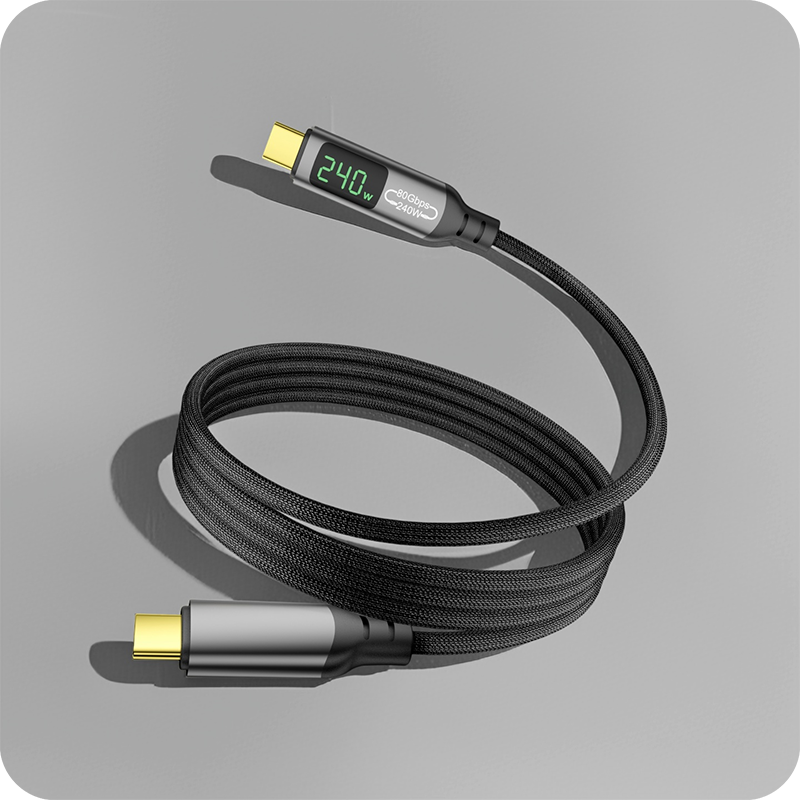
A USB-C to USB-A charge adapter decides how fast a legacy port charges a modern device, and its rating is half the answer. An OTG cable exists to flip the host role, so the phone drives a flash drive or a keyboard instead of being filled itself, and the USB-C OTG adapter with a USB 3.0 port keeps both jobs on one shelf. The current each one passes is set by the port rather than by the adapter, and a USB Battery Charging 1.2 port delivers 5 V at 1.5 A, about 7.5 W, per the USB Power Delivery specification at usb.org. A laptop charges over Type-C through USB Power Delivery, where the 240 W extended power range at 48 V lives, and no Type-A adapter opens that door; on a laptop the adapter is for peripherals and data. The USB-C female to USB-A male adapter for DC output quotes USB 3.0 male to USB-C female with up to 10 Gbps and 15 W on one page, so pins and power are read together. Where the host is a USB-C port running USB Power Delivery, the fixed levels of 5, 9, 15 and 20 V become available and a 100 W standard power range budget opens up. Buyers can send the device list, the run length and the drawing for a USB-C to USB-A Charge Adapter quote.
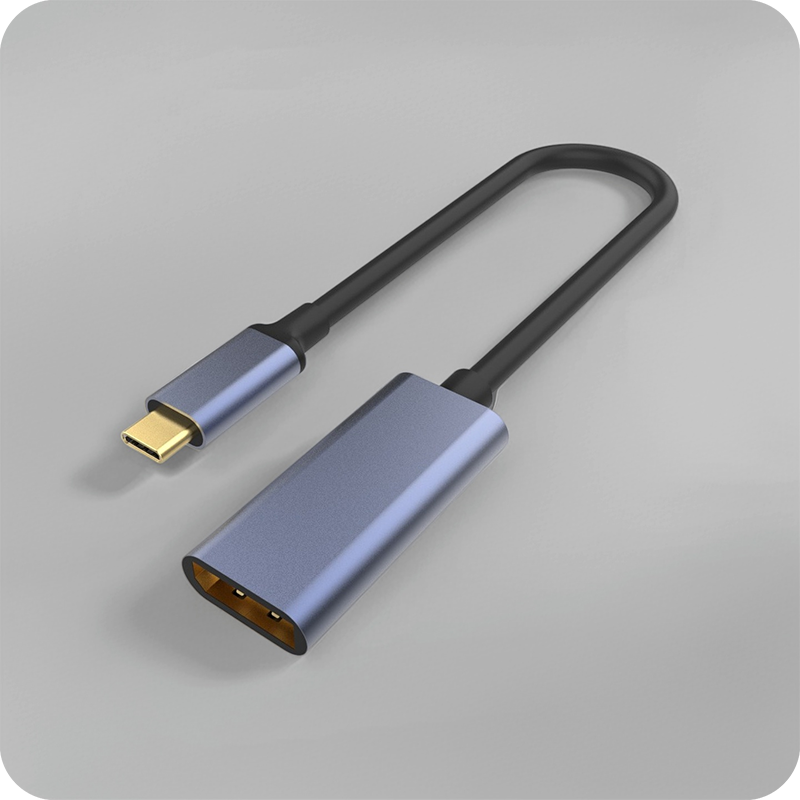
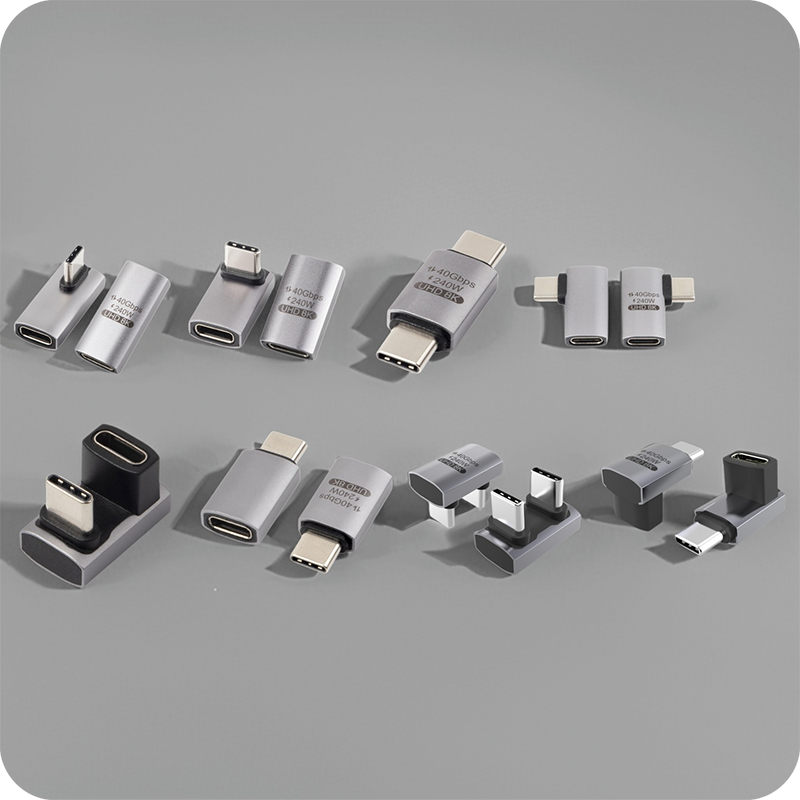
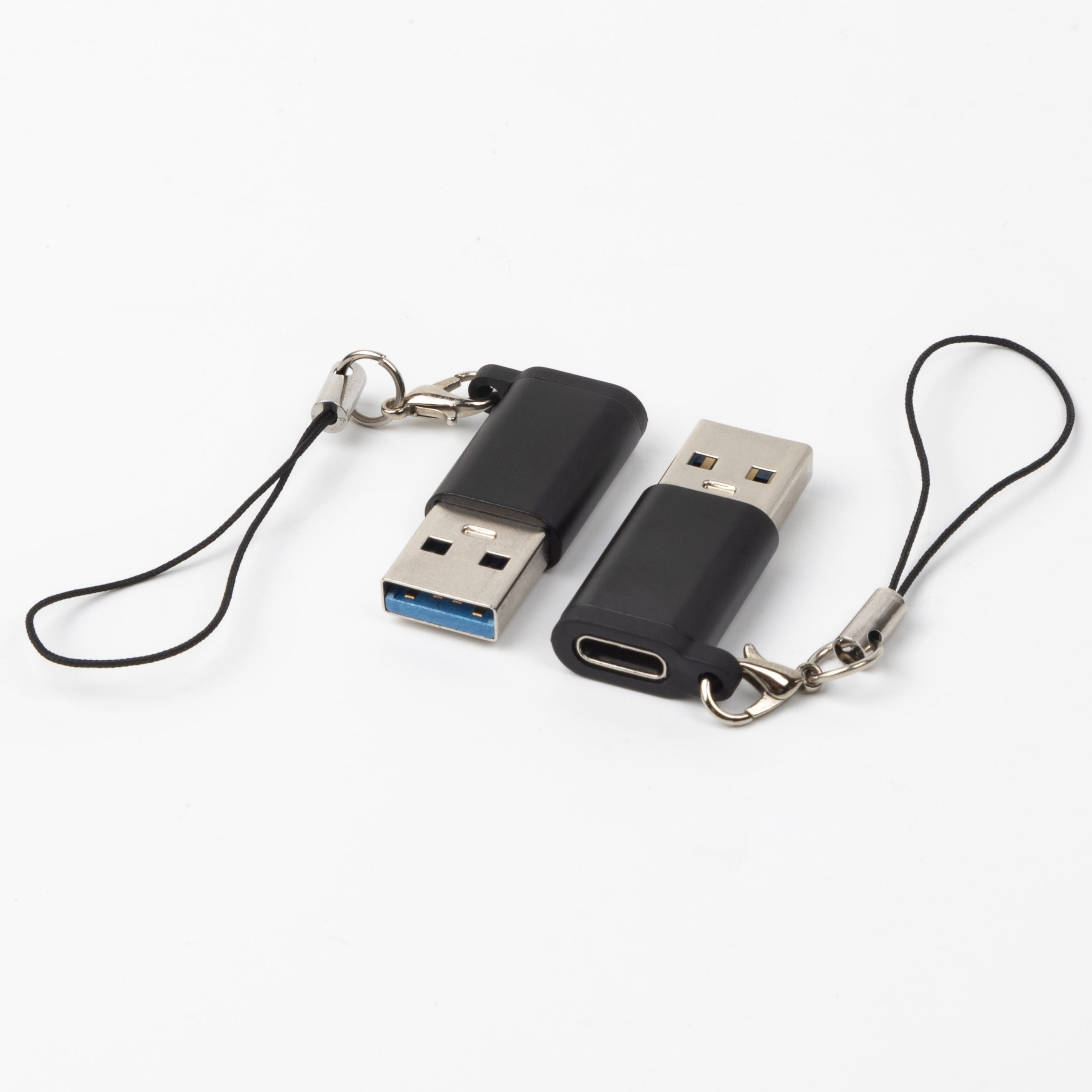
Two shapes share the same name: one puts a Type-A plug into the host and offers a Type-C socket, and the other puts a Type-C plug into the device and offers a Type-A socket for a legacy cable. Our notes on the USB-C to USB-A adapter guide set the two shapes side by side. The current each one passes is set by the port rather than by the adapter, and a USB Battery Charging 1.2 port delivers 5 V at 1.5 A, about 7.5 W, per the USB Power Delivery specification at usb.org.
What does a USB-C to USB-A charge adapter change?
It changes the connector, not the power budget. The adapter passes the voltage and current the host port provides, so a legacy Type-A port stays at its own ceiling whatever the adapter body is rated for. Where the host is a USB-C port running USB Power Delivery, the fixed levels of 5, 9, 15 and 20 V become available and a 100 W standard power range budget opens up. The adapter cannot create current, and a body marked for a higher figure describes what the cable can carry, not what the port will give. Eilinks asks for the host port model before it asks for the shell, because that answer settles the current.

USB-C to USB-A charge adapter vs OTG cable: what decides?
The choice between a USB-C to USB-A charge adapter and an OTG cable is decided by the job each one is asked to do. The charge adapter exists to fill the power role: it carries the 5 V rail and the data pins, and the phone behaves as the device being charged. An OTG cable exists to flip the host role, so the phone drives a flash drive or a keyboard instead of being filled itself, and the USB-C OTG adapter with a USB 3.0 port keeps both jobs on one shelf. A phone that charges from the cable and a phone that reads from it are two different jobs, and the wrong part gets neither done.
The DC-output variant removes the data pins entirely, which is the line to look for on a listing, and the same listing states the plug orientation so the two shapes are not confused at the bench, because a barrel that fits the host but not the device is a second order.
| Job | Charge adapter | OTG cable |
|---|---|---|
| Host role | Phone stays the device | Phone becomes the host |
| Data pins | Passed through where fitted | Passed through, ID pin grounded |
| Power role | Fills the phone | Phone powers the peripheral |
| Best fit | Legacy charger to a Type-C lead | Phone driving a flash drive or keyboard |
- Decide whether the phone charges or drives
- Check the listing for DC output or data pins
- Match the plug orientation to the host end
Why is charging slow with a USB-C to USB-A charge adapter?
Because the port sets the current and the adapter only passes it. Slow charging with a USB-C to USB-A charge adapter usually traces back to a Type-A port that tops out at 5 V and 1.5 A, about 7.5 W, under USB Battery Charging 1.2, while the phone expects 15 W or more over its Type-C lead. The fix is a source that can supply the figure, not a heavier shell: a genuine high-current Type-A port or a USB Power Delivery charger.
The usual tell on a worn adapter is heat at the shell rather than at the phone, because a loose contact converts the difference into warmth instead of current. The USB-C female to USB-A male adapter for DC output quotes USB 3.0 male to USB-C female with up to 10 Gbps and 15 W on one page, so pins and power are read together. Eilinks swaps the adapter first on the heat symptom, because a shell that runs warm under a 7.5 W pass carries resistance rather than charge, and a Chinese factory that moulds USB-C to USB-A charge adapter shells reads contact tension as a first-order spec.
USB-C to USB-A charge adapter for laptops and desktops
USB-C to USB-A charge adapter parts for laptops and desktops do a different job from the phone versions. A laptop charges over Type-C through USB Power Delivery, where the 240 W extended power range at 48 V lives, and no Type-A adapter opens that door; on a laptop the adapter is for peripherals and data. On a desk the adapter keeps a legacy hub, a mouse receiver or a printer cable alive while the fleet moves to Type-C. The China-built USB-C charger converter lists USB-C female to USB 3.0 male with up to 10 Gbps and 15 W, the orientation that suits a legacy Type-A cable on a Type-C device.
Aluminium bodies earn their place on the desk, where the part stays plugged and the shell sheds the heat of a 15 W pass-through instead of storing it in the contact, which is the difference between a part replaced each season and one that stays in the hub for years.
Which data pins pass through the adapter?
A USB-C to USB-A charge adapter passes only the pins the shell was built with. The USB 2.0 pair carries 480 Mbps per the USB 2.0 specification, and it is present on every Type-A port, so a plain pass-through moves data at that rate. Where the adapter carries the SuperSpeed pairs, the rate rises to 5 Gbps under USB 3.2 Gen 1 or 10 Gbps under Gen 2, and the DC-output variant carries none. A host with only the USB 2.0 pins caps the link at 480 Mbps whatever the shell lists, so the pin count belongs on the drawing next to the current figure.
Eilinks checks the pin count against the host list first, because a desk expecting 10 Gbps from a USB 2.0-only port is a support ticket rather than a sale. Where the desk also runs a phone as the host, our note on phone OTG adapter host role checks sets out how the pins behave when the direction flips.
USB-C to USB-A charge adapter CE marking requirements
USB-C to USB-A charge adapter CE marking requirements sit with the finished product placed on the market, so the importer carries the technical file rather than the shell maker. USB-IF certification requirements for USB-C to USB-A charge adapter parts apply where the certification mark or the certified name appears on the pack, and a lead sold without the mark cannot claim it. Dongguan Eilinks keeps the rating claim and the compliance file on separate lines, and USB-C to USB-A charge adapter shells built in China follow the same split on every print.
What to confirm before ordering the adapter
Six items decide whether the adapter does the job on the first order rather than the second, and each one is a question the port answers rather than the shell on the desk.
| Check | What to confirm | Failure mode if missed |
|---|---|---|
| Orientation | Which end is the plug | Part fits the wrong side |
| Host port | Type-A rate and current ceiling | Charge stays at the ceiling |
| Data pins | USB 2.0 only, or SuperSpeed too | Link moves at 480 Mbps only |
| Shell | PVC or aluminium for the duty | Shell runs warm under a pass |
| Rating | Current figure the source can hold | Listing rate is not the port rate |
| Duty | Insertion cycles on a shared desk | Contacts loosen inside a season |
A port list and a duty count close four of six before a sample. Eilinks Eletronics reads the same six off every enquiry, and a USB-C to USB-A charge adapter manufacturer comes back with a question about the host rather than a number.
- Name the orientation and the host port
- Record the pin count and the current ceiling
- Fix the shell against the heat of the pass
- Approve a sample on the real desk
Questions buyers ask
These are the questions buyers ask about USB-C to USB-A charge adapter parts.
Can the adapter charge a phone at full speed?
Only if the source can supply the speed. A Type-A port running USB Battery Charging 1.2 delivers 5 V at 1.5 A, about 7.5 W, and that is the ceiling. Full speed needs more, usually a USB Power Delivery charger.
Will the adapter charge a laptop?
Not at any useful rate. Laptop charging runs over USB Power Delivery, where the 240 W extended power range at 48 V lives, and a Type-A port cannot open that door. The adapter on a laptop is for peripherals and data.
Does the adapter pass data?
Where the shell carries the pins, yes. A plain pass-through moves data at 480 Mbps per the USB 2.0 specification, and an adapter with the SuperSpeed pairs reaches 5 Gbps or 10 Gbps under USB 3.2. The DC-output variant carries no data pins.
How can a worn adapter be spotted?
By the heat and the fit. A shell that runs warm while the phone stays cool is carrying contact resistance rather than current, and a plug that sits loose will walk out under a tug. Both point to the adapter, and the fix is a replacement part.
Where the checks lead
A USB-C to USB-A charge adapter is a specified part, not a commodity, and the host port decides the ceiling. An orientation matched to the link, a current figure the source can hold, a pin count that matches the host and a shell that sheds the pass heat keep the desk charging at the port’s rate. A USB-C to USB-A charge adapter factory in China asks about the port list and the duty before the quantity.
Once the orientation, the host port and the pin count are settled on the drawing, send the enquiry to the Eilinks adapter desk, and the part can be matched to the desk rather than to the catalogue.
