
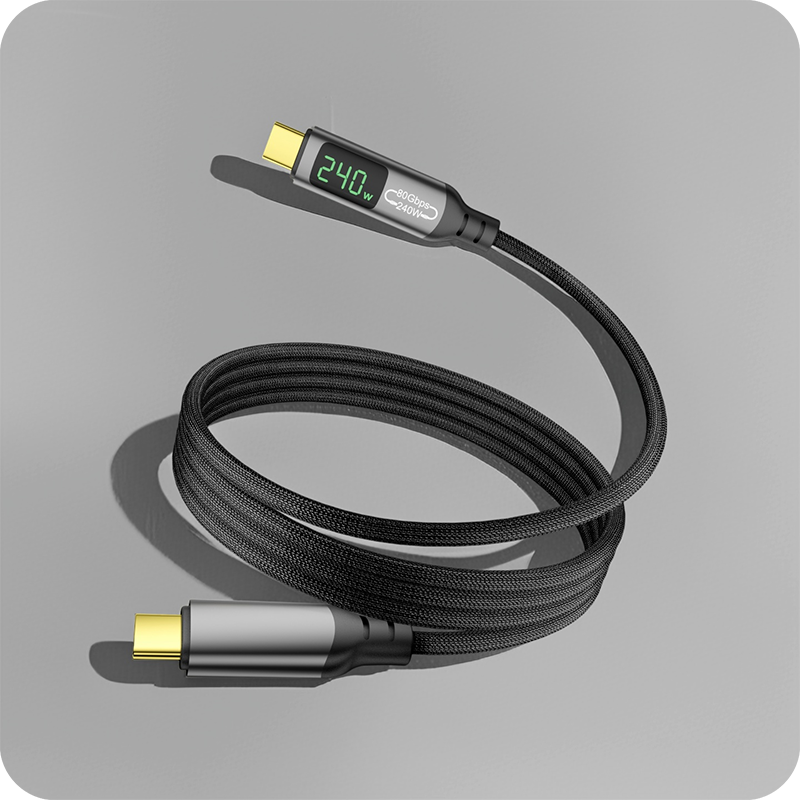
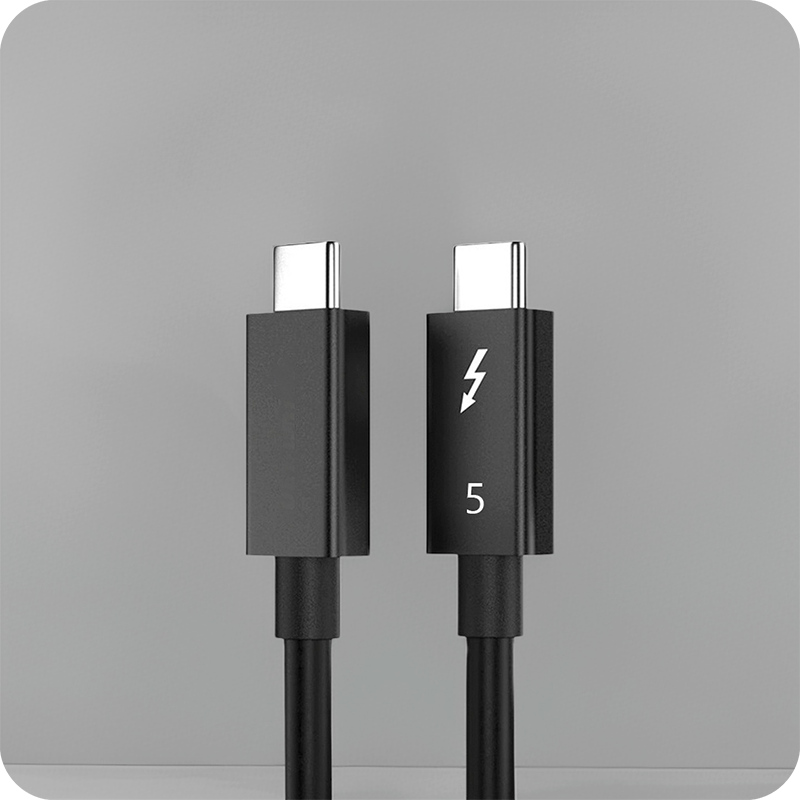
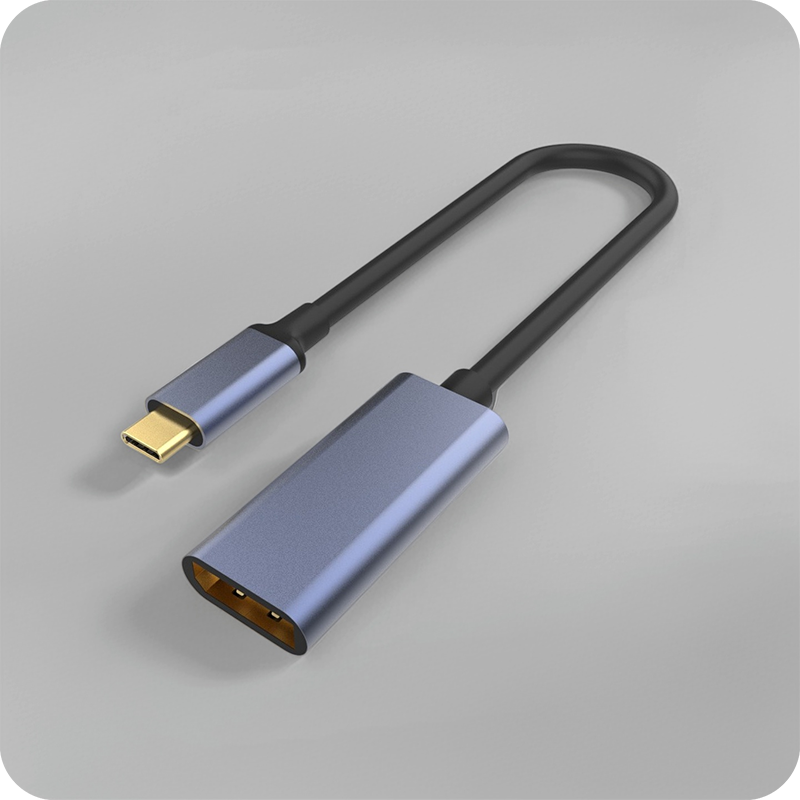
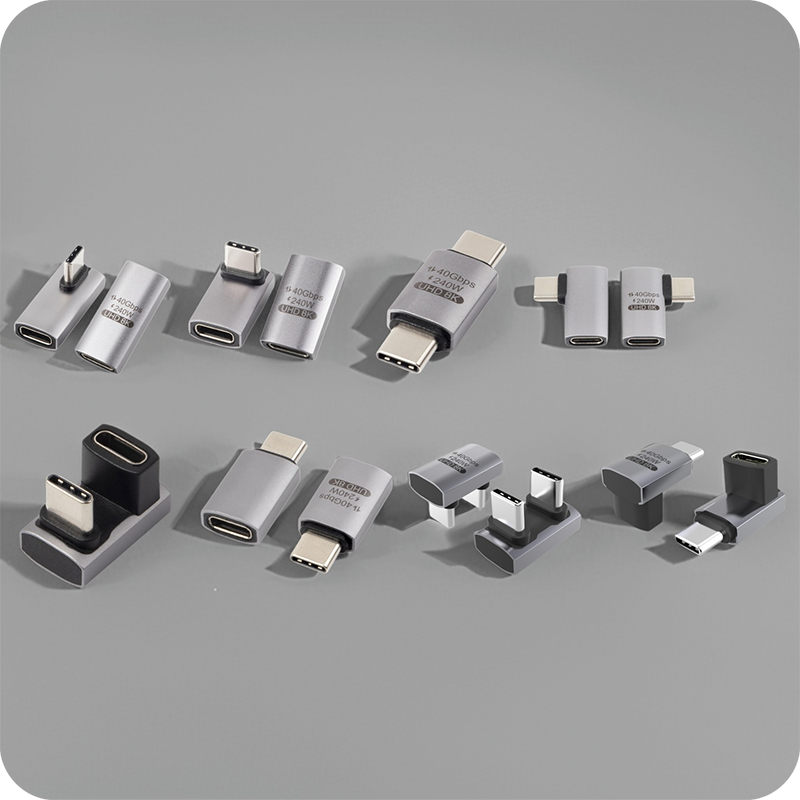
USB Cable 4 Port: Rate and Power Checks for Benches
A USB cable 4 port splitter fans one host port out to four device ports, and every downstream connection shares one upstream bus and one power budget. One drive at a time sees the full figure; four busy drives see a quarter of it each, and our speed checks for long USB 3.0 extension runs cover where a long tail starts to cost rate. A USB 3.0 upstream moves 5 Gbps raw, and with 8b/10b encoding the payload lands near 4 Gbps, about 500 MB/s; four drives copying at once divide that figure rather than each drawing the full rate. Where the desk has no spare socket, the quad lead stays, the host run is usually a USB 3.0 male-to-female extension cable for the host run, and one heavy end moves to a different host port. The host port carries a fixed current, and USB 2.0 allows 500 mA per port at 5 V, so 2.5 W, while USB 3.0 raises that to 900 mA, so 4.5 W. The host port carries one budget, USB 2.0 allows 500 mA per port and USB 3.0 allows 900 mA, and four phones divide that budget rather than each drawing a full unit. Buyers can put the operating conditions on the USB Cable 4 Port drawing and ask for a quote against it.
The appeal is plain: one host port, four devices, nothing to install. The limits are just as fixed, because four ends share what one host port can move and what one upstream connector can supply, and a buyer who skips those two budgets gets a part that copies slowly and charges more slowly.
The same port arithmetic sits behind our notes on where the connector families from USB 2.0 to USB4 are listed. What follows is the check order for the four-port case: the shared rate first, then the power budget, then the documents that travel with the shipment.
What does a USB cable 4 port splitter do?
A USB cable 4 port splitter takes one upstream connection and fans it out to four downstream ports, and the host sees the whole assembly as a single device on a single port. Nothing is added at the host; the splitter re-uses the one port that is already there and puts a hub chip between it and the four ends.
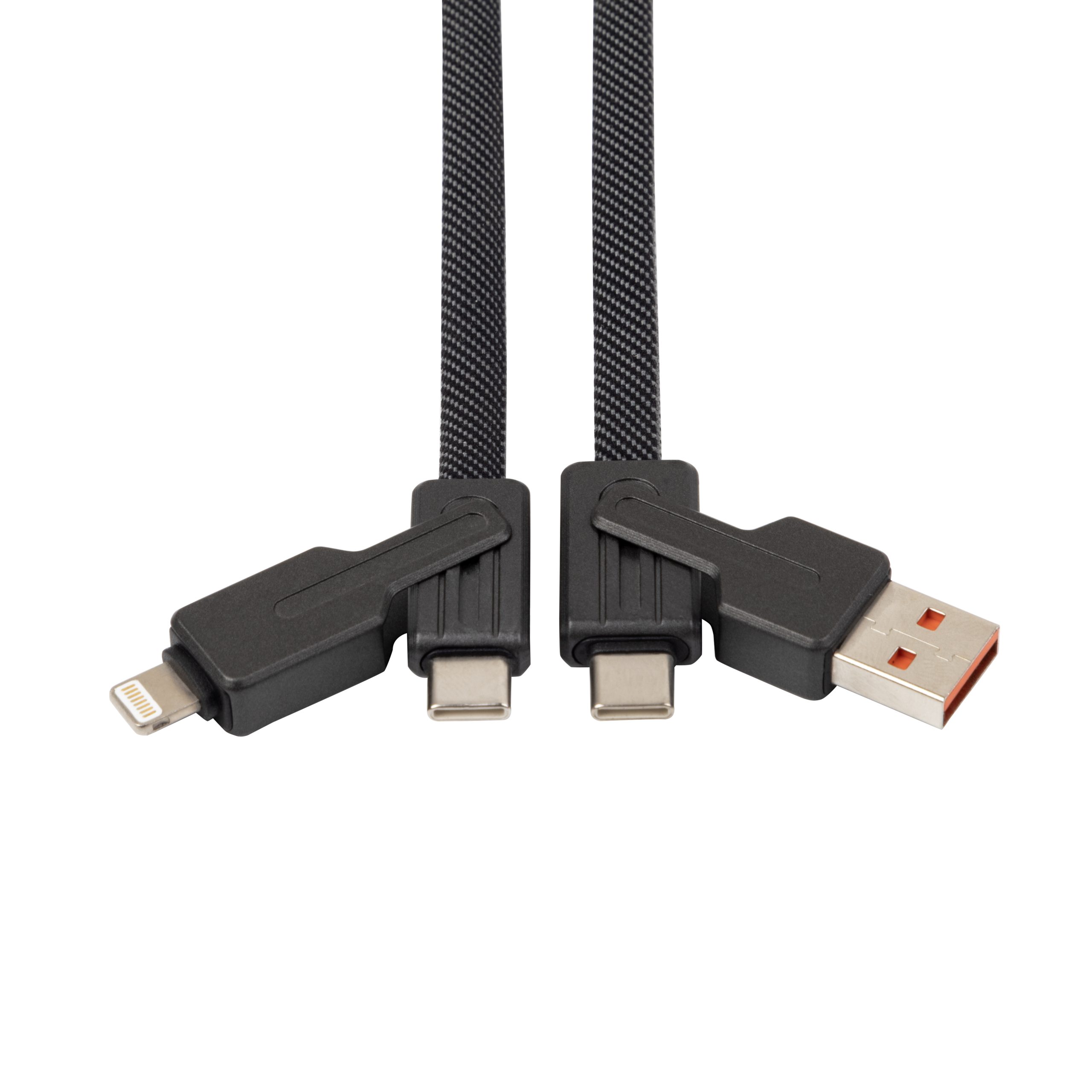
Inside the shell are the hub chip, four downstream connectors and a power path fed from the upstream plug. A bus-powered unit draws nothing from the wall, so every milliampere (mA) the four ends take comes out of the host port’s own budget. Eilinks asks for the host port rating before quoting a quad lead.
How much rate does each port on a USB cable 4 port get?
Each port offers the bus rate, not a quarter of it, until the traffic adds up. A USB 3.0 upstream moves 5 Gbps raw, and with 8b/10b encoding the payload lands near 4 Gbps, about 500 MB/s; four drives copying at once divide that figure rather than each drawing the full rate. Eilinks Eletronics builds the passive and the active version from one drawing template, which keeps the comparison honest.
A USB 2.0 upstream is stricter: 480 Mbps shared, with a theoretical figure near 60 MB/s, which covers a keyboard and a card reader comfortably while leaving a drive starved. USB 3.2 lifts the ceiling to 10 Gbps or 20 Gbps, but only where the splitter, the host and the device all speak the same generation.
Port overload in a USB cable 4 port shows up as a device that drops out when the fourth one connects, and that symptom is a current problem rather than a rate problem. The practical check is to total the peak rates of the four ends and compare them with the upstream figure, and Eilinks totals those four figures on the first pass.
How much power can a USB cable 4 port deliver?
Power is where a four-port split surprises buyers, and a China USB cable 4 port supplier is asked about the budget before the rate. The host port carries a fixed current, and USB 2.0 allows 500 mA per port at 5 V, so 2.5 W, while USB 3.0 raises that to 900 mA, so 4.5 W.
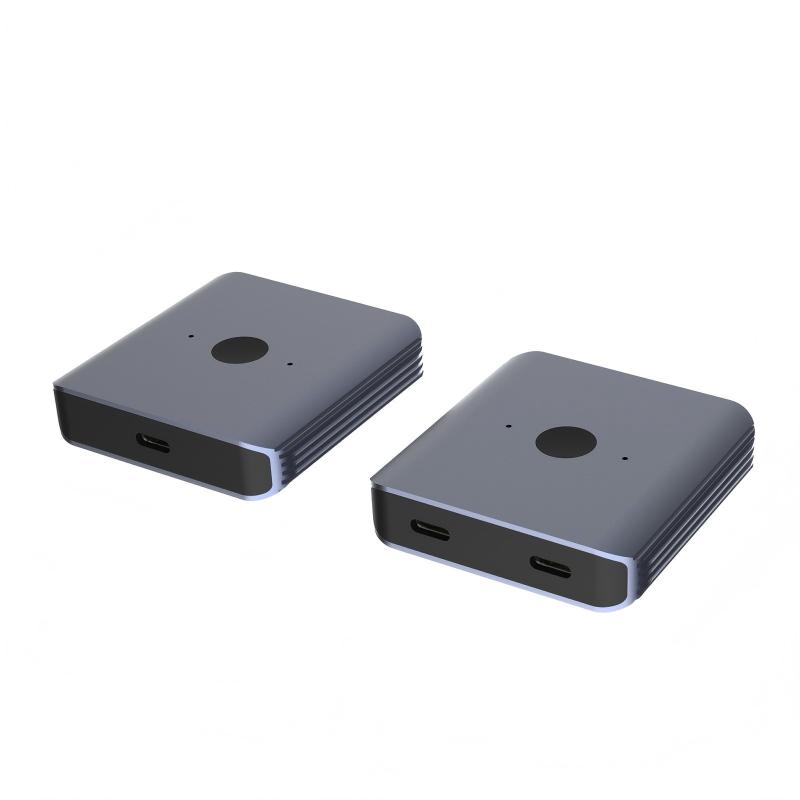
Four ends on one unpowered splitter share that budget instead of each drawing the full figure, so a USB cable 4 port for charging multiple devices works best when the host port is rated high and the devices draw modest currents. Charging four phones at once is the case that exposes the limit: the total current is capped, and the charge rate falls as ends are added.
A USB cable 4 port factory in China quotes the quad lead and the powered hub side by side, and the difference is where the current comes from. Where the desk has no spare socket, the quad lead stays, the host run is usually a USB 3.0 male-to-female extension cable for the host run, and one heavy end moves to a different host port.
USB cable 4 port vs powered hub: which to pick?
The USB cable 4 port vs powered hub choice turns on what the four ends do. A quad lead suits four light, low-rate ends such as a keyboard, a mouse, a card reader and a phone; a powered hub suits four heavy ends such as drives, cameras and capture cards.
| Factor | Bus-powered USB cable 4 port | Powered four-port hub |
|---|---|---|
| Upstream rate | One shared bus for all four ends | One shared bus for all four ends |
| Per-port power | 500 mA or 900 mA shared from the host port | Port rating fed by an external supply |
| Best for | Light desk ends and phone charging | Drives, cameras and capture cards |
| Fails when | Four heavy ends connect at once | Rarely; needs a wall socket |
| Drawing entry | Note the host port rating | Note the supply rating as well |
Where the bench runs all day with four heavy ends, the powered hub is the part that holds, and the quad lead becomes the travel spare. A USB cable 4 port manufacturer builds both, and the listing states which budget each end draws.
What to confirm before ordering a USB cable 4 port
Six items decide whether a four-port split survives its first week on the desk. Three are on the spec sheet, and three are on the desk it lands on.
| Check | What to confirm | Failure mode if missed |
|---|---|---|
| Upstream rate | 480 Mbps, 5 Gbps or 10 Gbps bus | Four drives starve on one slow upstream |
| Power budget | Host port current and per-end draw | Ends drop out as they connect |
| Connector mix | Type-A, Type-C or Micro-B on each end | The wrong end reaches the drawing |
| Tail length | Host to splitter, splitter to each end | Long tails exceed the specification |
| Powered option | Whether a supply is allowed on the desk | Charge rate halves under load |
| Document set | Which party holds the conformity file | Shipment held at the border |
A bench that copies and charges at once should start from the Chinese-made switch hub listing with 8K video and 20 Gbps data. Eilinks reads the same six off every enquiry, and a one-line request tends to come back as another question.
Documents and conformity requirements for USB cable 4 port
Documentation decides whether a four-port order clears customs. CE marking requirements for USB cable 4 port sit with the party that places the finished product on the market, and USB-IF certification requirements for USB cable 4 port apply where the certified name or the logo appears on the pack.
- Name the upstream rate and the host port rating on the drawing
- Pin the per-end current and the four connector types
- Record which party holds the technical file
- Approve a sample with all four ends connected
The bus rates and the per-port current figures behind those checks are published in the USB 3.2 specification at usb.org, and that is the reference a drawing should point at when the label says 5 Gbps and the desk expects four ends on one budget. Dongguan Eilinks keeps the same reference on the order record.
Who decides what on a USB cable 4 port order
Facilities measures the desk and the socket situation, IT owns the driver policy, and sourcing owns the drawing, and our port-load and power checks on USB-C hubs is where those three usually start.
A USB cable 4 port manufacturer can only quote what the drawing names, which is why the first reply is a question about the four ends rather than a number. Where the desk grows, the second splitter is replaced by a powered hub, and that decision belongs on the drawing before the sample is cut. A splitter chained onto a splitter doubles the current draw on the same host port instead of solving the budget.
- Facilities measures the desk and lists the sockets
- IT confirms the load type and the driver policy
- Sourcing pins the rate, the budget and the ends
- Both sides sign off the sample under real load
Questions buyers ask
Can I charge four phones from one USB cable 4 port?
Only slowly on an unpowered split. The host port carries one budget, USB 2.0 allows 500 mA per port and USB 3.0 allows 900 mA, and four phones divide that budget rather than each drawing a full unit. A powered hub is the fix when all four need to charge at once.
Will four drives each get the full bus rate?
No. All four share one upstream bus, so a USB 3.0 upstream near 4 Gbps after encoding is divided between them while they copy at the same time. One drive at a time sees the full figure; four busy drives see a quarter of it each, and our speed checks for long USB 3.0 extension runs cover where a long tail starts to cost rate.
Does a USB cable 4 port work with a USB 3.2 host?
Yes, and the link trains at the highest rate both sides speak, which is the USB 3.2 figure where the splitter supports it and the older bus figure where it does not.
When should I move to a powered hub?
Move when the ends are heavy: drives, cameras or capture cards that copy and charge together. Eilinks usually asks which ends stay connected overnight before quoting, because that answer separates the quad lead from the powered hub.
What length limits apply to the splitter tails?
Keep the upstream tail short and treat the downstream tails as ordinary bus leads. The same boundary applies to the four ends, and a long tail that costs rate on one end costs it on all four.
Where the checks lead
A USB cable 4 port for bench test rigs is specified by the shared upstream rate first, because the rate decides whether four ends can work at once, and the power budget decides whether they stay connected. The same six checks close most drawings before a sample is requested.
Send the four device types, the host port rating and the socket situation to the Eilinks four-port cable desk and the split or hub can be matched to the bench.
