
HDMI input to Type-C output cable: Desk Capture Checks
An HDMI input to Type-C output cable turns an HDMI source into a USB-C video feed that a laptop or phone can capture without a separate card. Our China USB-C cable types guide sets the signal path each build must hold, and this page covers what the cable carries, the resolution each mode supports, and what a supplier should answer before an order. Eilinks reads the sink first. Buyers who source this part usually want one thing — a passive lead that moves a 4K60 HDMI signal across a USB-C port so a camera or console feeds a stream deck or a capture app directly. The build keeps the HDMI input and the Type-C output on one moulded body, so there is no box in the run and no driver dongle to lose. This guide explains what the cable is, when it beats a capture card, and which resolution and refresh numbers matter before you request a quote. We cover the UVC class the sink expects, the 4K at 30 Hz ceiling most passive builds hold, and how the build documents each stage. By the end you can brief the team with the exact length, resolution, and sink class your desk needs, and avoid the returns that come from a cable that will not enumerate or will not pass audio.
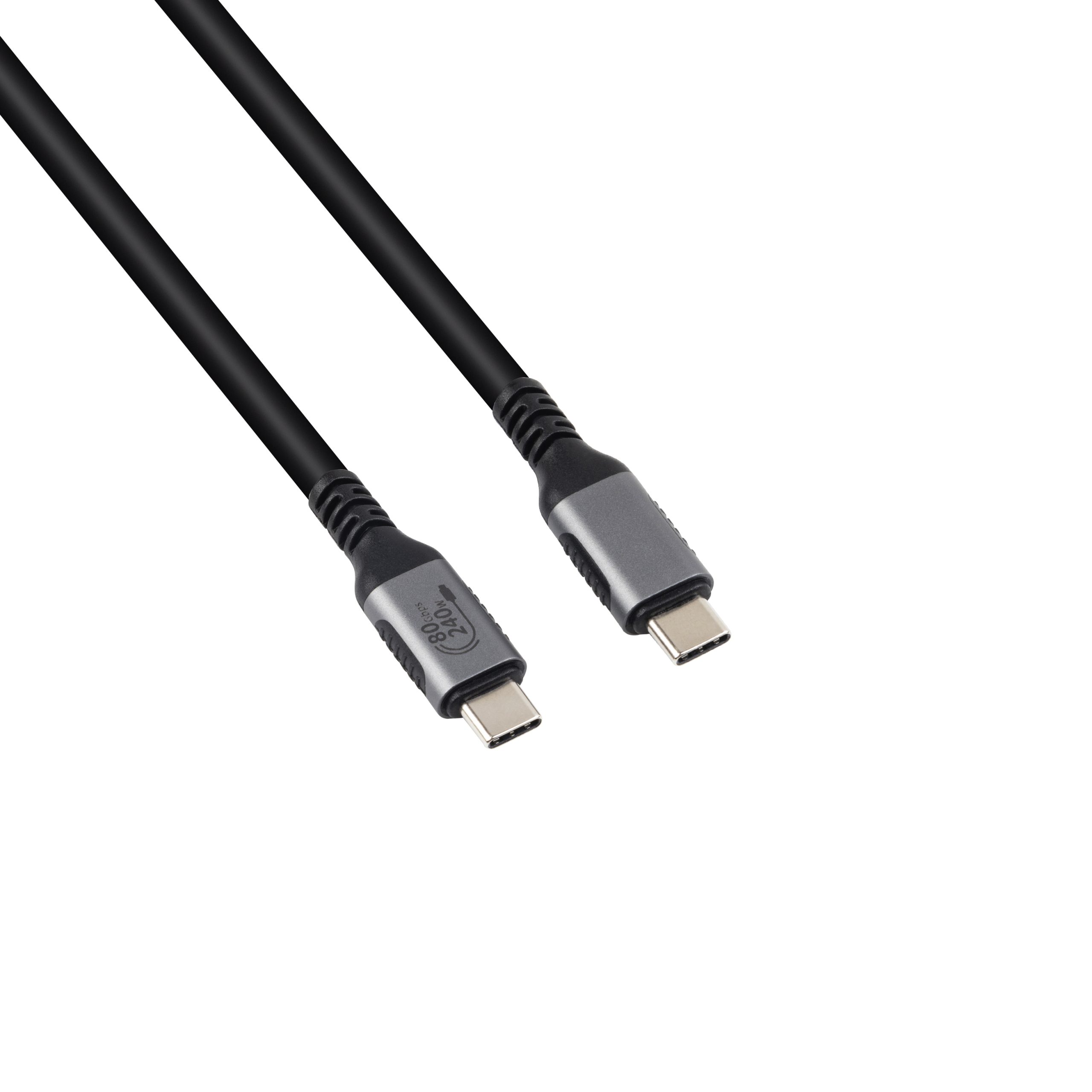
What an HDMI input to Type-C output cable is built to do
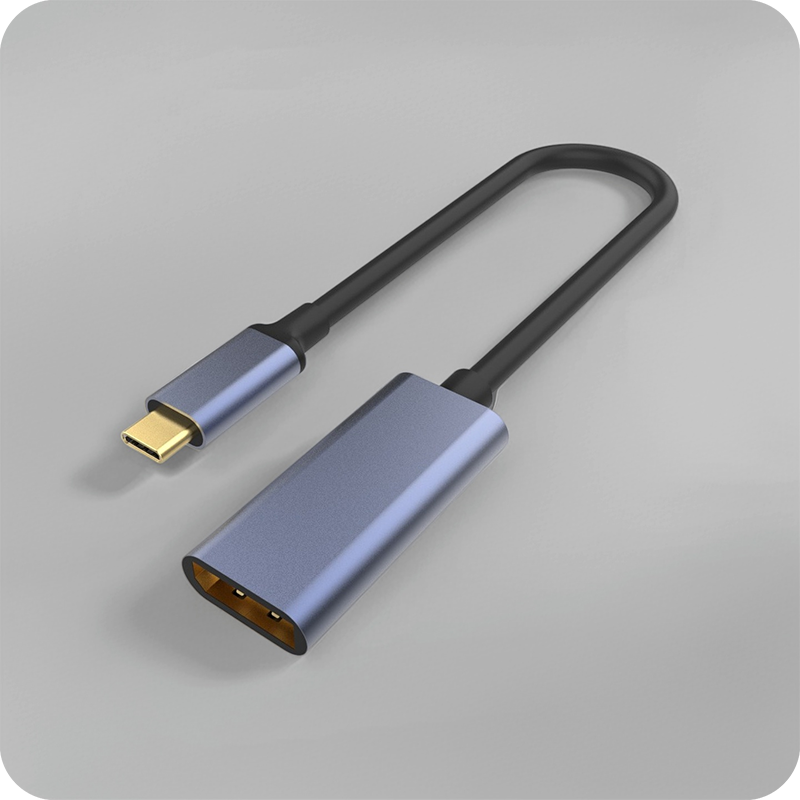
A HDMI input to Type-C output cable carries a 4K HDMI signal from a source into a USB-C port that the sink reads as a UVC video device, so no capture card sits between the camera and the laptop. An HDMI input to Type-C output cable capture path maps the HDMI lanes onto a USB video class the phone or computer already supports, then hands the stream to the capture app. Most builds move 4K at 30 Hz or 1080p at 60 Hz and draw the 5 V they need from the sink. A rated HDMI input to Type-C output cable ships with the number on the shell, so a buyer reads it before the sample is cut.
The fork is a desk tool first. A HDMI input to Type-C output cable sits between the source and the sink on the worktop, not in the wall and not in a long run, so its only job is the short, repeatable link a stream rig makes dozens of times a shift. The number on the shell is the number the desk reads, and the Type-C tip is what protects the port behind it.

When does an HDMI input to Type-C output cable beat a capture card?
The honest answer is: whenever the desk has no room for a box and the sink already supports UVC, the cable is the lighter path. An HDMI input to Type-C output cable decision is really a form-factor decision, not a quality one. If the laptop lacks a capture app or the sink needs a hardware encoder, a card still wins on latency. Eilinks quotes the same drawing the shell is pressed from, For a matched part, see the matched part in the same build family.
Cart rigs and counter mounts are the clearest cases. A HDMI input to Type-C output cable for a camera on a stand lets the run drop into the laptop instead of hanging from a capture card, and it releases when the arm is pulled instead of tearing the port. The trade-off is electrical only: the mapping adds about 2 ms of latency.
HDMI input to Type-C output cable for laptops and phones
Laptop and phone sinks are the reason most buyers search for this part. A HDMI input to Type-C output cable for laptop use keeps the host port free for power while the HDMI source feeds the capture app, because the sink reads the stream as a webcam class device. The same logic applies to phones, where a straight lead fights the grip on every move. A HDMI input to Type-C output cable for laptop builds is the part to quote for the open-desk case where the camera swings on a stand.
An HDMI input to Type-C output cable 60Hz mode covers 1080p where 4K is overkill. An HDMI input to Type-C output cable adapter is the part to quote when the sink expects a different class than the source emits.
Which source fits an HDMI input to Type-C output cable?
The cable is source-specific. Eilinks Eletronics starts the build from the same tooling as a passive lead, then locks the mapping at a fixed orientation. An HDMI source feeds the Type-C sink cleanly because the video class is one-directional, while a DisplayPort source needs a different cable, not this one. Match the source port to the sink before you order, because a HDMI input to Type-C output cable cannot fix a mismatch between host and peripheral. A USB-C cable compliance guide covers the wider test context for this build family. The related path that some sinks expose is defined by the USB Type-C cable and connector specification on usb.org, and the build documents conformance.
For mixed fleets, the tip behaves the same across connector families, so your brief stays consistent across the whole device range. The build team quotes a mould charge only when the cavity demands a non-standard bend, which keeps the sample cost predictable.
How an HDMI input to Type-C output cable manufacturer builds the tip
A HDMI input to Type-C output cable manufacturer starts from the same overmould process as a passive lead, then locks the mapping at a fixed orientation inside the tool. Eilinks runs this as a two-shot mould: the strain relief and the tip are one piece, so the mapping cannot loosen under the 10,000 insertion cycles the build is rated for.
| Build step | What is controlled | Why it matters |
|---|---|---|
| Two-shot mould | Mapping orientation | Stays at 90 degrees |
| Shell plating | Contact resistance | Holds the 5 V draw |
| Class test | Each tip | Catches weak mapping |
- Fix the mapping in the tool, not by hand.
- Plate the shell for low contact resistance.
- Test every tip for the UVC class.
- Keep the bend radius above the cable minimum.
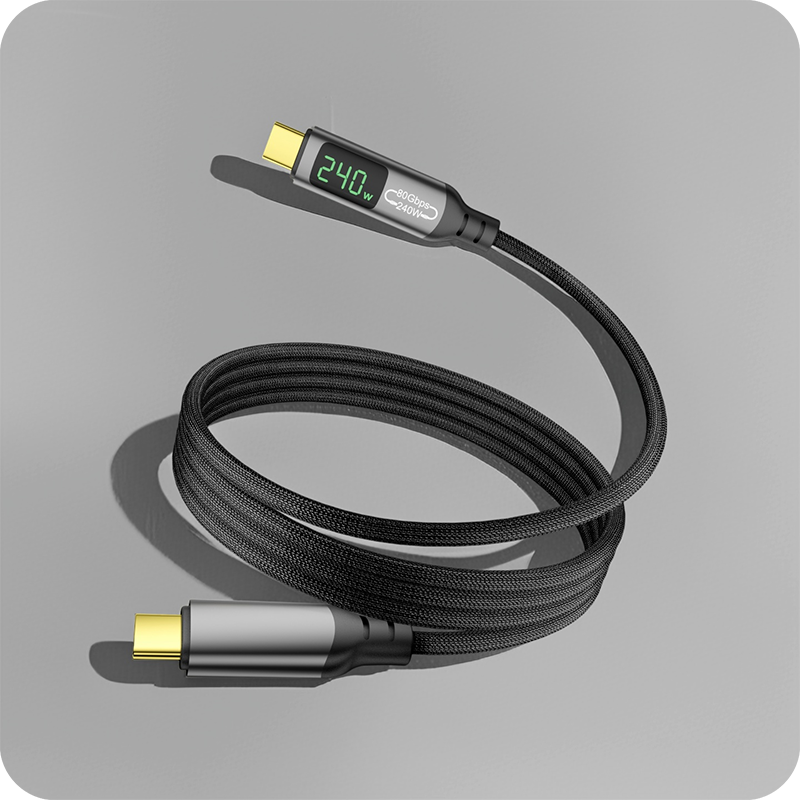
The shell is zinc alloy or moulded TPE depending on the EMI and drop requirements of the buyer’s desk. A HDMI input to Type-C output cable 4K keeps the original source rating and only changes the mapping path, so most questions are about fit rather than performance. A USB-C to USB-C 240 W cable from the same line is a useful reference when the run needs full PD power beside the video.
How do you source an HDMI input to Type-C output cable?
Sourcing starts with a one-page brief: source port, sink port, max resolution, length, and class. A China HDMI input to Type-C output cable supplier reaches a sample this way in days instead of weeks, because the team is not reverse-engineering the use case. A HDMI input to Type-C output cable factory in China will usually hold tooling for the common lengths and quote a mould charge only for a custom direction. Dongguan Eilinks runs this as a two-shot mould so the mapping stays put through the rated cycles.
What resolution and refresh numbers matter most?
The numbers that decide the build are the 4K at 30 Hz ceiling, the 1080p at 60 Hz mode most sinks accept, and the 2-metre reach most desks ask for. A HDMI input to Type-C output cable at 4K30 passes the source’s existing HDMI contract unchanged. Resolution only drops if the sink itself is the limiting part, which the cable cannot fix. Keep the run under 2 metres so the jitter stays inside the UVC budget, and specify the class between UVC 1.1 and UVC 1.5 so the sink enumerates before the app opens.
| Parameter | Value | Why it matters |
|---|---|---|
| Max resolution | 4K at 30 Hz | UVC budget holds |
| Alt mode | 1080p at 60 Hz | Phones accept it |
| Power draw | 5 V from sink | No inline box |
| Class | UVC 1.1 to 1.5 | Enumerates first |
- Name the source and sink ports
- Fix the max resolution
- State the 5 V draw and class
- Set the run under 2 metres
Frequently asked questions
Most questions about a HDMI input to Type-C output cable are about fit and class, not raw bandwidth.
Will the cable work with a phone sink?
On most phones the sink reads the stream as a UVC webcam class, so the cable feeds a capture app directly without a card. Check the app first; some phones need a specific capture tool before the port enumerates on the desk.
Can one cable serve HDMI and DisplayPort sources?
Only if the mapping is on the HDMI side and the sink is the matching type. A HDMI input to Type-C output cable is source-specific: an HDMI source feeds it cleanly, while a DisplayPort source needs the reverse cable. The buyer checks the applicable regional marking and the IEC 62680 requirements for the build before the part ships.
How many insertion cycles should I specify?
Ask the build to document the 10,000 insertion cycles that the rating uses for connector durability. A two-shot mould keeps the orientation through that count without the tip loosening. For fleets that mix connector families, the USB-A to USB-C adapter guide keeps the brief consistent. Documenting the cycle count early protects the lot from mixed-direction returns, because the build team quotes the bend before the tool is cut and the sample is pressed.
Does the cable ship with a compliance mark?
No single cable ships with a finished compliance mark as a blanket claim. The buyer checks the applicable regional marking and the IEC 62680 requirements against the build and the test record, then documents conformance to those requirements before the part ships.
If your desk needs a fixed mapping, send the source and sink map and the length to the build team and request a sample first. Eilinks builds HDMI input to Type-C output cable tips in the common classes and will quote a custom direction when the cavity demands it. A USB-C cable quote with drawings attached lets the build match the shell and tip in one tooling pass.
