




USB-C to USB 3.0 Micro-B Cable: 5 Checks
USB-C is common on newer computers and tablets, but many cameras, external drives, industrial devices, and field tools still use USB 3.0 Micro-B. The comparison behind this section is kept current in China test notes on keystone jack depth. A USB-C to USB 3.0 Micro-B cable can bridge that gap, provided the buyer verifies the device-side connector, host-side port, and intended data workflow before ordering. For Micro-B cable orders, Eilinks Eletronics in China works from the drawing.
The key point is simple: connector fit does not guarantee that the full setup will perform as expected.
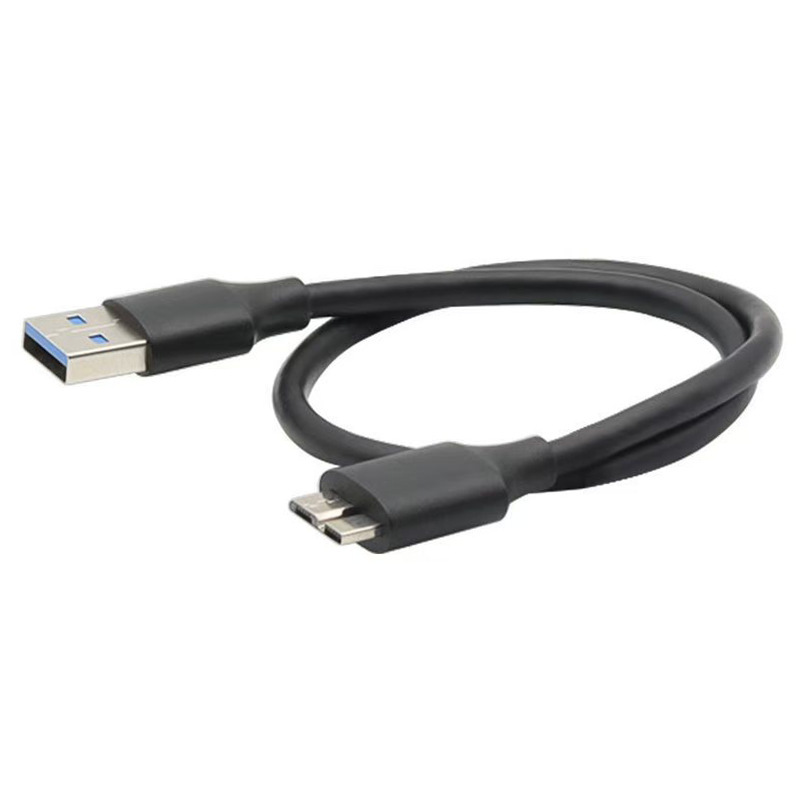
Cable length, device mode, host capability, and handling conditions all matter.
Confirm the Micro-B device side first
USB 3.0 Micro-B is wider than older Micro-USB connectors and is often found on devices that need SuperSpeed data. Buyers should compare the device port visually and by model documentation before placing an order. Equipment builders tend to check the usb extension options before fixing a connector pair. For a long USB-C to Micro-B option in the current catalog, review the 10M 32FT USB3.2 Gen1 5Gbps USB-C to USB3.0 Micro-B cable.
Compatibility checklist
Length and routing need early attention
A long cable may solve a workstation layout problem but can introduce floor routing, trip protection, and strain-relief questions.
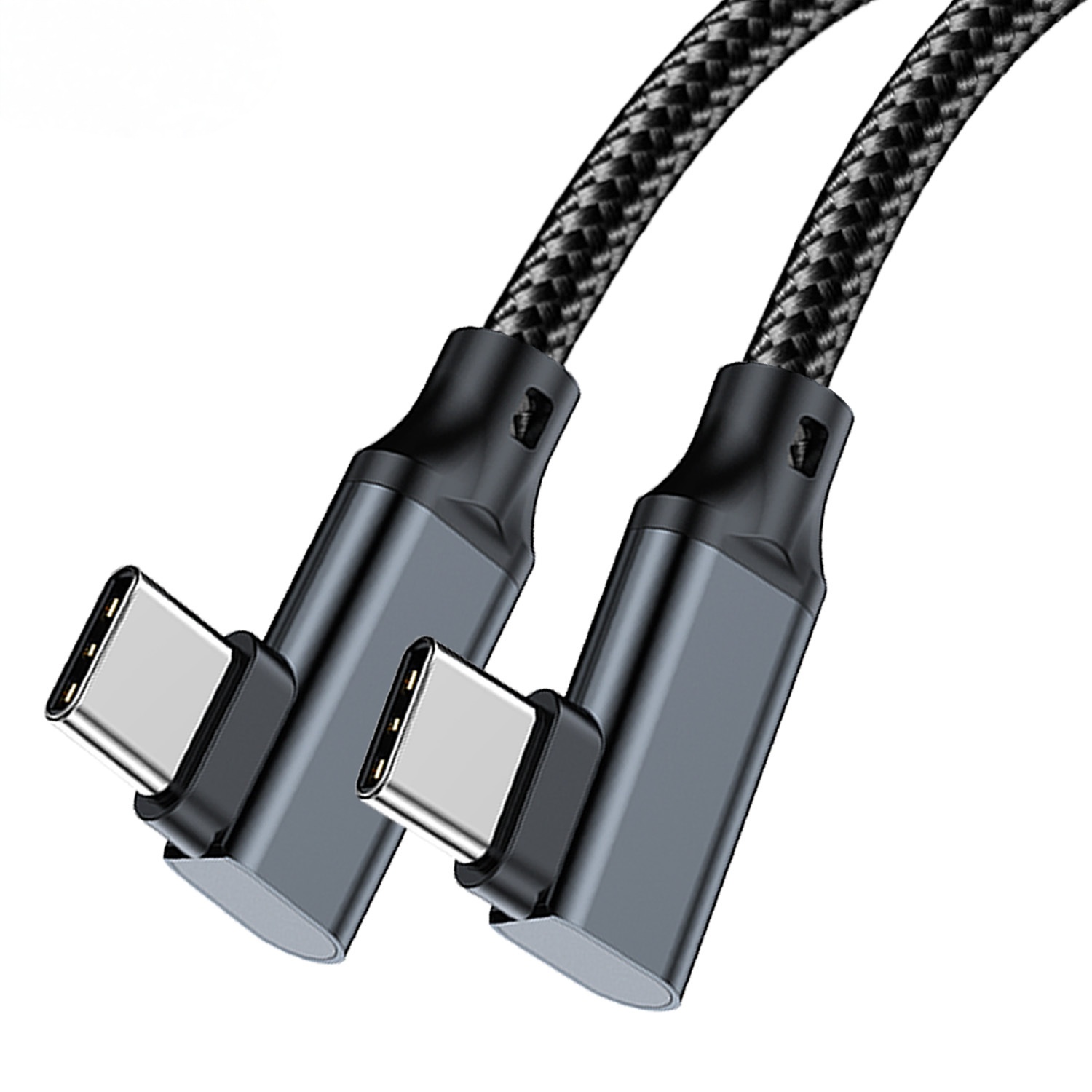
Dongguan Eilinks ships from China, and documents Micro-B cable details on the order record. For photography or capture-cart layouts, compare related tethering options in the USB-C product catalog so the final selection matches both the device connector and the physical workspace. The governing specification is published by the USB Implementers Forum.
Mistakes to avoid
What to include in an RFQ
List the device model, host-side device, cable length, use environment, and target quantity. Buyers usually work from China notes on extension before a drawing is signed off. If the cable will be used on a photography cart, test bench, or field kit, explain how often it will be connected and disconnected so the connector direction and strain-relief expectations are clear.
| Check | Why it matters | What to document |
|---|---|---|
| Device connector | A Micro-B cable will not fit USB-C or older Micro-USB ports | Device model and port photo if possible |
| Host port | The computer or hub must support the intended USB mode | USB-C port location and hub model if used |
| Cable length | Longer runs need more care in routing and handling | Required length and fixed or mobile use |
| Data workload | File transfer, capture, and backup workflows have different tolerance for interruptions | Typical file size or capture workflow |
- Check the port the plug will mate.
- Confirm rear clearance before ordering.
- State whether the run is fixed or moved.
- Record the failed step in writing.
Eilinks in China answers Micro-B cable questions from the same inspection sheet that ships with the cable. The wider range behind this part is set out in smartphone USB-C cable manufacturer for daily charging.
| Item | Mistakes to avoid |
|---|---|
| 1 | Assuming every Micro-USB-looking port is USB 3.0 Micro-B. |
| 2 | Using a hub or adapter chain without checking whether each part supports the required data mode. |
| 3 | Specifying cable length without describing whether the device is fixed, handheld, or mounted. |
| 4 | Mixing procurement names such as Micro-B, Micro-USB, and USB-B without a port photo or model reference. |
- List the connector genders.
- Name the host and device generation.
- Confirm the power level separately.
- Keep the sample note with the order.
