
USB4 Data Cable: Throughput Checks for Bench Rigs
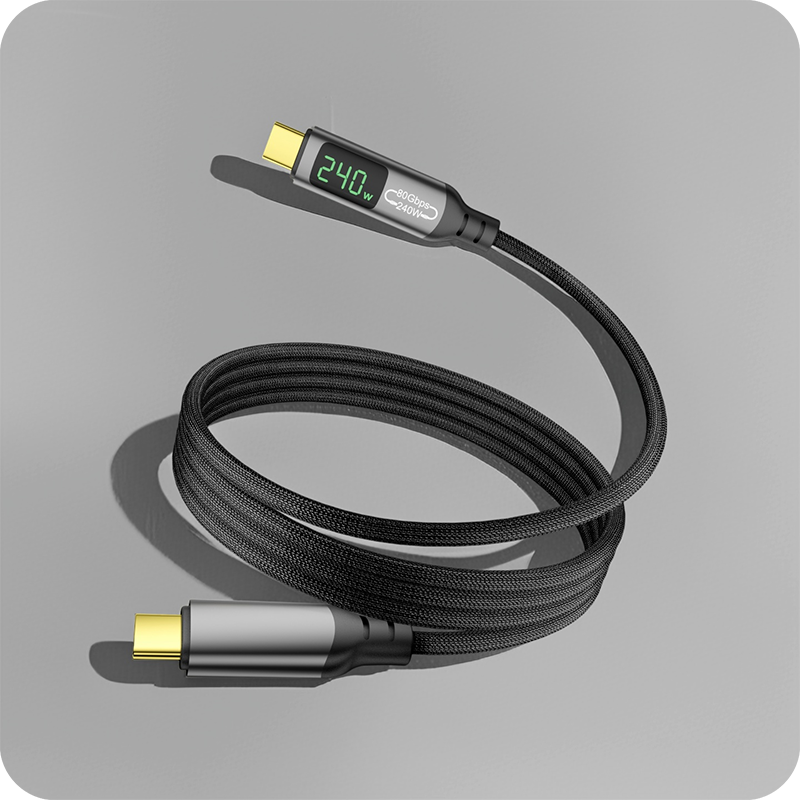
A USB4 data cable moves USB traffic, tunneled PCIe and DisplayPort video over one plug, and the figure on the jacket rarely matches what a drive receives. The lane rates and the passive length cap behind those figures are published in the USB4 specification at usb.org, and that is the reference a drawing should point at when the label says 40 Gbps and the schedule says 0.8 m. Encoding takes a fixed slice, tunneled PCIe and DisplayPort traffic share what is left, and the drive has its own ceiling, so a USB4 data cable for external SSD enclosures delivers less than the box says. Six items decide whether a 40 Gbps assembly survives its first week on the bench, and our note on where a passive run stops holding its rate pins the boundary the length check depends on. Thunderbolt 4 adds a floor the plain USB4 specification does not mandate: 32 Gbps reserved for the tunneled PCIe payload, so an external graphics chassis keeps a usable share when video shares the link. Thunderbolt 4 sits on top of USB4 and adds the PCIe floor, a display requirement and a certification programme, while a plain USB4 assembly states the rate and stops there. Buyers should ask for the USB4 Data Cable test record together with the quotation.
The name bundles three promises on one lead: a raw lane rate, a floor for the tunneled PCIe payload, and a charging level on the same plug. Folding the bus into USB4 did not change what copper can carry, so a jacket figure still has to be read next to the run length.
Two constructions answer the same question, and the wider family is set out in our notes on how the USB4 family sits beside USB 2.0 and 3.2. One is a passive assembly that links the two ends; the other carries active electronics that recondition the signal. The first decision is passive or active, and the run length settles it.
What does a USB4 data cable carry on one plug?
A USB4 data cable carries USB traffic, tunneled PCIe and DisplayPort video. The high-speed pairs, a low-speed sideband channel and the power path share one jacket, and the host negotiates the arrangement over the configuration channel before any lane moves.
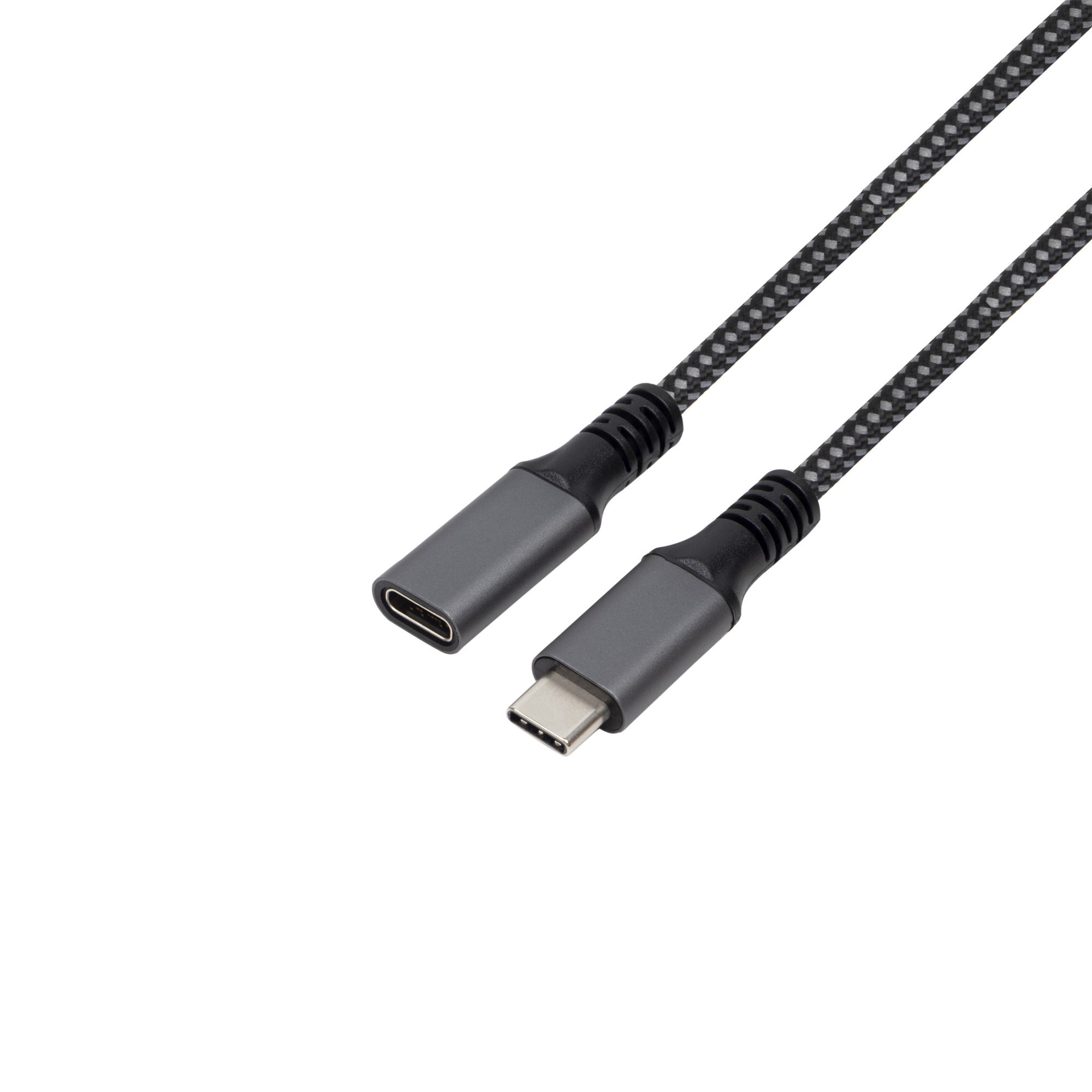
The raw lane rate on USB4 generation 1 is 40 Gbps, and with 128b/132b encoding the payload lands near 38.8 Gbps, about 4.85 GB/s. A full-featured Type-C plug carries 24 contacts, and the power path uses a separate set from the high-speed pairs. USB4 version 2 lifts the raw figure to 80 Gbps, with an asymmetric mode that sends 120 Gbps one way and 40 Gbps the other.
A bench plans against the payload rather than the jacket figure, because the encoding overhead is fixed and tunneled traffic queues behind it. A USB4 data cable for docking stations is specified with the payload next to the raw rate, and Eilinks asks for both before a sample is cut.
How fast is a USB4 data cable in practice?
The usable rate sits below the marketed one. Encoding takes a fixed slice, tunneled PCIe and DisplayPort traffic share what is left, and the drive has its own ceiling, so a USB4 data cable for external SSD enclosures delivers less than the box says. Rate drops in USB4 data cable links trace back to that shared budget more often than to a faulty part. Eilinks Eletronics records the connector direction, the jacket and the length on one sheet before a quotation goes out.
The host port matters as much as the cable. A USB 3.2 port negotiates 5 Gbps or 10 Gbps and ignores the 40 Gbps figure, so the same lead behaves differently on two machines. USB4 generation 2 raises the ceiling, but only where the host, the dock and the drive all speak it.
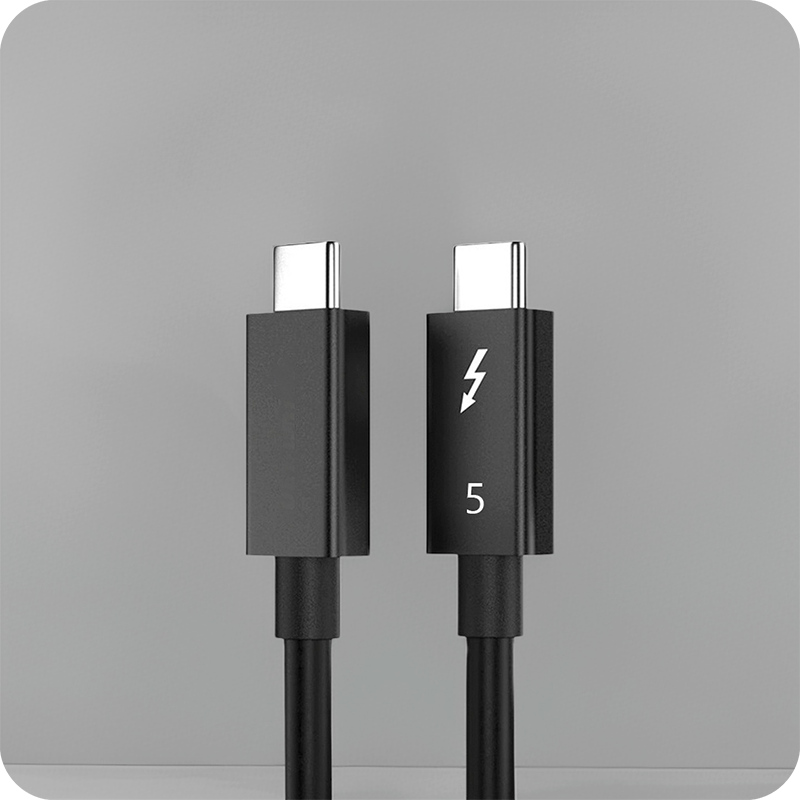
Thunderbolt 4 adds a floor the plain USB4 specification does not mandate: 32 Gbps reserved for the tunneled PCIe payload, so an external graphics chassis keeps a usable share when video shares the link. That floor is why a bench spec quotes Thunderbolt 4 rather than USB4 alone.
How long can a USB4 data cable run?
Length is the first thing a China USB4 data cable supplier is asked, and copper sets the answer. The USB Type-C specification caps a passive 40 Gbps assembly at 0.8 m, so a longer run is built with active electronics that recondition the signal.
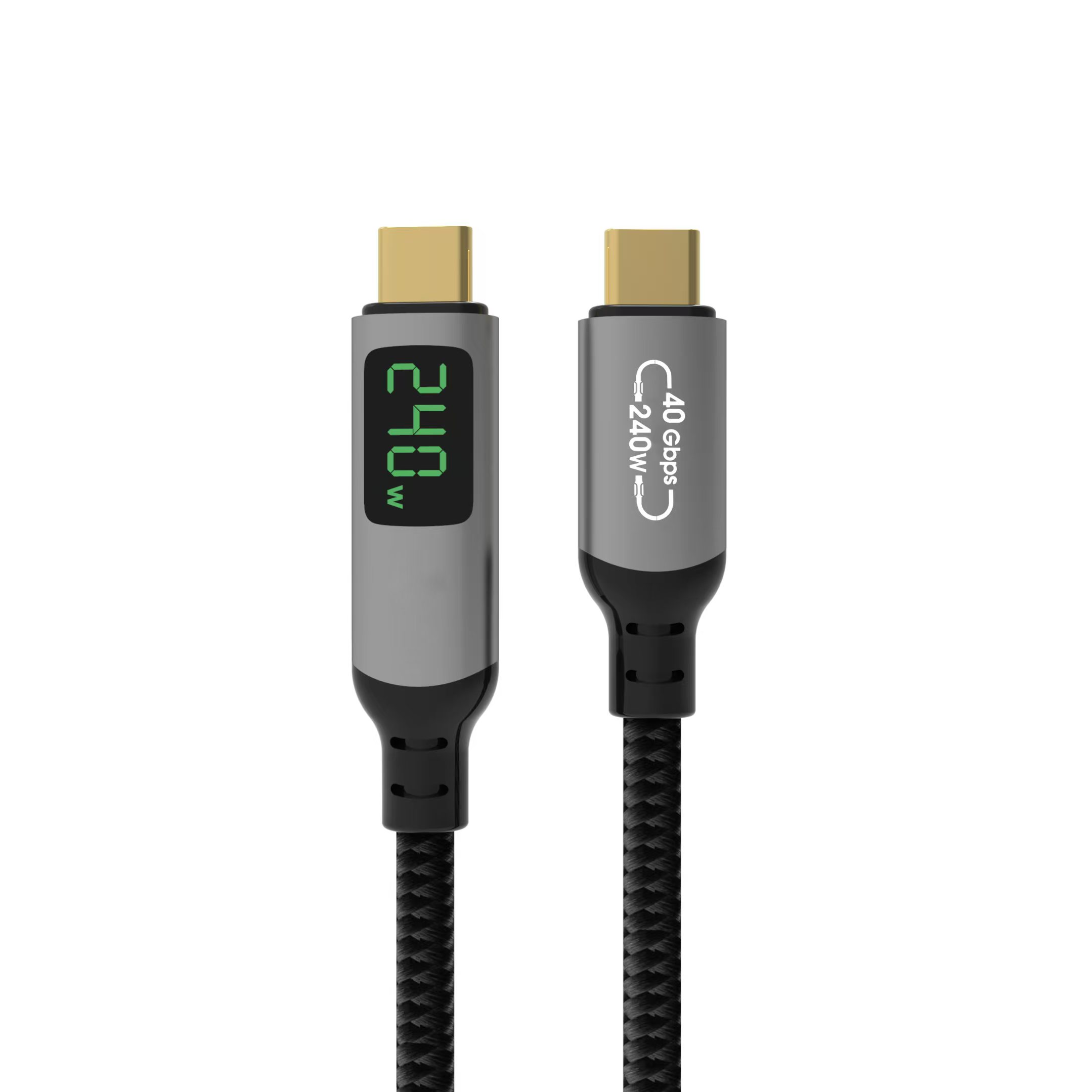
A USB4 data cable factory in China quotes passive and active versions of the same listing, and the difference is the length on the drawing rather than the plug. Measure the run first, because a metre separates a passive part from an active one.
Where the run crosses a wall or a rack, the length has to be measured rather than estimated. A Chinese-made USB4 data cable built as an active assembly holds the rate over the longer run, and Eilinks asks for the measured distance before quoting.
USB4 data cable vs Thunderbolt 4 cable: which to pick?
The USB4 data cable vs Thunderbolt 4 cable choice comes down to stated minimums. Thunderbolt 4 sits on top of USB4 and adds the PCIe floor, a display requirement and a certification programme, while a plain USB4 assembly states the rate and stops there.
For a docking station, a capture card or an external graphics chassis, the floor the specification sets is what keeps the bench stable, so the certified lead is the safer drawing entry. For a drive enclosure that only needs throughput, the USB4 assembly carries the same lanes for less.
Ports accept both, so the decision rarely blocks a purchase; it changes what the buyer can document. A USB4 data cable manufacturer builds either, and the listing is where the difference shows.
What to confirm before ordering a USB4 data cable
Six items decide whether a 40 Gbps assembly survives its first week on the bench, and our note on where a passive run stops holding its rate pins the boundary the length check depends on. The first three items are physical; the last three come back as a support ticket rather than as a part.
| Check | What to confirm | Failure mode if missed |
|---|---|---|
| Run length | Distance from host to device | Passive cap exceeded, rate falls back |
| Lane rate | 40 Gbps or 80 Gbps generation | The drive misses the rating on the box |
| Construction | Passive or active assembly | Active part bought for a short desk run |
| Charging contract | Voltage and current the host accepts | Device charges slowly or not at all |
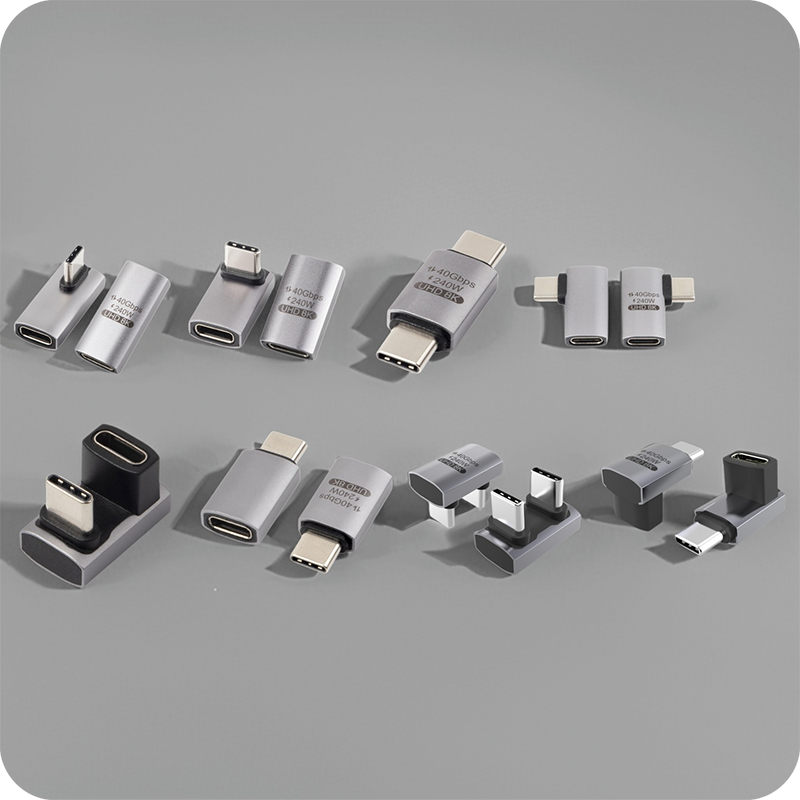
| Plug gender | Which end each device expects | Adapter hangs off the port by its weight |
| Document set | Which party holds the file | Shipment held at the border |
A drawing that names the length, the lane rate and the charging contract closes five of those six before a sample is requested. The 40 Gbps USB4 data cable listing with the 100 W rating states the construction as well as the length, and Eilinks reads the same six off every enquiry.
Documents and conformity requirements for USB4 data cable
Documentation is where an otherwise sound purchase stalls. CE marking requirements for USB4 data cable sit with the finished product placed on the market, so the importer carries the file rather than the assembly maker. USB-IF certification requirements for USB4 data cable apply where the logo or the certified name is used on the pack.
| Document | Who holds it | When it is needed |
|---|---|---|
| Technical file | The party placing the product on the market | Before the first shipment |
| Declaration | The importer or the authorised representative | With each market entry |
| Test record | The manufacturer that ran the assembly | On request from the buyer |
| Sample approval | Both sides, signed against the drawing | Before bulk release |
- Name the run length and the lane rate on the drawing
- Pin the charging contract the host will accept
- Record which party holds the technical file
- Approve a sample with the real load
The lane rates and the passive length cap behind those figures are published in the USB4 specification at usb.org, and that is the reference a drawing should point at when the label says 40 Gbps and the schedule says 0.8 m.
Who decides what on a USB4 data cable order
Confusion here costs more than the part does. Facilities measures the run, IT owns the driver policy, and sourcing owns the drawing, and our notes on Thunderbolt 4 cable length checks is the comparison those three start from.
A USB4 data cable manufacturer can only quote what those three have written down, which is why the first reply is a question about length rather than a number. The same three answer it when a bench reports a rate that does not match the listing.
Dongguan Eilinks works from the drawing rather than from a listing, and a USB4 data cable factory in China asks about the run before asking about the quantity.
- Facilities measures the run and photographs the port
- IT confirms the driver policy and the load type
- Sourcing pins the length and lane rate to the drawing
- Both sides sign off the sample with the real load
Questions buyers ask
Is a USB4 data cable the same as a Thunderbolt 4 cable?
No. Thunderbolt 4 sits on top of USB4 and adds stated minimums, including a 32 Gbps floor for tunneled PCIe and a display requirement. A plain USB4 assembly states its rate and stops there, so the two are not interchangeable on a spec sheet.
Will a USB4 data cable work in a USB 3.2 port?
Yes. The lead is backward compatible, and the link trains at the rate the older port offers, which is 5 Gbps or 10 Gbps rather than 40 Gbps. The host and the cable negotiate the highest common rate.
Why does my external SSD not reach 40 Gbps?
The payload after 128b/132b encoding lands near 38.8 Gbps, about 4.85 GB/s, and most drives cannot saturate even that figure. Check the drive ceiling first, then the port generation, and only then the cable, because the drive is usually the limit on a bench.
Do I need an e-marker chip in the cable?
USB4 assemblies carry an electronic marker that declares the supported rate and current to the host. A long listing at 40 Gbps with no marker leaves the host unable to read what the cable claims, and that mismatch fails bench links.
How long can a passive USB4 data cable be?
At 40 Gbps the Type-C specification caps a passive assembly at 0.8 m. Anything longer is built with active electronics, and the listing should say so in as many words.
Where the checks lead
A USB4 data cable for bench setups is specified by length first, because length decides passive or active, and the payload decides whether the drive sees the promised rate. The same six checks close most drawings before a sample is requested.
Send the run length, the lane rate and the charger rating to the Eilinks USB4 data cable desk and the assembly can be matched to the bench.

1 Comment
[…] rates and tunnel floors come from the USB4 and Thunderbolt specifications published at usb.org; the USB4 data cable throughput checks page shows how those rates survive a long […]