




When 5Gbps USB-C Cables Are Enough for Cameras and
For many procurement teams, the first question is not whether the fastest USB-C option exists. USB-C cable selection notes lists what can be quoted as a moulded assembly at this length. The better question is whether the connected device, host, cable length, and installation path can actually benefit from a higher-speed assembly. For 5Gbps USB-C orders, Eilinks Eletronics in China works from the drawing.
A 5Gbps USB-C cable can be a practical choice when the equipment is built around USB 3.2 Gen 1 or USB 3.0 devices, especially in imaging, test bench, instrument, and tethered camera workflows. The decision should still be documented carefully before an RFQ is sent.
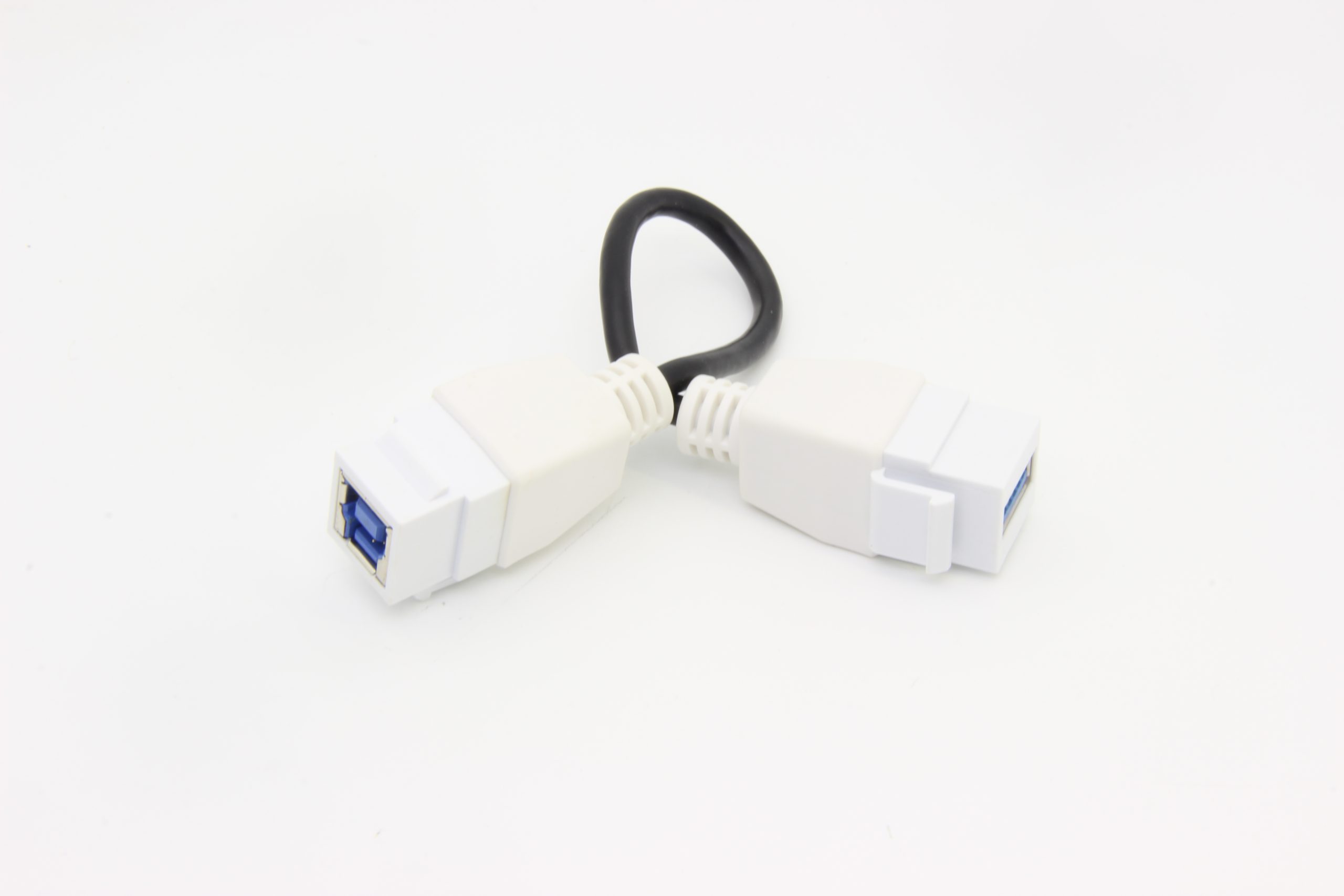
What buyers should confirm first
Where a 5Gbps assembly often fits
5Gbps cable assemblies are commonly considered for tethered photography, camera-to-computer links, instrument data transfer, inspection benches, and equipment that still uses USB 3.0 connector families. The comparison behind this section is kept current in the 240W USB4 40Gbps cable. For example, buyers comparing USB-C extension paths can review the USB3.2 5Gbps USB-C male to C female extension cable. Dongguan Eilinks Eletronics ships from China, and documents 5Gbps USB-C details on the order record. Buyers comparing this point usually review the usb-c 10gbps cable buying guide before the drawing is signed off.
For devices that do not use USB-C at the equipment side, connector matching becomes just as important as speed. Related examples include the USB-C male to USB3.0 B male tethered photography tools cable and the 10M USB3.2 Gen1 5Gbps USB-C to USB3.0 Micro-B cable.
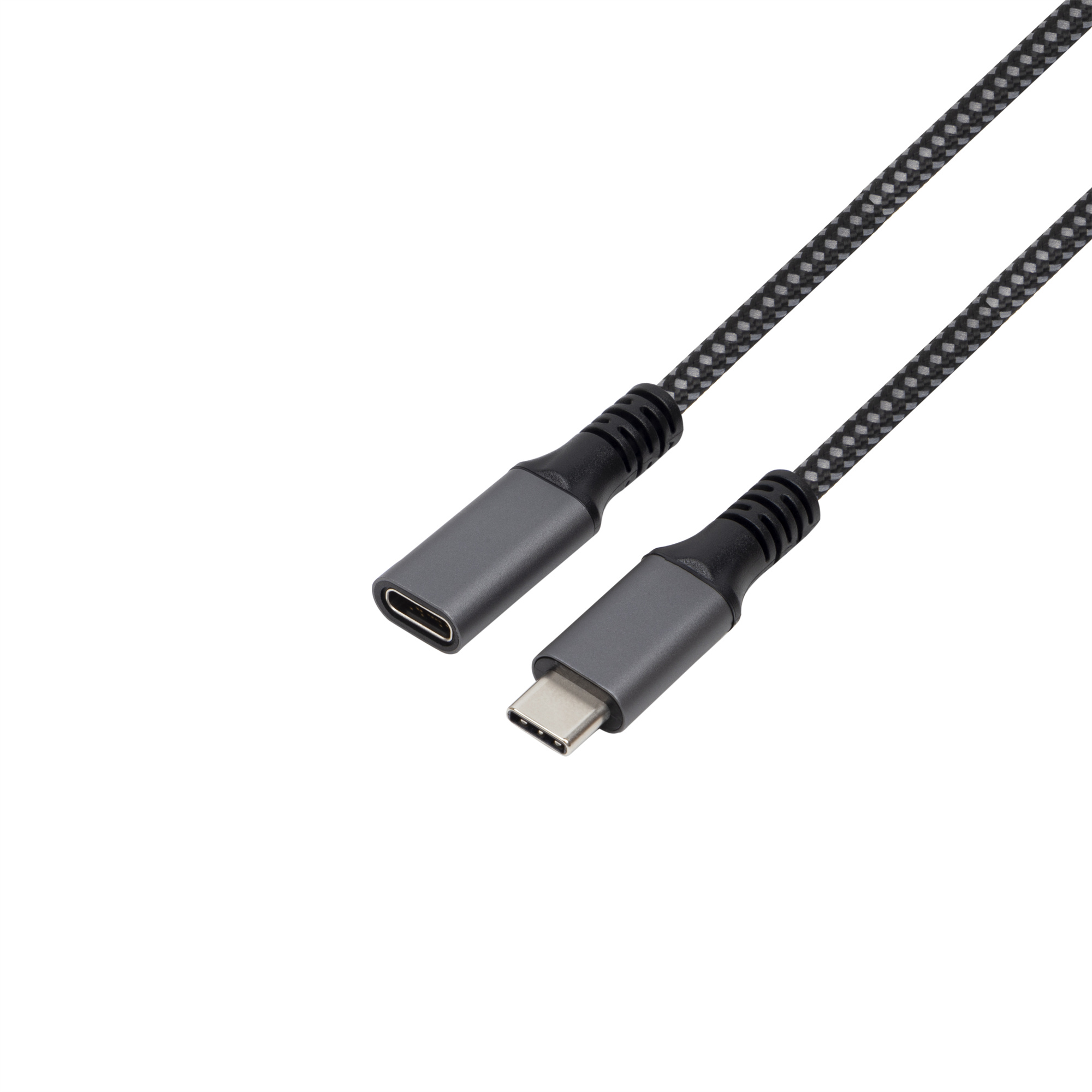
Anyone planning a batch order should look at the usb-c cable compatibility matrix first. Equipment builders tend to check the 100W 20Gbps adapter before fixing a connector pair.
When to consider a higher-speed path
A faster cable or adapter may be worth evaluating when the device, host, and application all require more bandwidth, or when video, docking, or multi-device data paths are involved. In those cases, the RFQ should describe the complete signal path instead of asking only for a connector type.
For procurement, it is useful to separate three questions: required data speed, charging or power expectations, and mechanical routing. The underlying standard behind this interface is maintained by the USB Implementers Forum. Combining those into one unclear requirement can cause the wrong cable family to be quoted.
Procurement mistakes to avoid
Before requesting a quotation
Prepare a short requirement note with connector ends, length, data-rate target, host and device model context, and whether the cable will be moved frequently or fixed in place. Buyers can contact a China-based USB-C supplier when the drawing is unclear.
| Requirement | Why it matters | What to specify |
|---|---|---|
| Device interface | The cable cannot exceed the capability of the host and device ports. | Confirm USB-C, USB 3.0 Type-B, Micro-B, or other connector ends. |
| Data rate target | 5Gbps may be enough for many camera and instrument workflows, while higher bandwidth paths require tighter signal planning. | State whether the project needs USB 3.2 Gen 1 5Gbps or a faster interface. |
| Cable length | Longer assemblies can make signal integrity and handling more important. | List required lengths and any routing constraints. |
| Connector orientation | Straight and right-angle connectors solve different strain and clearance problems. | Include drawings or photos of the equipment port area when possible. |
- Write both ends as a pair.
- Name the enclosure the plug must clear.
- Confirm the length at the target rate.
- Approve the sample against the drawing.
Teams comparing more cable options can start from the USB-C product catalog and then narrow the RFQ around the actual equipment interface. The wider range behind this part is set out in China test notes on keystone jack depth. Eilinks in China answers 5Gbps USB-C questions from the same inspection sheet that ships with the cable.
| Item | Procurement mistakes to avoid |
|---|---|
| 1 | Assuming every USB-C cable supports the same data rate. |
| 2 | Specifying only connector names without the target USB generation. |
| 3 | Ignoring cable length, bend direction, and strain relief in camera or bench setups. |
| 4 | Mixing charging expectations with data transfer requirements without stating priorities. |
| 5 | Forgetting to confirm the equipment-side connector, especially USB 3.0 Type-B or Micro-B devices. |
- Check the port the plug will mate.
- Confirm rear clearance before ordering.
- State whether the run is fixed or moved.
- Record the failed step in writing.
Eilinks in China answers 5Gbps USB-C questions from the same inspection sheet that ships with the cable. Most projects reach this decision through China test notes on mating-cycle limits.
