
USB 3.2 splitter cable: Rate and Power Checks for Benches
A USB 3.2 splitter cable divides one host port across two or three devices on a bench, and each device keeps its own lane instead of sharing one wire. Our China USB-C cable types guide sets the rate ceiling each port must hold, and this page covers what a USB 3.2 splitter cable passes, the power each branch draws, and what a supplier should answer before an order. The splitter adds a few centimetres and one mated pair, so it keeps a link working across a port that is hard to reach, but it does not extend a run the way an inline coupler does behind the bench. Buyers specifying a USB 3.2 splitter cable for bench runs should fix the bend direction on the drawing before a sample is cut, because a body that turns the wrong way cannot be corrected once the shell is moulded. A USB 3.2 splitter cable left in a docking station takes every insertion the bench makes, and the spring fingers relax before the 10,000-cycle figure is reached because the cycles arrive sideways through the fork. A USB 3.2 splitter cable is a passive fork: the host negotiates with each device in turn, so two 5 Gbps branches on one Gen 1 port do not add up to 10 Gbps. Buyers can put the operating conditions on the USB 3.2 splitter cable drawing and ask for a quote against it.
A splitter is not an extender. It adds a fork near the host, so one SuperSpeed lane becomes two, and the host sees the branches as separate endpoints on the same controller. A USB 3.2 splitter cable only carries what the controller and the cable grade both support at once.
The fork is a bench tool first. A USB 3.2 splitter cable sits between the host and the devices on the worktop, not in the wall and not in a long run, so its only job is the short, repeatable link a test bench makes dozens of times a shift. The number on the shell is the number the bench reads.
What a USB 3.2 splitter cable actually splits
It splits the signal, not the bandwidth. A USB 3.2 splitter cable is a passive fork: the host negotiates with each device in turn, so two 5 Gbps branches on one Gen 1 port do not add up to 10 Gbps. The part is one moulded body with a short branch lead, and that is the whole of its job on the bench.
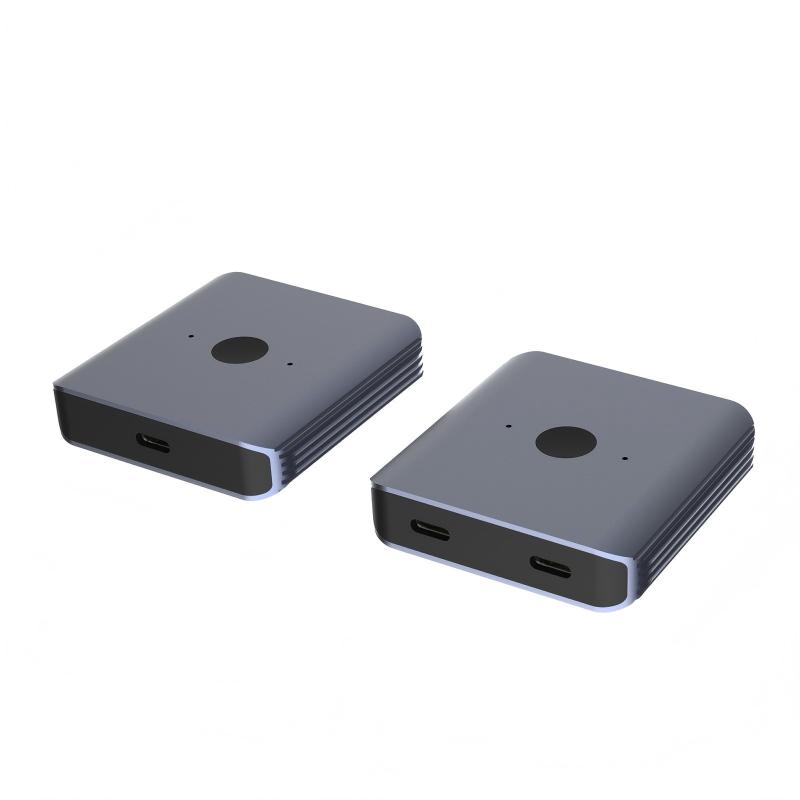
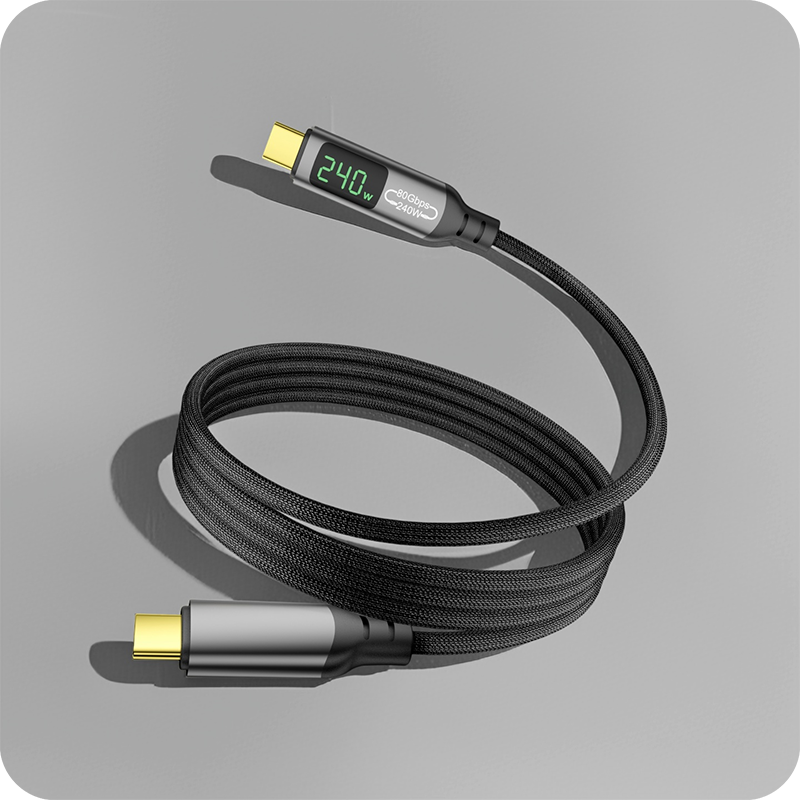
The USB Type-C specification rates a connector pair for 10,000 mating cycles, so a part left in the fork takes that wear instead of the port behind it on a busy bench. Pin count decides the ceiling: a 9-pin USB 3.2 body carries the two differential pairs and the 5-volt line, while a lesser body carries power only through the shell. The bidirectional USB-C switch hub with video and 140 W PD lists 20 Gbps and a shared 140 W budget on one page.
USB 3.2 splitter cable data rates: what one host holds
The host rate is the first number a buyer should name, because every other figure here is measured against it. A host with a 20 Gbps controller still divides that budget the moment a second branch transfers data. The host holds the ceiling, because a USB 3.2 splitter cable is a fork, not a switch. A USB 3.2 Gen 2 splitter halves the per-device share when both branches move data at once. Set two 5 Gbps devices on one Gen 1 port and each sees up to 5 Gbps alone, but the link drops to the slowest branch the moment both transfer. A double-sided 20 Gbps USB-C extension adapter lists 20 Gbps on a single lane, which a fork cannot reach across two branches.
That distinction decides the order. Where a bench has to feed two instruments, the answer is a hub in line, and the notes on keystone coupler fit against wall plates show where each one stops on a real panel. A China-built USB 3.2 splitter cable ships with the rating on the shell, so a buyer reads the number before the sample is cut.
Why does a USB 3.2 splitter cable drop a port?
Insertion loss is the cause. Every connector pair adds resistance that becomes heat the body must shed. A body that runs warm while the device stays cool is passing current through a contact that has lost its spring tension inside the housing.
Wear is the usual reason. A USB 3.2 splitter cable left in a docking station takes every insertion the bench makes, and the spring fingers relax before the 10,000-cycle figure is reached because the cycles arrive sideways through the fork. Signal loss shows first as a dropped drive, then as a renegotiated link before the host recovers. Eilinks Eletronics rates the contact before the device port.
| Property | Splitter cable | Switch hub |
|---|---|---|
| Branches served | Two to three | Four to eight |
| Per-branch rate | Shared host lane | Independent lanes |
| Power per port | From one host budget | From PD controller |
| Bench load | Side load on the shell | Load shared in line |
- Count the devices the host must feed
- Check whether the run needs a switch
- Confirm the rate the controller offers
Which USB 3.2 splitter cable suits a bench?
The right part states the rate on its drawing, because a USB 3.2 splitter cable for bench use is a fit problem first. A standard 9-pin USB 3.2 body passes 5 Gbps for Gen 1, and a fork fed from a 20 Gbps host caps the link at the cable grade through the branch. A 10-metre USB 3.2 Gen 1 Micro-B cable lists 5 Gbps and a long reach on one page. A USB 3.2 splitter cable factory in China quotes the same drawing, so the rating travels with the part. Eilinks asks for the host rating before the fork is cut.
Powered vs passive USB 3.2 splitter cable
The power path changes hands. A passive cable draws everything from the host, while a powered USB 3.2 splitter adds a small regulator so each branch holds its own current budget. A passive fork pushes the load into the host port, and a powered body moves that load into its own shell.
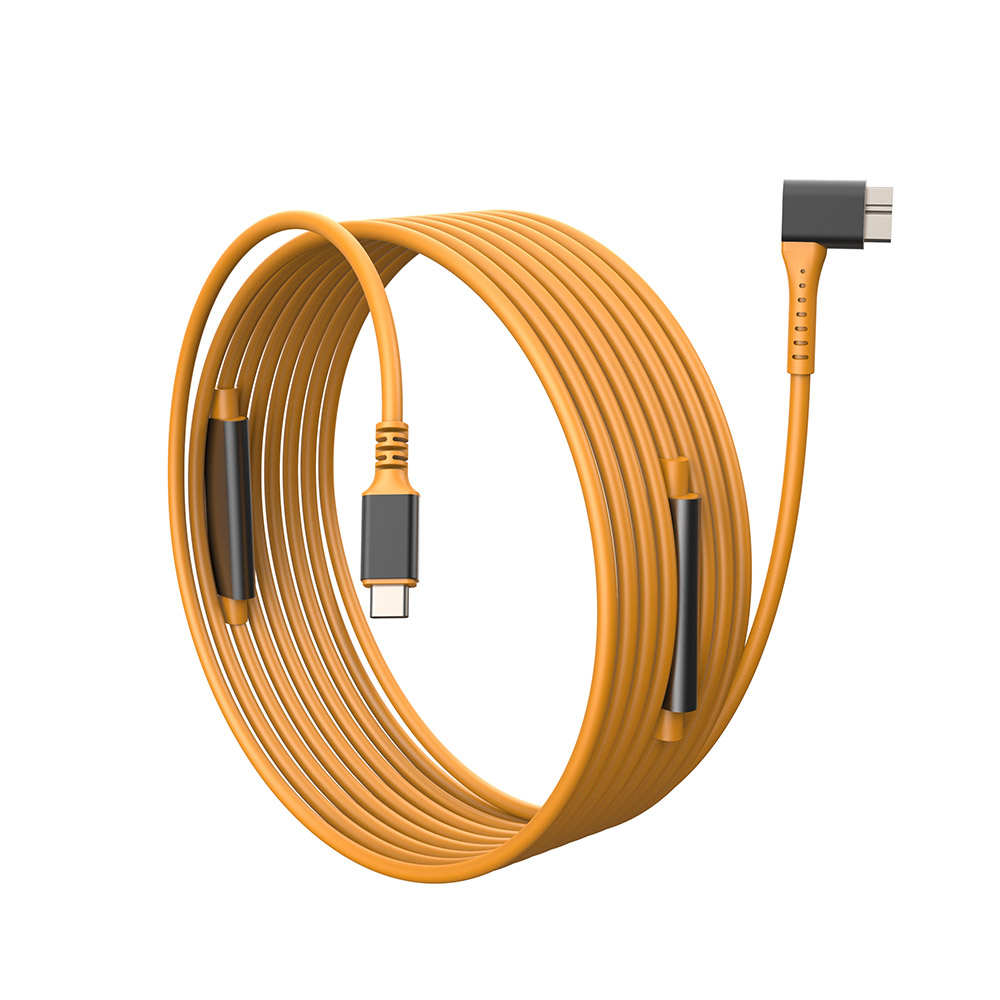
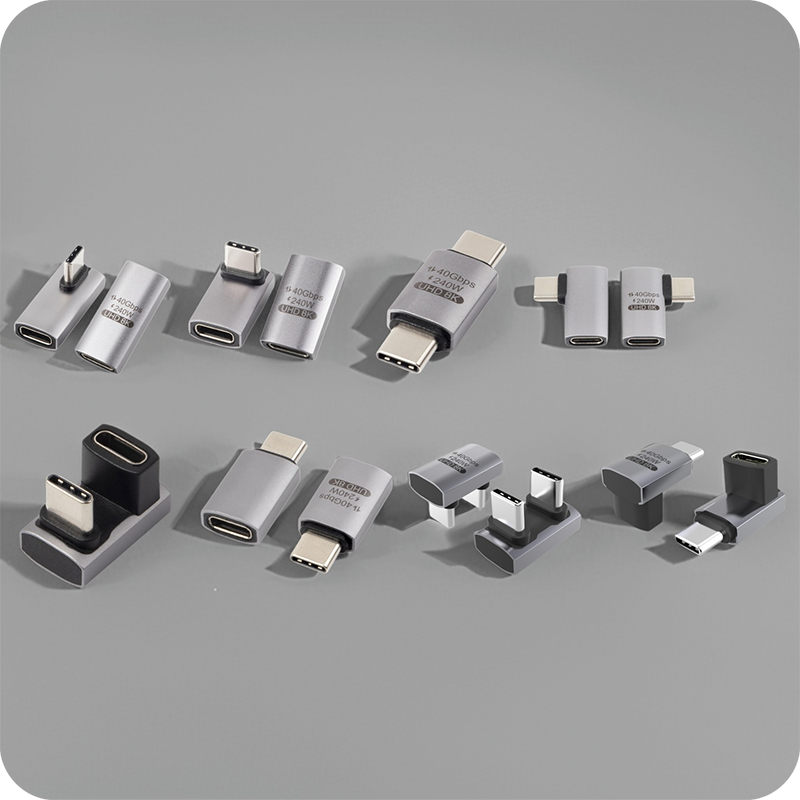
Direction matters too. A downward bend suits a port under a desk and an upward bend suits one on a low shelf, while a body fitted the wrong way pulls the lead across the chassis behind the plate. Buyers specifying a USB 3.2 splitter cable for bench runs should fix the bend direction on the drawing before a sample is cut, because a body that turns the wrong way cannot be corrected once the shell is moulded. The USB-C to USB-B 3.0 tether cable for instruments lists a male-to-male feed and a fixed tether on one page.
USB 3.2 splitter cable build: shielding and shells
It passes the rate the host and cable negotiate; the extra fork is all a USB 3.2 splitter cable adds. A USB 2.0 host caps the link at 480 Mbps, USB 3.2 Gen 2 at 10 Gbps, and a 20 Gbps controller reaches 20 Gbps across a short run. Each mated pair adds insertion loss, so a link already marginal at 10 Gbps drops a rate. Eilinks quotes the same drawing the shell is pressed from, so the buyer sees which claim belongs to which document.
USB 3.2 splitter cable CE and compliance marks
CE marking for a USB 3.2 splitter cable attaches to the finished product placed on the market. A passive fork sits under the EMC and RoHS directives; the technical file must show the tests behind each rated claim before the part ships. A buyer should ask for the file reference before the sample is cut, because the mark means nothing without the test behind it.
The USB-IF compliance program for USB 3.2 splitter cable parts is separate and voluntary, and it applies where the registered name or logo appears on the product. Eilinks keeps the rating figures and the compliance paperwork on separate lines, so a buyer can tell which claim belongs to which document at a glance. The USB Type-C cable and connector specification at usb.org sets the limits the fork must hold.
What to confirm before ordering the splitter
Five items settle an order, and each is answered by the host and the cable rather than by the photograph on the screen. A USB-C splitter cable and a powered USB 3.2 splitter share the same checklist before a sample is cut.
| Check | What to fix on the drawing | What breaks if missed |
|---|---|---|
| Pin count | 9-pin USB 3.2 or 4-pin USB 2.0 | SuperSpeed lost |
| Branch count | Two or three forks | Device left unserved |
| Current rating | The current the contact set holds | Heat at the shell on load |
| Cable grade | Gen 1 5 Gbps or Gen 2 10 Gbps | Rate drops on transfer |
| Insertion duty | Cycles expected on a shared bench | Contacts relax in a season |
A host controller, a cable datasheet and a bend direction close four of the five before a sample is cut. A USB 3.2 splitter cable manufacturer works from those three documents. Eilinks reads the same five off every enquiry before the part is pressed.
- Name the pin count and the branch count
- Fix the current rating against the host
- State the cable grade the fork must hold
- Approve a sample on the real bench
Questions buyers ask
Will a USB 3.2 splitter cable slow the drive?
It passes the rate the host and cable negotiate, so a 5 Gbps link on a rated contact set stays at 5 Gbps on one branch. An under-rated contact adds resistance, and that is where the rate is lost across the fork.
Can the splitter charge two phones at once?
Where the body is passive, the host budget is shared, so two phones split one PD ceiling. A powered USB 3.2 splitter feeds each branch from its own regulator, so the current holds per port instead of collapsing to the slowest draw.
Does the cable work as a bench extender?
As a fork, not as a length. The splitter adds a few centimetres and one mated pair, so it keeps a link working across a port that is hard to reach, but it does not extend a run the way an inline coupler does behind the bench. The HDMI female to female keystone jack panel run shows the same point measured on a 4K60 desk rather than a wall drawing.
What should a China USB 3.2 splitter cable supplier provide?
The pin count, branch count, current rating, cable grade and bend direction settle the order before a sample is cut on the real bench. A supplier that asks for the host first works from the bench, not a catalogue photo on a screen. The same checklist goes on the enquiry form before the press quotes.
Match the pin count and branch count to the space, keep the rate at 5 Gbps where Gen 1 matters. Eilinks Eletronics works from the bench layout and cable grade, and once those are settled the enquiry can go to the contact desk for a drawing review.
