
USB-C to VGA adapter: Mode and Pixel Checks for Desks
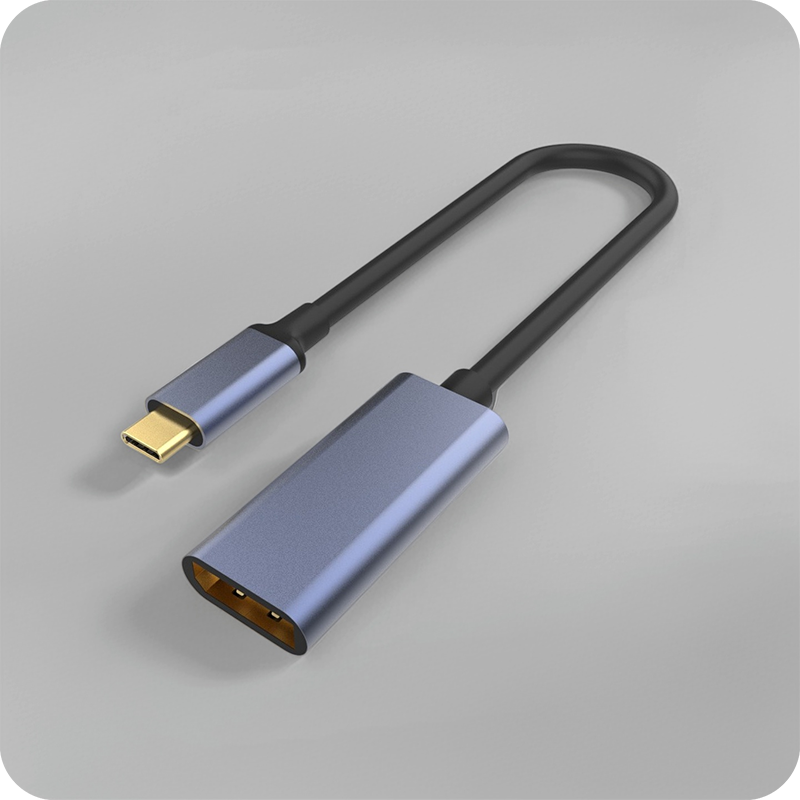
A USB-C to VGA adapter turns a Type-C port that carries DisplayPort Alt Mode into an analogue VGA socket for an older monitor or projector. Our China USB-C cable types guide sets the mode each port must hold, and this page covers what a USB-C to VGA adapter carries, the pixels it holds, and what a supplier should answer before an order. The adapter adds a few centimetres and one converter, so it keeps a picture working across a port that is hard to reach, but it does not extend a VGA run the way an amplified coupler does behind the wall. A VGA socket rates the contact at 15 pins, and a cross fed from a 4K source caps the link at the VGA grade through the converter. A passive cross sits under the EMC and RoHS directives; the technical file must show the tests behind each rated claim before the part ships. Buyers specifying a USB-C to VGA adapter for room runs should fix the bend direction on the drawing before a sample is cut, because a body that turns the wrong way cannot be corrected once the shell is moulded. Buyers should ask for the USB-C to VGA adapter test record together with the quotation.
An adapter is not a cable. It crosses a signal family, so a USB-C to VGA adapter changes a digital lane into an analogue video signal, and the monitor sees a VGA source rather than a data device. The number on the shell is the number the bench reads.
The fork is a bench tool first. A USB-C to VGA adapter sits between the laptop and the display on the worktop, not in the wall and not in a long run, so its only job is the short, repeatable link a meeting room makes dozens of times a week. The drawing is the number the bench reads.
What a USB-C to VGA adapter actually carries
It carries a video lane, not a data lane. A USB-C to VGA adapter is a protocol cross, so the host drops the DisplayPort Alt Mode onto the wire and the chip on the adapter rebuilds it as VGA timing. A USB-C to VGA adapter only works where the source port actually offers Alt Mode, and a port that caps at USB data alone will not light the screen.
The USB Type-C specification rates a connector pair for 10,000 mating cycles, so a part left in the port takes that wear instead of the laptop behind it in a busy room. Pin count decides the ceiling: a 24-pin USB-C body carries the four high-speed pairs and the sideband wires, while a lesser body carries power only through the shell. The bidirectional USB-C switch hub with video and 140 W PD lists 8K video and a shared budget on one page.
A hub keeps the lanes digital end to end, so its pixel ceiling sits far above what a VGA socket accepts. A buyer who names the wrong part pays for features the screen cannot use.
USB-C to VGA adapter and the DisplayPort Alt Mode
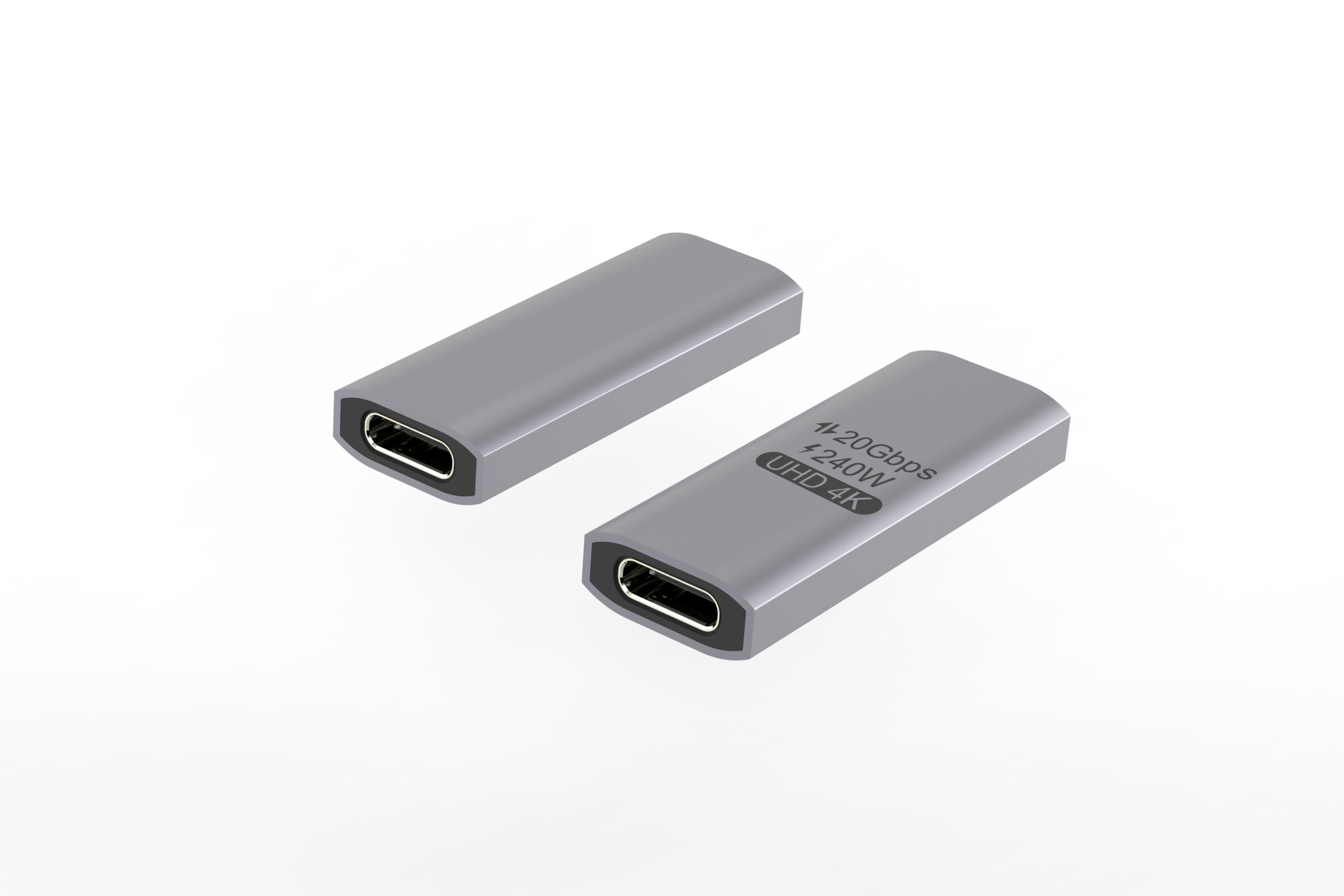
The mode is the first number a buyer should name, because every other figure here is measured against it. A laptop with Alt Mode pushes four lanes of DisplayPort across the Type-C wire, and a USB-C to VGA adapter rebuilds two of them as the red, green and blue analogue lines. A host without Alt Mode leaves the adapter dark, so the port must be checked before the sample is cut. A double-sided 20 Gbps USB-C extension adapter lists a straight pass-through, which a video cross cannot replace on its own.
That distinction decides the order. Where a room has to feed a projector, the answer is a cross in line, and the notes on keystone coupler fit against wall plates show where each one stops on a real panel. A China-built USB-C to VGA adapter ships with the mode on the shell, so a buyer reads the number before the sample is cut.
How many pixels does a USB-C to VGA adapter hold?
The pixel ceiling comes from the VGA side, because a USB-C to VGA adapter is bounded by the analogue budget the screen accepts. A standard cross holds 1920 by 1080 at 60 Hz, and a fork fed from a 4K source caps the link at the VGA grade through the converter. A 10-metre USB 3.2 Gen 1 Micro-B cable lists a long reach on one page, though a VGA run that long needs its own amplifier. A long analogue run picks up noise a digital lane would reject, so plan any run past the desk on its own before the order goes out. A USB-C to VGA adapter factory in China quotes the same drawing, so the rating travels with the part. Eilinks asks for the source mode before the cross is cut.
| Property | USB-C to VGA adapter | USB-C hub |
|---|---|---|
| Signal crossed | Digital to analogue | Digital to digital |
| Max pixels | Up to 1080p | Up to 8K |
| Power draw | From the port budget | From PD controller |
| Room load | One display on the desk | Four devices in line |
- Name the source mode the laptop offers
- Fix the pixels the screen accepts
- Confirm the power the converter draws
Should a USB-C to VGA adapter be active or passive?
The cross changes hands. A passive cross only works where the source emits a native VGA-compatible signal, while an active USB-C to VGA adapter carries a converter chip so the host stays in DisplayPort. Behind a room, against a rack or into a ceiling mount, a passive cross leaves the signal to the laptop, and an active body moves that conversion into its own shell, so a USB-C to VGA adapter for shared walls often ships with a small chip from the press. A USB-C to USB-B 3.0 tether cable for instruments lists a male-to-male feed and a fixed tether on one page.
Wear is the usual reason a screen drops. A USB-C to VGA adapter left in a meeting room takes every insertion the week makes, and the spring fingers relax before the 10,000-cycle figure is reached because the cycles arrive sideways through the body. Signal loss shows first as a flicker, then as a lost sync before the host settles. Eilinks Eletronics rates the contact before the device port, because the cross part is the cheaper half of that pair.
USB-C to VGA adapter build: shells and strain relief
It passes the pixels the host and screen negotiate; the extra chip is all a USB-C to VGA adapter adds. A VGA socket rates the contact at 15 pins, and a cross fed from a 4K source caps the link at the VGA grade through the converter. The same drawing the shell is pressed from carries the rating, so the buyer sees which claim belongs to which document. The USB-C female keystone jack with double-side 20 Gbps lists a panel mount and a through-shell body on one page.
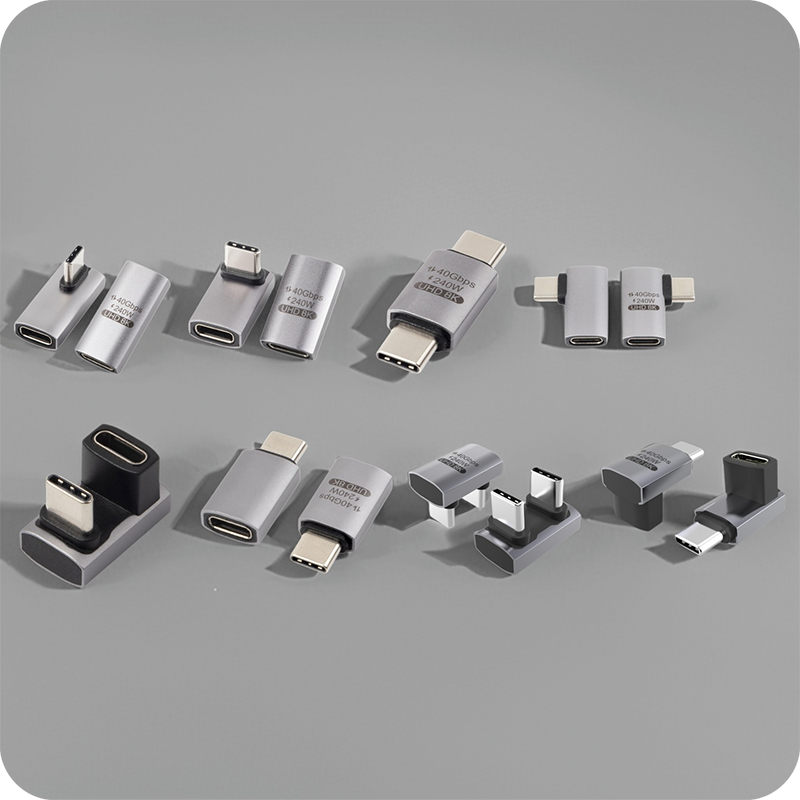
Direction matters too. A downward bend suits a port under a desk and an upward bend suits one on a low shelf, while a body fitted the wrong way pulls the lead across the chassis behind the plate. Buyers specifying a USB-C to VGA adapter for room runs should fix the bend direction on the drawing before a sample is cut, because a body that turns the wrong way cannot be corrected once the shell is moulded.
USB-C to VGA adapter compliance marks
CE marking for a USB-C to VGA adapter attaches to the finished product placed on the market. A passive cross sits under the EMC and RoHS directives; the technical file must show the tests behind each rated claim before the part ships. A buyer should ask for the file reference before the sample is cut, because the mark means nothing without the test behind it.
The USB-IF compliance program for USB-C adapter parts is separate and voluntary, and it applies where the registered name or logo appears on the product. Eilinks keeps the rating figures and the compliance paperwork on separate lines, so a buyer can tell which claim belongs to which document. The USB Type-C cable and connector specification at usb.org sets the limits the cross must hold.
What to confirm before ordering the adapter
Five items settle an order, and each is answered by the source and the screen rather than by the photograph on the screen. A USB-C to VGA adapter and an active converter share the same checklist before a sample is cut.
| Check | What to fix on the drawing | What breaks if missed |
|---|---|---|
| Source mode | DisplayPort Alt Mode or none | Screen stays dark |
| Pixel ceiling | 1080p or the screen’s max | Resolution drops |
| Active or passive | Chip on board or native | Signal lost on convert |
| Current draw | The current the converter pulls | Heat at the shell |
| Insertion duty | Cycles expected in a room | Contacts relax in a term |
A source mode, a screen max and a bend direction close four of the five before a sample is cut. A USB-C to VGA adapter manufacturer works from those three documents. Eilinks reads the same five off every enquiry before the part is pressed.
- Name the source mode and pixel ceiling
- Fix the active or passive choice
- State the current the converter draws
- Approve a sample on the screen
Questions buyers ask
Will a USB-C to VGA adapter work on any laptop?
It works where the port offers DisplayPort Alt Mode, so a laptop that caps at USB data alone will not light the screen through a cross. An under-rated contact adds noise, and that is where the sync is lost across the converter.
Does the adapter need external power?
Where the body is active, the converter draws from the port budget, so a 1080p cross holds without a side feed. A passive USB-C to VGA adapter leans on the source, so the laptop must emit a VGA-compatible signal before the link settles.
Can the adapter reach 1080p over a long cable?
As a cross, not as a length. The adapter adds a few centimetres and one converter, so it keeps a picture working across a port that is hard to reach, but it does not extend a VGA run the way an amplified coupler does behind the wall. The HDMI female to female keystone jack panel run shows the same point measured on a 4K60 desk rather than a wall drawing.
What should a China USB-C to VGA adapter supplier provide?
The source mode, pixel ceiling, active or passive choice and current draw settle the order before a sample is cut on the bench. A supplier that asks for the host first works from the room, not a catalogue photo on a screen. Each of the five is answered by the drawing before the sample is cut.
Match the source mode and pixel ceiling to the screen, keep the rate at 1080p where the VGA budget matters. Eilinks Eletronics works from the room layout and converter grade, and once those are settled the enquiry can go to the contact desk for a drawing review.
